Event venue website design: one page with spaces, capacity and date requests
An event venue website has to show each room, its seated and standing capacity, and how to request a date, all readable on a phone. Pagenello writes and builds that as one custom page for $590, with each space described in your words and links to the calendar and request tools you already use. Before anything is paid, the free first look shows the top of the page.
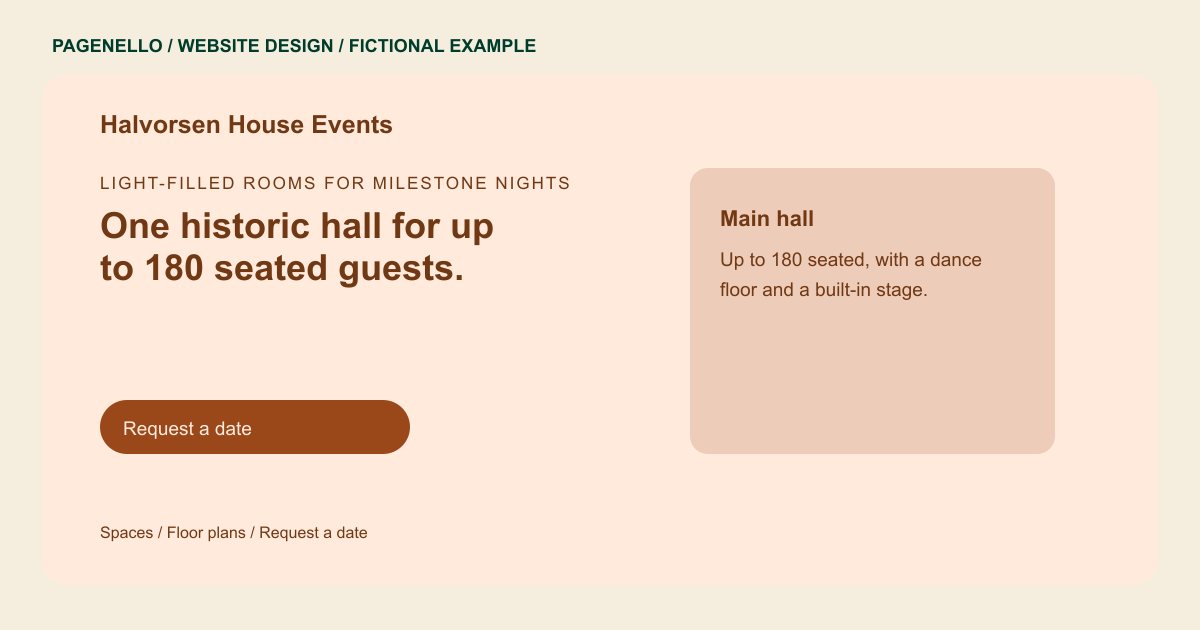
Light-filled rooms for milestone nights
One historic hall for up to 180 seated guests.
Weddings, galas and corporate dinners, with in-house setup and an on-site coordinator. Ask about the rooms and request your date.
Plan your event venue website
What do event venue customers look for on a website?
A host planning a seated dinner may compare room capacity, furnishings and available dates before arranging a tour. Show the spaces you rent and the setup options you actually offer. Keep capacities consistent with your venue’s current information, and explain how someone can ask about a date. Photos you have permission to publish can show how a room is arranged for an event.
| Customers look for | On your Pagenello page |
|---|---|
| Spaces and capacity | Give each room’s permitted capacity for the configurations your venue offers, as verified by your team. A separate gallery or events page is $190. A seated meal and a standing reception can use a hall differently. Give the numbers your venue permits for each setup, and check those figures against your current event documents before a host receives a proposal. |
| Dates and availability | Link to the calendar or inquiry service you already maintain. Explain how a host can ask about a date without implying the page itself reserves the space. |
| Photos set up for events | Use authorized photos of each room set up for an event. Caption the space and visible configuration so a host knows what is shown. Select views that show the actual configuration, such as a hall arranged for dinner or a room with a stage. Identify what the rental includes and get permission before publishing images that show guests or another vendor’s work. |
| Packages and what is included | Distinguish the furnishings and staffing included in your actual rental from optional services. Keep the terms consistent with your current proposal. A host comparing rentals may need to distinguish tables supplied by the venue from equipment arranged through a vendor. Explain what your agreement covers and whom the organizer should ask about additions. |
| Tours and requests | Offer a way to request a tour, with a phone or email contact your team monitors. Add practical entrance and parking information for visitors. For a first inquiry, a host might share the event date, expected guest count and type of gathering. Explain how your team confirms availability, and distinguish a date inquiry from a reservation under your actual terms. |
Which tools can my page link to?
Your page can link to the calendar or inquiry service your venue already maintains. A host can also call or email about a tour, guest count or available date. The page does not reserve the room itself, and a new inquiry form or booking system is outside the package.
What does it cost?
$590 once. The first look is free. Use an additional $190 page for more venue photographs or event information. Google Business Profile setup costs $149; the venue must verify its listing with Google and grant Pagenello manager access.
See the complete pricing and terms and how the first look works.
Questions from event venue owners
Should capacity and floor plans be on the page?
Yes. Planners usually narrow a list by guest count first, so each room’s seated and standing numbers go on the page as text. Floor plans can be images or PDFs linked from each room, and a full gallery can sit on its own page, $190.
Can planners check dates before they call?
If your calendar or inquiry service provides a shareable page, the site can link to it. Visitors see the information you make available there; the Pagenello page does not hold dates or take deposits.
Does the site need a request form?
No form is built into the page. Requests go through your booking tool, by email or by phone, and the page has a button for each. A request form or booking system built from scratch is outside this package.
What if I don’t have photos of set-up rooms yet?
I use your own photos. Until you have photos of a room set for an event, I leave a clearly marked placeholder in that spot rather than a stock image of a room you don’t have.
How should I list packages?
As plain text, with what is included and what costs extra. Planners compare packages side by side, so the same details in the same order for every room make the comparison easy. Small price changes are text edits.
