Nonprofit website checklist: serve your community and supporters
A useful nonprofit website explains your mission, who can use your programs and how to reach your team. Give donors and volunteers their own clear routes to act, and offer current organizational information for people checking your work. Use this checklist to gather the details and decide who will keep each one current.
Want this built for you? See the top of your own page free before paying.
By Luis Junior
Start with the people you serve
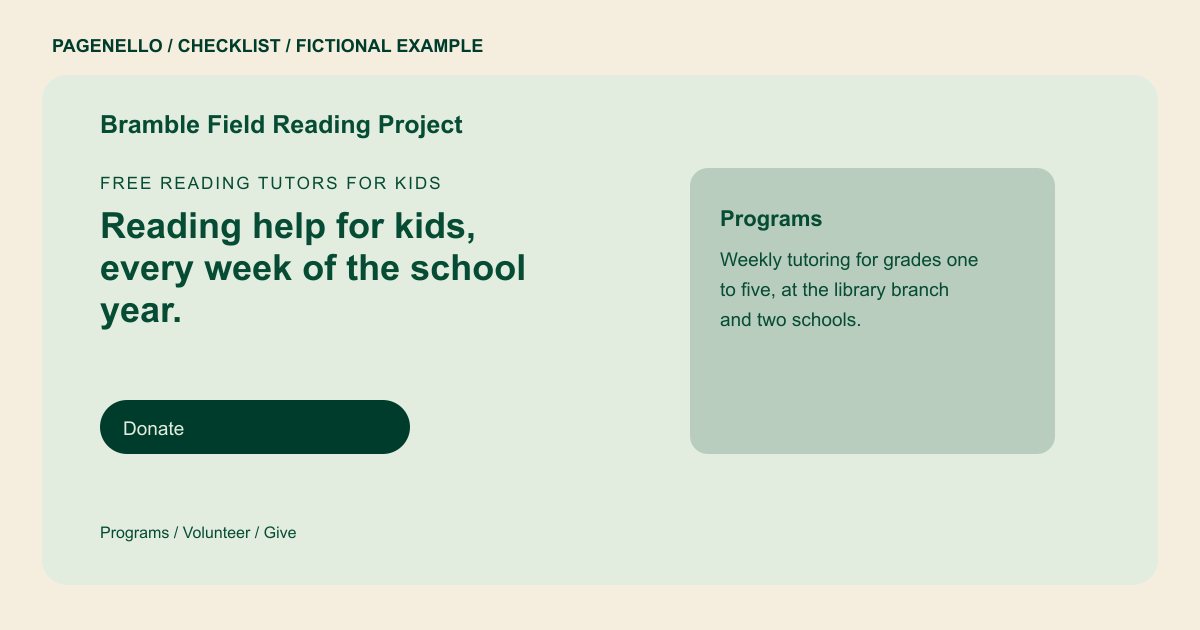
Describe each program in terms a prospective participant can understand: who it is for, where it operates and how to ask for assistance. If enrollment is closed or eligibility varies, say whom to contact for current information.
Make participation practical
A donor may need the giving link while a volunteer needs a role description. Label those paths separately. Explain the commitment for each open role and direct applicants to your existing volunteer process.
Keep public records useful
Link to the latest annual report or filing you choose to share, identify your leadership and verify any tax-status wording before publishing. Assign someone to remove expired event notices and replace old links.
Nonprofits: checklist
Questions about nonprofit websites
Should donations be collected on the page itself?
A clearly labeled link can take supporters to the donation platform your organization already uses. Pagenello’s one-page package does not build a donation or payment system.
What should a small nonprofit say about impact?
Share a specific account or figure only when your organization can substantiate it and has permission to use it. Give the reporting period and explain what was counted when those details help readers interpret it.
Can a program directory fit on one page?
A short overview and contact path may fit. If the directory needs more room, an extra page in the same design is available for $190.
