Coworking website checklist: help visitors choose a space
A coworking website should let someone compare your spaces and plans, understand access and arrange a visit. Gather current membership details, photos of the actual rooms and the links you use for tours or reservations. Mark the items below as you prepare a page for a single location or review an existing one.
Want this built for you? See the top of your own page free before paying.
By Luis Junior
Describe the space people will use
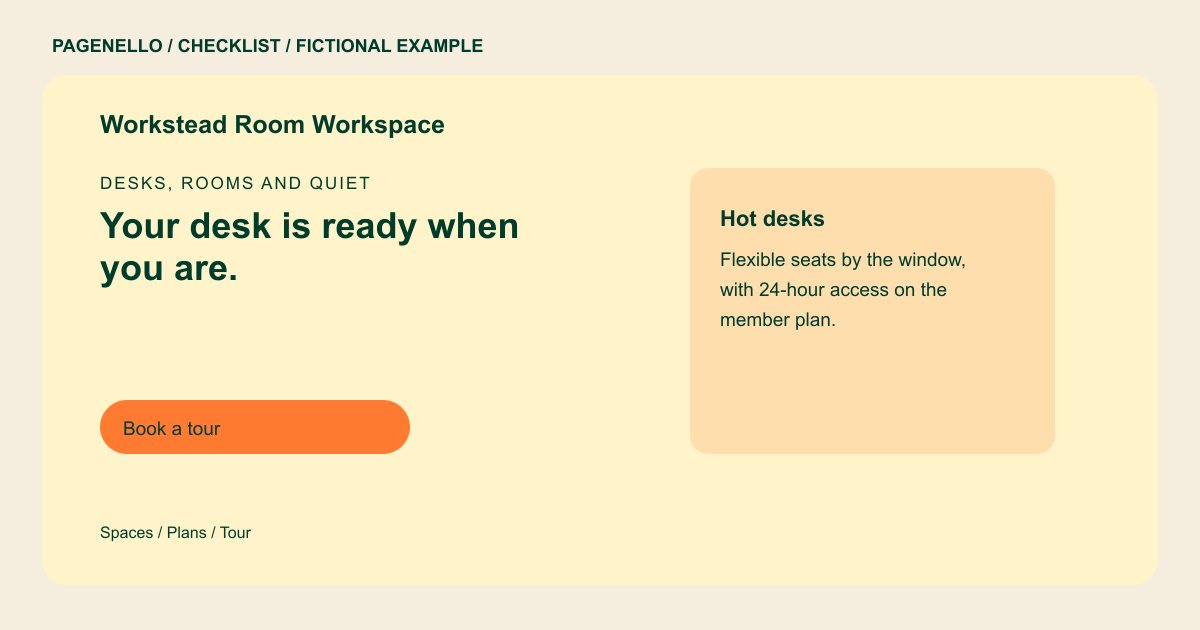
Show the types of workspace you offer, such as shared desks, private offices or meeting rooms. Use current photographs of the actual space, with permission from anyone identifiable. Explain practical details such as arrival, accessibility and places for calls when they apply.
Make plans comparable
For each available option, gather its price or pricing link, access hours and included amenities. Distinguish a day pass from a recurring membership and explain guest or meeting-room allowances. Assign someone to update the page when those terms change.
Connect a visitor to the right next step
Label tour and meeting-room buttons separately so a prospective member can choose the right destination. Link to the booking or membership platform you already use; the website does not replace its availability, payment or door-access functions.
Coworking spaces: checklist
Questions about coworking websites
Should I publish every membership price?
Share the prices and inclusions you can keep accurate, or link to the current plan list in your membership platform. Make clear when a visitor needs to ask for a quote.
Can a one-page site manage room availability?
The page can link to your existing room reservation system. Availability, payments and member accounts remain in that system; a new booking system is outside the package.
What should a visitor know before booking a tour?
Include the address, available workspace types and how to contact the team. Add entrance or accessibility information when it helps someone plan their visit. Mention the actual entrance arrangements for your location.
How should I present multiple locations?
Make the address and tour link for each location clear. If the plans and spaces need more room, an additional page is available for $190.
