Optometrist website checklist: prepare patients for a visit
An optometry practice website should explain the eye care services available, how to arrange a visit and where the office is located. Add accurate information about vision plans, clinicians and what patients should bring. Work through the checklist with your staff so scheduling and coverage details match the way your practice operates.
Want this built for you? See the top of your own page free before paying.
By Luis Junior
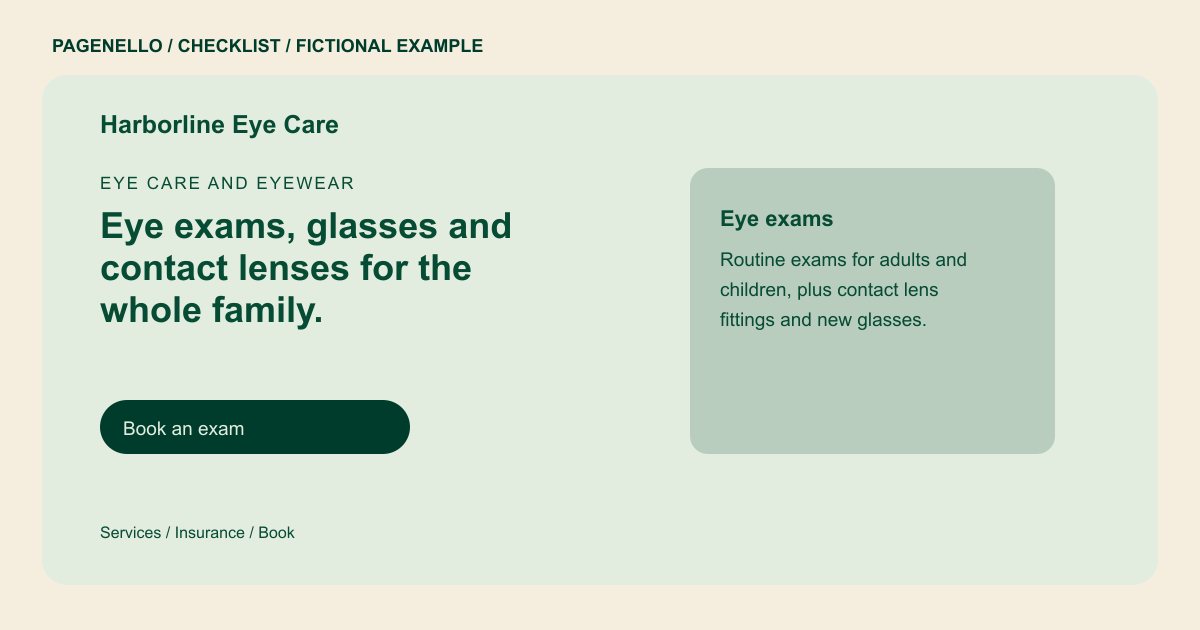
Separate visit types clearly
List the services your office actually provides, such as routine eye exams, contact lens fittings or eyewear selection. Let patients know how to ask which appointment type they need rather than suggesting a diagnosis online.
Answer practical coverage questions
Name accepted vision plans only after confirming the current list. Explain that benefits and eligibility can differ by patient, and provide a number for checking costs or whether medical insurance may apply to a particular visit.
Prepare for arrival and follow-up
Show office hours, directions and accessibility or parking information where available. Explain what patients should bring, such as their current glasses or insurance card, and send existing patients to the practice portal for private matters.
Optometrists: checklist
Questions about optometrist websites
Should I list every vision plan by name?
List the plans your office can verify and assign someone to keep the list current. Invite patients to check their individual benefits with the office or their plan.
Can patients book an eye exam from this page?
A button can open your existing scheduling service, or patients can call your office. Pagenello does not build a scheduling system or connect the page to patient records.
Should the site explain what to do for urgent eye symptoms?
Ask your clinical team to prepare accurate local instructions and review them regularly. Keep emergency guidance distinct from routine appointment information and check applicable professional requirements.
