Dental website checklist: prepare for a first appointment
A dental practice website should tell prospective patients who provides care, what services are available and how to arrange a visit. Prepare your office details, new-patient instructions and payment information, then review every statement with the practice. Use the checklist to collect accurate material before the page goes live.
Want this built for you? See the top of your own page free before paying.
By Luis Junior
Introduce the practice clearly
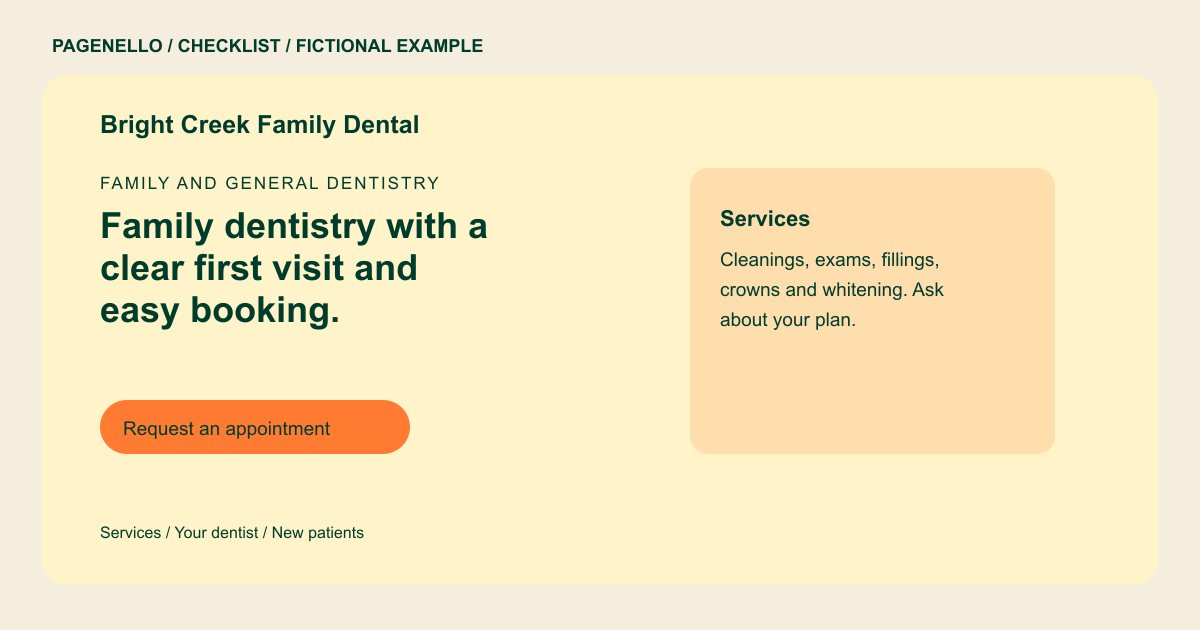
Identify the dentists and their verified credentials, and describe services in terms a patient can understand. State whether the office is accepting new patients if you can maintain that information. Confirm that any professional descriptions and advertising follow the rules applicable to your practice.
Walk through the first appointment
Explain how patients arrange a visit, what to bring and where to find any existing patient portal. Give office hours and arrival directions. If you offer urgent appointments, describe your actual contact process and its limits without promising immediate care.
Handle coverage questions with care
Tell patients how to ask about benefit plans, fees and payment options. Coverage can depend on the individual plan, so invite patients to confirm details with your office. Keep clinical history and other sensitive information in the practice’s established intake channel.
Dentists: checklist
Questions about dental practice websites
Should a dental website list every insurance plan?
List plans only if the office can keep that information accurate. Explain how patients can check their specific benefits, since a plan name alone may not describe an individual’s coverage.
Where should new patients complete medical history?
Direct them to the intake or patient portal your practice already uses. Avoid asking for health history through ordinary email or the public page; review your communication process with the appropriate privacy adviser.
Can I describe urgent dental appointments?
Yes, describe the availability and contact steps your office actually offers. Review the wording with your team and update it when the schedule or process changes.
