Dog trainer website design: one page for your classes, approach and sign-ups
A dog trainer website has to explain which classes you run, who each class suits and how a first session works. Owners look for a trainer they can trust with their dog, so your methods and credentials need to be clear. For $590, Pagenello writes and builds one custom page with links to the sign-up tool you use. A free first look shows you the top of the design before you pay.
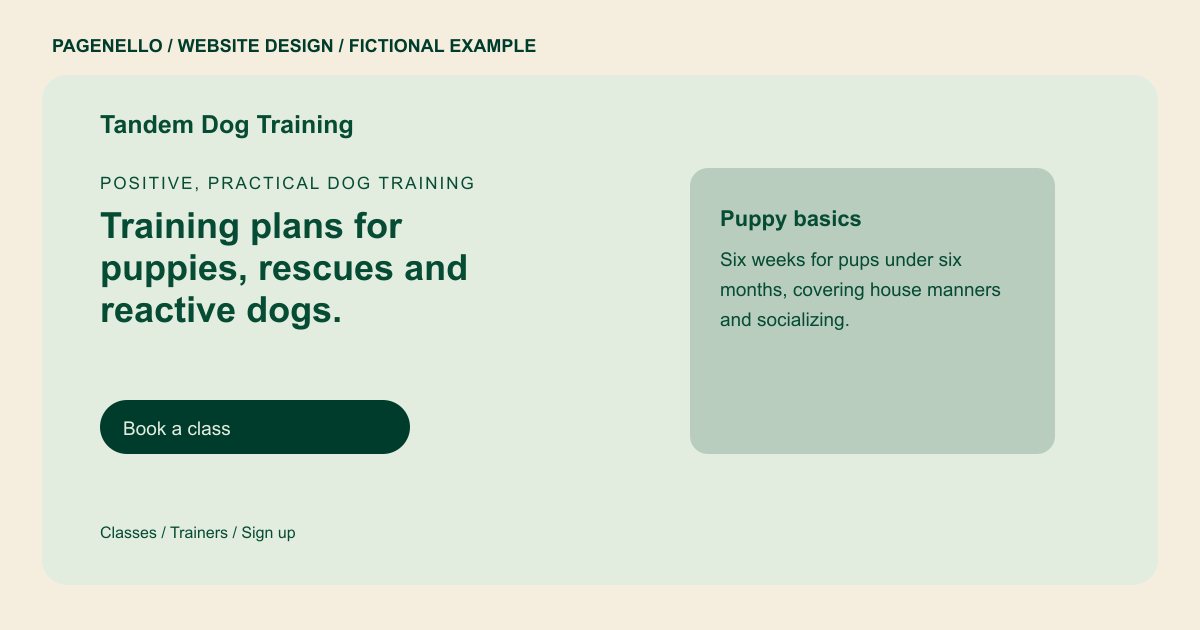
Positive, practical dog training
Training plans for puppies, rescues and reactive dogs.
Group classes on Tuesdays and Saturdays, plus private lessons at your home. Every plan includes homework you can do between sessions.
Plan your dog training website
What do dog training customers look for on a website?
A dog owner looking for a trainer usually has a problem to solve: a puppy who nips, a rescue who pulls on the leash, or an adult dog who lunges at other dogs on walks. They want to know your methods, whether training happens in a group or at home, and what a first session involves. They also look for certifications, and whether a class suits a dog who is shy around strangers. A page that says only obedience training leaves them unsure whether to call.
| Customers look for | On your Pagenello page |
|---|---|
| Classes and private lessons | Your programs, such as puppy, basic manners, reactivity and private lessons, each with a line on who it suits. |
| Training approach | A short, plain description of your methods in your own words, so owners know what the dog learns and what they practice between lessons. |
| Trainer credentials | Your certifications and the organizations that issued them, listed as text so owners can check them. |
| Schedule and first session | Class dates and times, what happens in a first session, and what to bring or prepare in advance. |
| Sign-up and questions | A button to your class booking page, plus tap-to-call or WhatsApp for owners who want to ask about their dog first. |
Which tools can my page link to?
Many trainers take sign-ups through Square Appointments, Calendly or a class booking app, and many send reminders by text. Your page links to the sign-up tool you use, so an owner can see the next class and book it in one tap. For group classes, a link to your waiver can sit next to the sign-up button, as long as the waiver lives in your own tool. Payments, waivers and dog records stay in your tools, not on this page.
What does it cost?
$590 once. The first look is free. A separate page for training videos or progress photos ($190) suits trainers with a lot of footage to share. Care Plus ($390 a year) keeps class dates and new programs current as your schedule changes.
See the complete pricing and terms and how the first look works.
Questions from dog training owners
Can owners sign up for classes from my site?
Yes. The sign-up button links to the booking tool you use, such as Square Appointments or Calendly, and the phone or WhatsApp button covers owners who want to ask first. Pagenello does not handle bookings or payments, so enrollments stay in your tools.
What should I say about my training methods?
Describe what you do in plain words: how you reward good behavior, how you handle problems, and what owners do between lessons. Skip any claim that a method always works, because results depend on the dog and the owner.
Can I show videos of dogs I have trained?
Yes, with the owner’s permission, and keep the dog’s name and the owner’s address out of captions. Short clips work well, though heavy video files slow a page down. A link to your video channel is often the simpler choice.
Do I need a page for each class?
Usually not. A list on the front page, with one line per class and who it suits, covers most trainers. A large program or a board-and-train service can have its own page, which is $190.
How do I change class dates after launch?
Send the revised class details for a text update. Small text and photo edits are included for 30 days after launch. After that, Care Plus costs $390 a year and covers up to two small edits a month; your detailed schedule can stay in your existing enrollment tool.
