Horse stable website design: one page with boarding, lessons and barn tours
A horse stable’s website has to show the boarding options, the lesson levels, what the barn looks like and how to book a tour. Owners and riders read it on a phone while they plan a visit. Pagenello makes it into one custom page for $590, written for your barn and linked to the scheduling and lesson tools you already use. The free first look shows the top of the page before any payment is due.
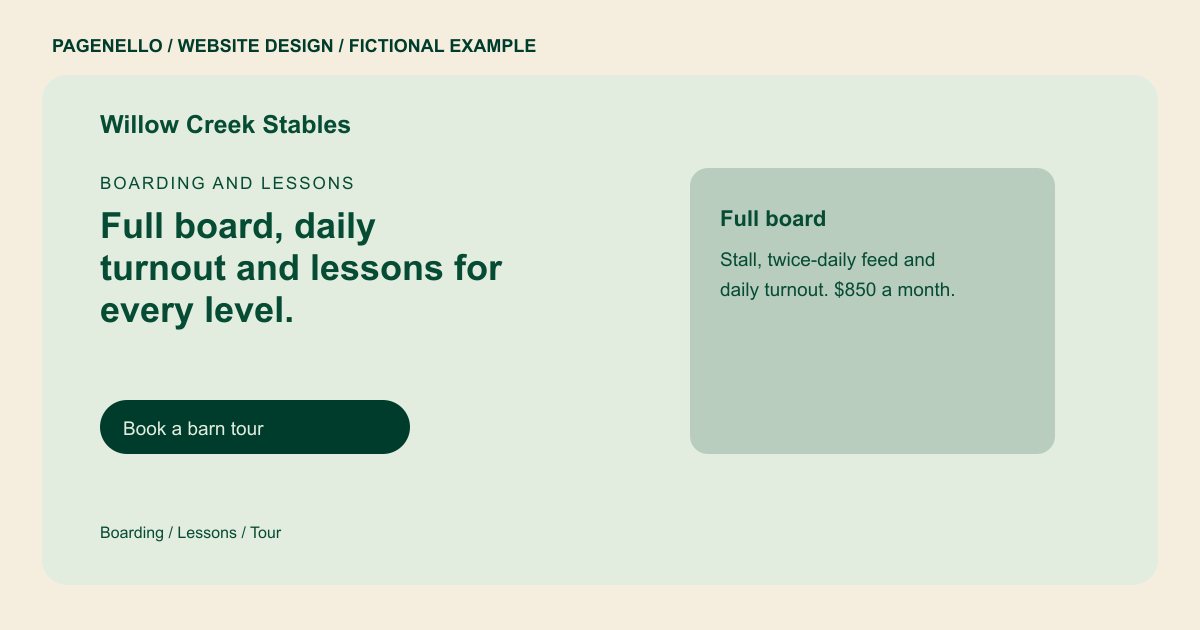
Boarding and lessons
Full board, daily turnout and lessons for every level.
Stalls with daily turnout, lessons from beginner to show prep, and a tack room with lockers. Tours by appointment on weekday evenings.
Plan your horse stable website
What do horse stable customers look for on a website?
A horse owner looking for a boarding barn wants to know what happens to the horse each day: how often it is turned out, who feeds it and who is around in the evening. Riders looking for lessons check the instructor, the levels and whether there are school horses to ride. Both want to see the facilities and the barn rules on vets, farriers and insurance. A page with a clear tour link and a list of boarding options answers most of that before anyone drives out.
| Customers look for | On your Pagenello page |
|---|---|
| Boarding options | The types of board you offer, such as full board, partial board or pasture board, with what each one includes and its monthly price. |
| Lesson levels and instructors | The lesson levels you teach, the instructor’s name, and whether lessons use your school horses or the rider’s own horse. |
| The barn and turnout | Photos of the stalls, aisle, arena and turnout paddocks, with a line on the daily feeding and turnout schedule. |
| Care and house rules | Who handles feeding and turnout, which farrier and vet visits are included, and your rules on blankets, supplements and liability insurance. |
| Tours and openings | How to book a barn tour, whether you have stalls open or a waitlist, and a button to your scheduling calendar. |
Which tools can my page link to?
Most barns keep boarding agreements, lesson schedules and billing in barn management software, and post clinics and shows on Google Calendar or a Facebook group. Your page links to your tour booking, your lesson calendar and your event page in those tools, so owners see the same dates you post. Tap-to-call covers quick questions about the barn. Payments and signed agreements stay in the software you already use.
What does it cost?
$590 once. The first look is free. An events page for clinics and camps costs $190. For $149, profile setup matches the barn information to the site; you complete verification with Google and grant access.
See the complete pricing and terms and how the first look works.
Questions from horse stable owners
Can owners book a barn tour from my site?
Yes. The page links to your tour booking in the calendar or scheduling tool you already use, and a tap-to-call button handles same-day questions. Pagenello doesn’t build a booking system, so your calendar stays where it is.
Should I post boarding prices?
Yes. Monthly prices for each type of board help owners compare barns before they call. Seasonal rates can sit on the same line, so one glance covers the whole price list.
Can I post photos of the horses?
Yes, but ask each owner first, and keep photos of your facilities separate from client horses. A gallery of the barn can be refreshed each season without touching the horse photos.
What about barn rules and insurance?
List the rules owners need to know, such as insurance requirements, vet and farrier access and the blanket policy, in short bullets. Care Plus, at $390 a year, covers a rule change or a new farrier schedule with a quick edit.
Can I keep the lesson schedule on the page?
Yes. Lesson times are plain text, so a change to the term is a quick edit. Keep one line for each level so a rider can scan the week at a glance.
