Architect website checklist: prepare your practice portfolio
An architect website should show relevant work, explain the services your practice provides and give prospective clients a clear way to discuss a project. Gather approved images, project descriptions, professional details and consultation information. Use this checklist to prepare a portfolio that accurately represents your role in each project.
Want this built for you? See the top of your own page free before paying.
By Luis Junior
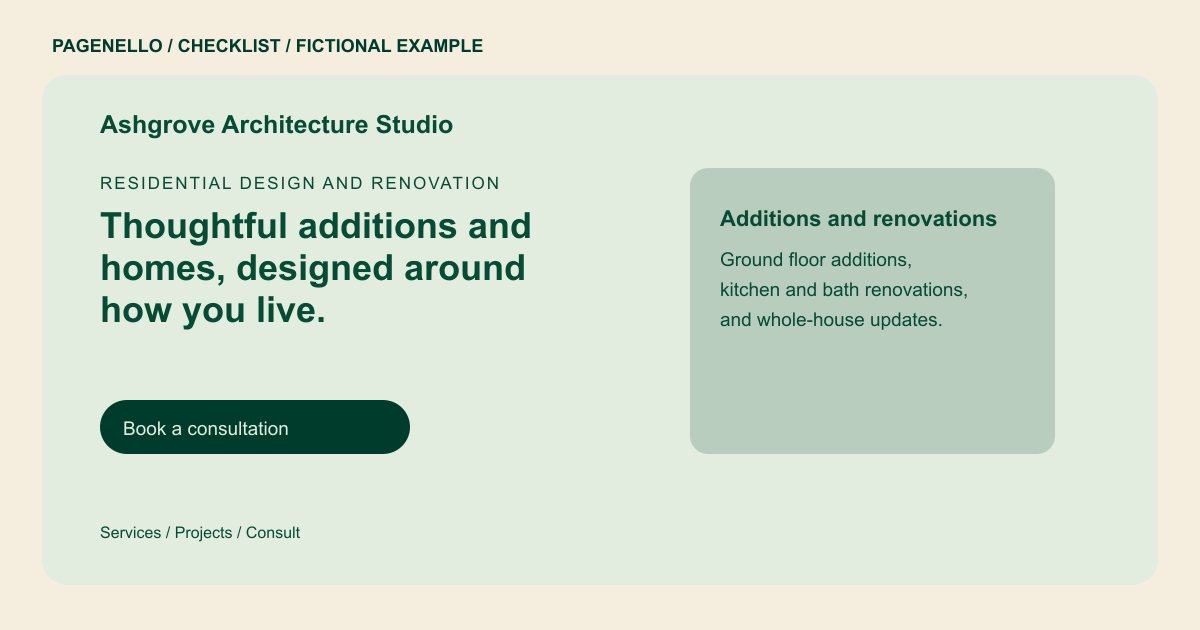
Select projects with context
Choose work related to the commissions you want to discuss. Identify the project type, your role and the design phases you handled. Label unbuilt work accurately, credit collaborators and obtain permission to use photographs, drawings and any client information.
Explain the scope of your practice
Describe the project types and services you actually offer, from early concepts through any later phases you undertake. A short process outline helps a client understand what to ask at the first meeting without implying that every commission follows the same path.
Prepare the consultation path
State how a prospective client can reach the studio and what information is useful for an initial conversation, such as site, project type and goals. Include your verified license details and check the professional advertising rules that apply where you practice.
Architects: checklist
Questions about architect websites
Can I show a project completed at another firm?
First confirm that you may use the images and disclose the project. Clearly identify your own role and credit the firm and other contributors as appropriate.
Should I include conceptual work?
Yes, if you label it as unbuilt or conceptual and have permission to share it. Explain your role so a visitor understands what the images represent.
Can a one-page site hold an architecture portfolio?
A concise selection can sit alongside services, credentials and contact details. For additional project or gallery space, a separate page is available for $190. Caption the images with your contribution and any required credits.
