Computer repair website checklist: prepare for the drop-off
A computer repair website should tell visitors which devices and faults you handle, how diagnosis works and where to bring a machine. Gather your drop-off instructions, current shop hours and a contact route before writing the page. Use the checklist below to identify the details your technicians can confirm and keep current.
Want this built for you? See the top of your own page free before paying.
By Luis Junior
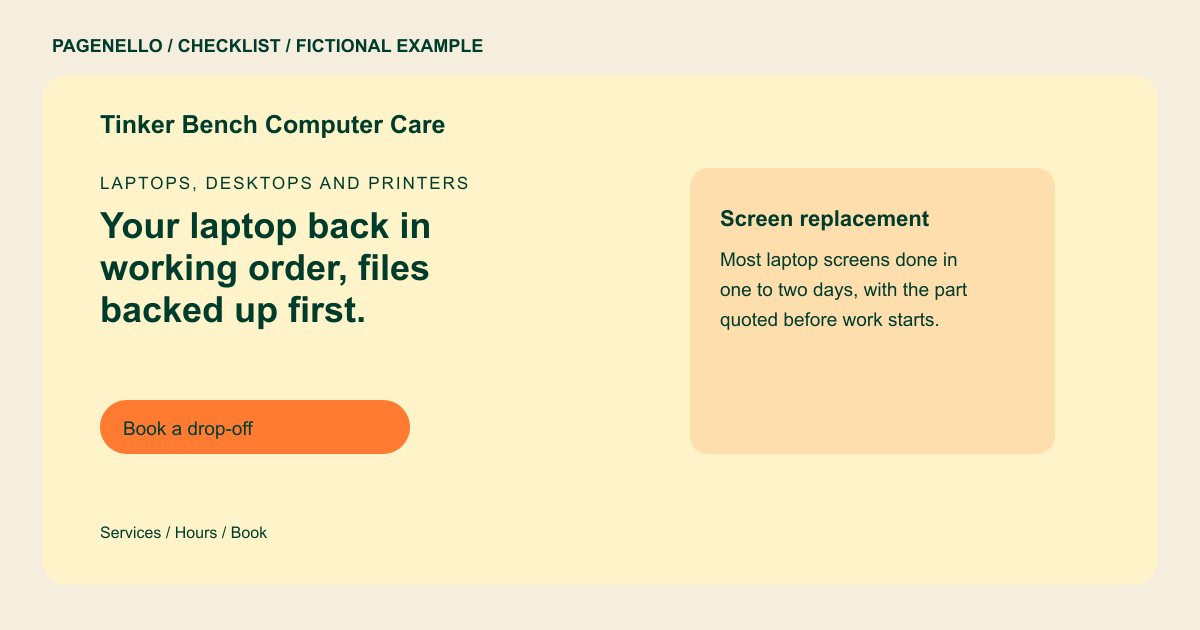
Name the problems your bench handles
Group repairs by device and symptom: a laptop that will not charge, a desktop that needs an upgrade or a damaged screen. Identify supported brands only when your shop works on them. Separate walk-in repairs from on-site business support if the process differs.
Explain what happens to the machine
Describe the diagnostic fee if there is one, how you seek approval before chargeable work and how customers learn when pickup is possible. Explain your actual data-handling and backup practices without promising recovery or asking visitors to send passwords through the website.
Make drop-off and follow-up clear
Share the counter address, opening hours and whether appointments are needed. If your repair system has a customer-facing ticket lookup or booking page, link to it and test the destination on a phone.
Computer repair shops: checklist
Questions about computer repair websites
Should I put fixed repair prices online?
Publish a diagnostic fee or prices for specific jobs only if they are current. Explain when parts or inspection can change the quote and when you request approval.
Should a customer send their password through the site?
Keep passwords and sensitive files out of a general inquiry. Explain your own secure handoff process directly to the customer when access is actually needed.
Can visitors track an open repair on a one-page site?
A button can lead to the status portal your shop already uses. The Pagenello page does not create or maintain repair tickets itself. Customers follow the shop’s usual process to access their ticket.
What if I also support office networks?
Describe that service separately from walk-in device repairs. If the explanation needs more space, an additional page is available for $190. That gives business clients room to understand the support you provide.
