Notary website checklist: prepare signers before they call
Your notary website should identify the services you offer, where appointments take place, how to contact you and what signers need to prepare. Explain fees and travel terms accurately, and review any advertising or commission details against the rules that apply in your state. Use the checklist to assemble those details before launch.
Want this built for you? See the top of your own page free before paying.
By Luis Junior
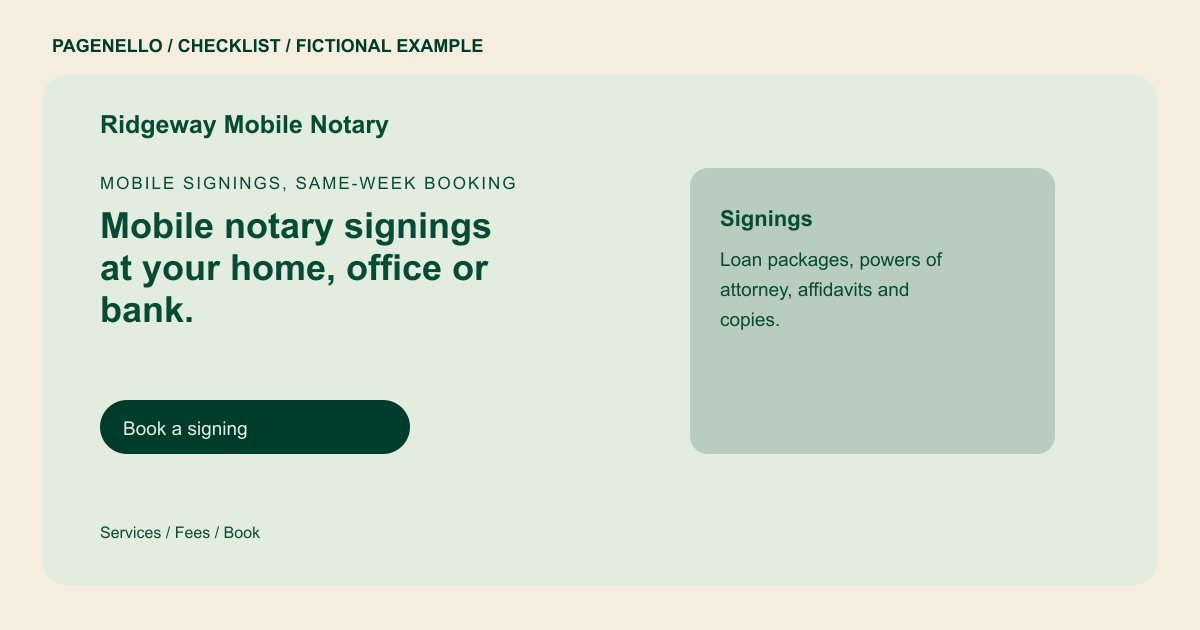
Describe the appointment you provide
Distinguish office appointments from mobile visits and remote online notarization only if you actually offer them. Name the area you serve and explain how someone can ask about an urgent or after-hours signing.
Help signers arrive ready
Provide preparation instructions that fit your state and the signing: identification, the complete document and any necessary participants. Ask clients to check with the receiving organization about document-specific instructions; do not choose a notarial act for them.
Review wording and fees
Separate any travel charge from the notarization fee when describing your pricing. Confirm fee limits, required disclosures and any restrictions on legal advice or advertising with the appropriate state authority.
Notaries: checklist
Questions about notary websites
Should a mobile notary publish a travel fee?
Explain whether travel is charged separately and how a signer can obtain a quote. Check the rules that apply where you are commissioned before stating or collecting any fee.
Can clients upload documents to the Pagenello page?
The package does not include uploads or a document portal. Direct signers to the document-sharing process you already use, after reviewing its suitability for sensitive information.
How should I present remote notarization?
Mention it only if you are authorized and equipped to provide it. Explain the next step and point to your existing remote service; verify the applicable state requirements yourself.
