Carpet cleaning website checklist: prepare customers for a visit
Start with the surfaces you clean and the places your crew serves. Then explain how a customer gets an estimate and what happens before and after a visit. This carpet cleaning website checklist helps you collect the details needed to make those answers easy to find.
Want this built for you? See the top of your own page free before paying.
By Luis Junior
Define the work your crew accepts
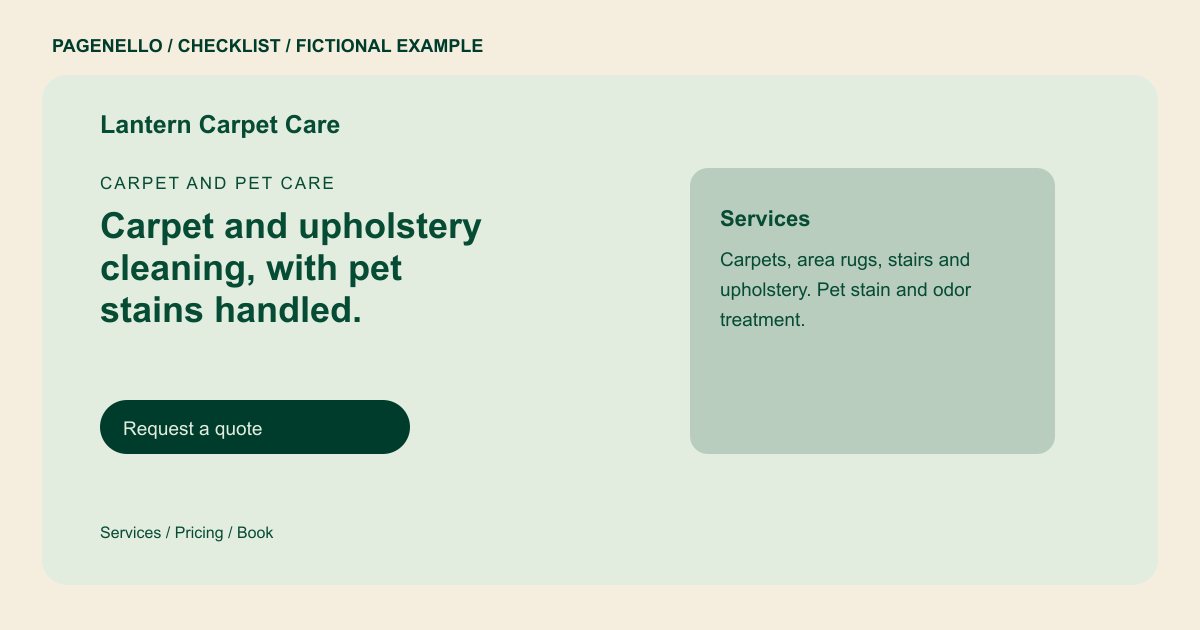
Distinguish fitted carpet from area rugs, stairs and upholstery if you offer those services. Describe your cleaning method in ordinary language and say when you need to inspect a material or stain before quoting.
Set expectations for an estimate
Explain whether the quote depends on room count, area, fabric or extra treatment. If you publish a starting price, identify what it covers and the circumstances that can change it. List your actual service area so a caller can check coverage.
Give households useful preparation notes
Tell customers what your team asks them to move, how pets should be managed during the appointment and what you advise about using the room afterward. Give drying guidance that reflects your process and explain that conditions can vary.
Carpet cleaners: checklist
Questions about carpet cleaner websites
Should I promise that stains will come out?
Describe the treatments you offer and how you assess a stain. Avoid promising removal, since the material and stain history can affect the work. Explain how your crew assesses the affected surface before recommending treatment.
What should a customer know before requesting a quote?
Say which details help you estimate the job, such as the number of rooms, stairs, fabric and the type of treatment requested. Mention whether an inspection is needed for specialty rugs.
Can I show photographs from cleaning jobs?
Choose images of your own work that you have permission to use. Explain what each image depicts without suggesting that every job has the same result.
Where do online quote requests go?
A Pagenello page can link to your existing quote or scheduling tool. A new form built into the page is outside the package. Customers can also call your crew about a specific surface.
