Cabinet maker website checklist: show the work and process
A cabinet maker website checklist should cover the projects you take on, photos of completed work, materials and the steps from inquiry to installation. Gather your service area and a clear way to request an estimate. Use the items below to prepare an honest picture of your shop before designing or revising the page.
Want this built for you? See the top of your own page free before paying.
By Luis Junior
Give each project useful context
Select photographs you have permission to share and identify the room, cabinet style and finish when known. Explain what your shop contributed if other trades worked on the project. A few clearly described examples can help a homeowner understand your work.
Clarify the scope of your shop
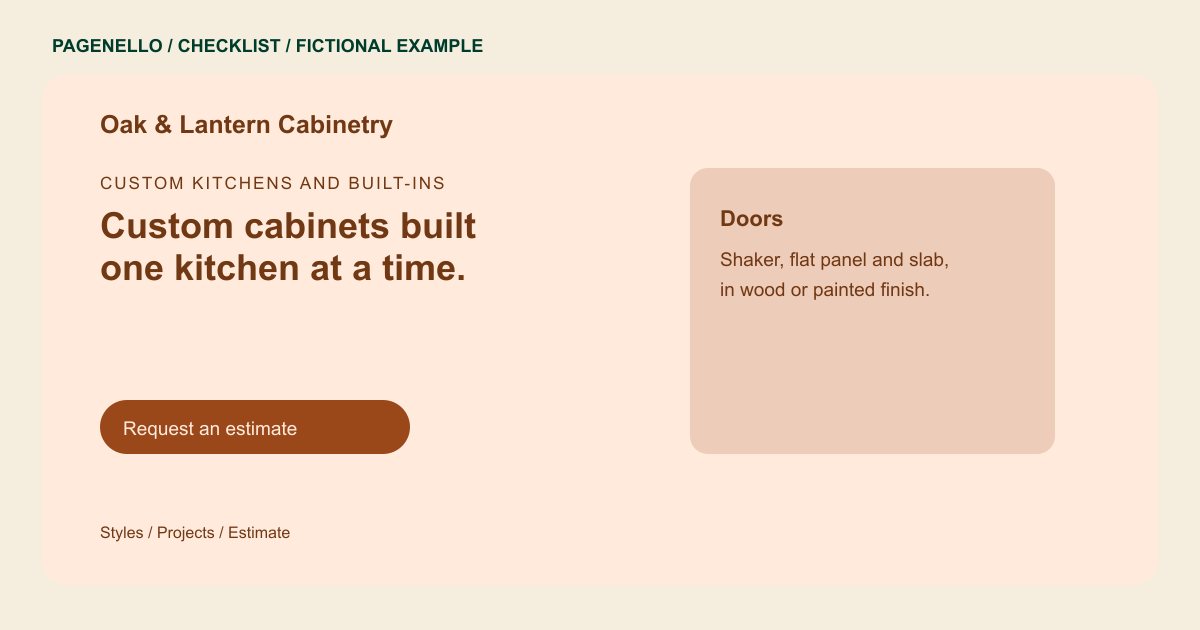
List the kinds of cabinetry you actually build, such as kitchens, vanities or built-ins. Describe available materials and finishes in terms your team can confirm. Specify your service area and whether installation, site measurement or design is included.
Prepare the estimate conversation
Outline your actual sequence for consultation, measuring, drawings, approval and installation. Invite a prospect to share the room, location and project goals by phone or through your existing inquiry tool. Avoid promising a schedule or quote before reviewing the work.
Cabinet makers: checklist
Questions about cabinet maker websites
What should I put beside a cabinet project photo?
Identify the room and the work your shop completed. Add the style or finish if you can confirm it, and avoid implying you handled work done by another contractor.
Should I quote a kitchen price on the page?
You can publish a range if it reflects your own work and explain what affects it. A project-specific estimate still needs measurements, material choices and scope.
Can clients upload drawings through the Pagenello page?
File uploads and contact forms are outside the package. Link to your existing inquiry tool if it accepts drawings, or explain how to contact your shop first.
Can I add a larger project gallery?
A concise selection can appear on the main page. A separate gallery page in the same design is available for $190. Choose project photos you have permission to publish.
