Electrician website checklist: make the right call easy
An electrician website should identify the electrical work you take on, the locations you serve and the quickest appropriate way to contact your business. Add accurate license details, clear hours and examples of completed work. Use this list to gather the facts before publishing or updating your site.
Want this built for you? See the top of your own page free before paying.
By Luis Junior
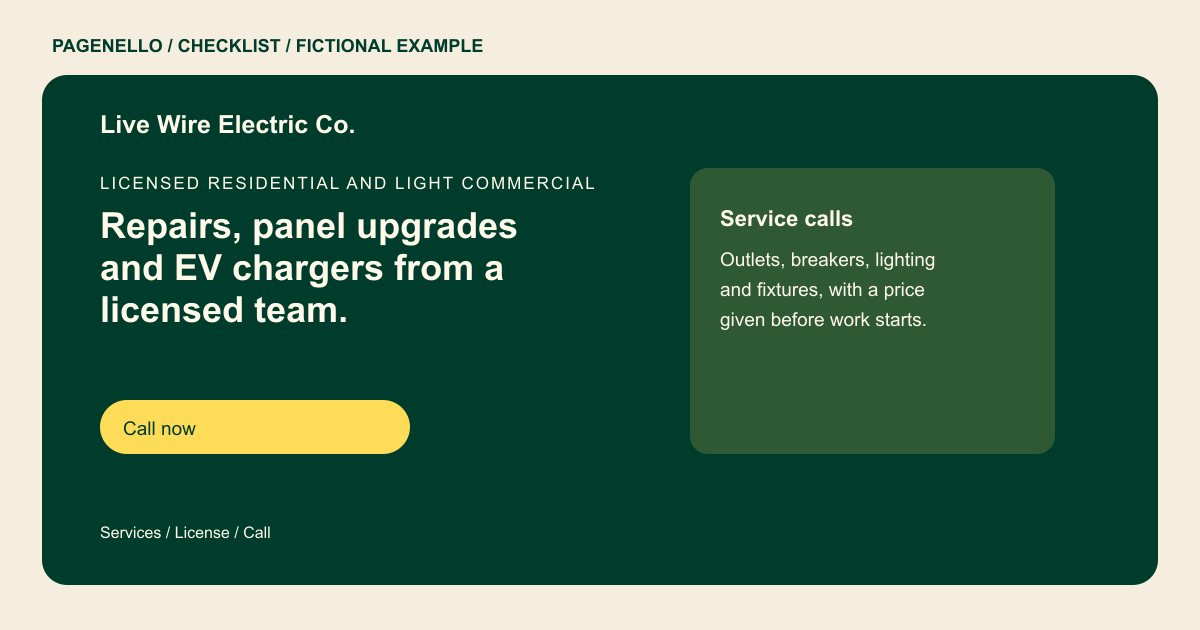
Name the jobs you want to take
Group services around the work customers recognize, such as troubleshooting, panel upgrades or charger installation, if you provide them. Indicate whether you work in homes, commercial properties or both. Explain how an estimate is arranged without presenting electrical instructions as advice.
Put credentials in context
Provide the license information and insurance details you can verify, and check the disclosure rules for the places where you operate. Choose photos of actual completed electrical projects with permission. Caption each with the type of work rather than an unsupported performance claim.
Set clear calling expectations
Display a tap-to-call number and your actual business hours. If you offer after-hours service, describe when it is available and how customers should contact you. Avoid promising immediate attendance or directing someone to use a website in an emergency.
Electricians: checklist
Questions about electrical websites
Should an electrician list a license number?
Display accurate credentials and check the rules for each jurisdiction where you advertise. Requirements can vary, so confirm what applies to your business. Remove outdated numbers and keep coverage statements consistent with your records.
How should I describe emergency electrical service?
State your actual availability, contact method and any call-out conditions. Do not promise a response time unless your business can support it. Separate urgent-call availability from the hours your office handles routine estimates.
Can I include advice for someone facing an electrical hazard?
Keep the page focused on contacting qualified help. For an immediate danger, direct people to local emergency services rather than offering repair instructions. Describe how to reach your office for non-emergency service requests.
Is there room to explain panel upgrades in more detail?
A short description can fit with your main services. A separate services page in the same design is available for $190 if you need more space.
