Coworking space website design: one page that turns visitors into tours
A coworking site has to show the space and the plans fast: desks, meeting rooms, day passes and what a weekday feels like inside. Pagenello builds that as one custom page for $590, with photos of the rooms you really have and buttons to the tour and membership tools you already run. Before any deposit, a free first look lets you review the top of the page.
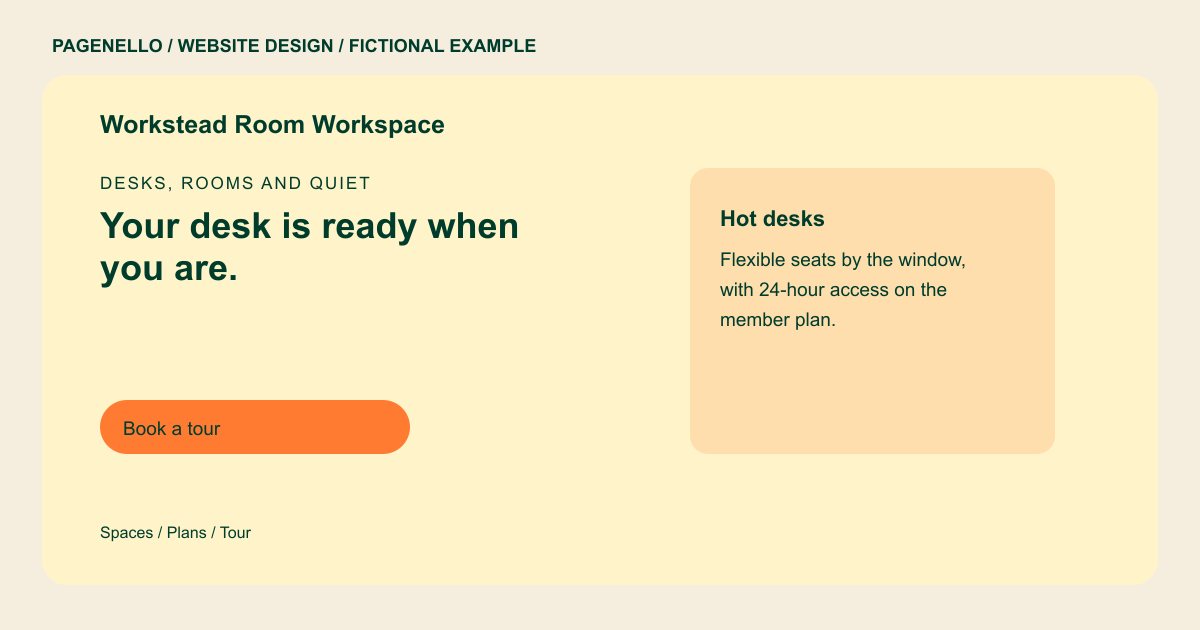
Desks, rooms and quiet
Your desk is ready when you are.
Hot desks, private offices and bookable meeting rooms on one floor. Tour the space, then choose the plan that fits your week.
Plan your coworking website
What do coworking customers look for on a website?
Someone comparing coworking spaces is picking a room they may sit in for months. They want to see the actual floor, the quiet area and the phone booths, and what the monthly membership includes. Freelancers and remote teams also check whether the internet holds up, whether there is after-hours access, and whether they can bring a client in for a meeting. A tour is usually the step before a membership, so a booking button they can tap from a lobby chair matters more than a long story about the community.
| Customers look for | On your Pagenello page |
|---|---|
| The space itself | Real photos of your floor, quiet room and phone booths, each with a short caption, instead of stock office pictures. Show the parts of your actual space that help someone picture a working day. A remote worker may want to see a quiet calling area, while a small team may look for a room where colleagues can meet. Caption each permitted image with the feature it shows. |
| Plans and prices | Hot desks, private offices, meeting-room hours and day passes in their own rows. Prices can sit on the page or in a linked price sheet. |
| Access and house rules | Opening hours, after-hours access if you offer it, the guest policy and what each plan includes, such as printing or mail handling. |
| Tours and room bookings | Buttons to the booking tool you already use for tours and meeting rooms, with tap-to-call and email for anyone who wants a person. |
| Who the space suits | One line on your members, such as freelancers, early-stage teams or remote staff, so the right visitors recognize themselves on the first screen. |
Which tools can my page link to?
Most coworking spaces run tours, memberships and door access through a platform such as Nexudus or OfficeRnD, with meeting rooms on a booking calendar. The page links to what you already use: the tour request in your platform, the meeting-room booking page and your Google Business Profile for hours and directions. The platform keeps the access and billing logic, so the page only points visitors to it.
What does it cost?
$590 once. The first look is free. A separate services and prices page costs $190 if your membership plans need more room. Google Business Profile setup costs $149; you verify the listing with Google and grant Pagenello manager access.
See the complete pricing and terms and how the first look works.
Questions from coworking owners
Can I list my monthly plans on the page?
Yes, and most visitors look for them first. Put the plans in a short list with what each one includes. If your platform changes prices often, link to its price page so the numbers live in one place.
Can visitors sign up or pay on the site?
The button on the page opens the membership form your platform already hosts, so sign-up and payment stay in that one system. A sign-up flow built inside the site is more than this package covers.
Do I need professional photos first?
Your own pictures of the floor, rooms and members, shared with permission, are the most convincing. Licensed images can fill gaps until yours are ready, and any photo swap in the first 30 days after launch is free.
Is one page enough for a coworking space?
For one floor with a few plans, yes. Several locations or a full events calendar need more room, and each extra page for a location or the calendar is $190.
Do hours and holiday closures go on the page?
Yes. Hours sit near the top, and holiday closures go on a line below them. For $390 a year, Care Plus keeps seasonal hours and small edits current after launch.
