Gift shop website checklist: help customers find the right visit
Start a gift shop website with the kinds of gifts you carry, when the doors are open and how people can shop. Add the details that affect a purchase, such as wrapping, pickup and gift cards if offered. This checklist helps you gather those facts and plan updates for busy seasons.
Want this built for you? See the top of your own page free before paying.
By Luis Junior
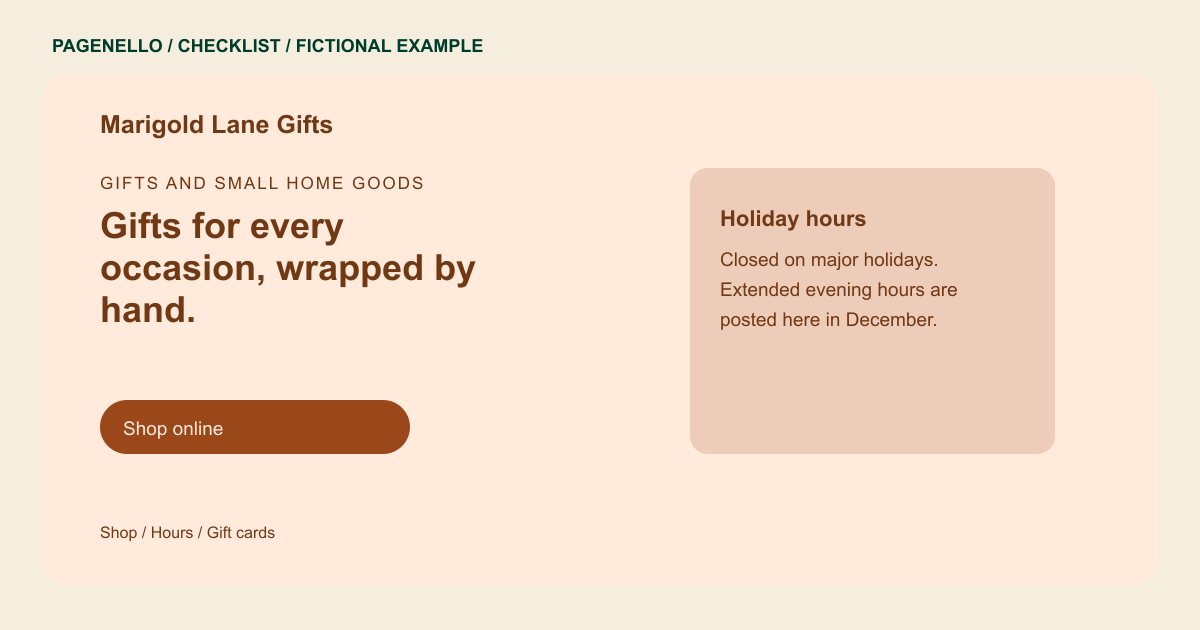
Show what makes the shelves distinct
Choose representative categories and a few current display photographs. Name local makers only with permission and check that their products are still carried. A short description of the selection can help a visitor decide whether to come browse.
Plan for changing occasions
Prepare a process for updating seasonal opening hours, order deadlines and temporary closures. Date each special notice and assign someone to remove it afterward. Share wrapping or personalization details only when your staff can provide them.
Clarify how a gift is purchased
Explain whether shoppers can buy in person, order for pickup or use an existing online store. Link gift card buyers to your current provider if it supports them. A new checkout or inventory system is outside the Pagenello package.
Gift shops: checklist
Questions about gift shop websites
How often should holiday hours be reviewed?
Set a review before each occasion that changes your schedule. Add a date to the notice and remove it once the temporary hours are over.
Should I publish every item on the website?
A small selection can communicate what your shop carries. If stock changes frequently, point shoppers to an existing catalog or invite them to contact the store for availability.
Can the page sell digital gift cards?
The page can link to a gift card service your shop already uses. Pagenello does not create the gift card system or handle its transactions; customers complete the purchase with that provider.
