Clothing boutique website checklist: help shoppers plan their visit
A clothing boutique website should show your style, the sizes you carry, current visit details and a clear route to shop or contact you. Gather photos and policies you can keep accurate. Use this checklist to prepare a page that helps a shopper decide what to do next.
Want this built for you? See the top of your own page free before paying.
By Luis Junior
Show what is on your racks
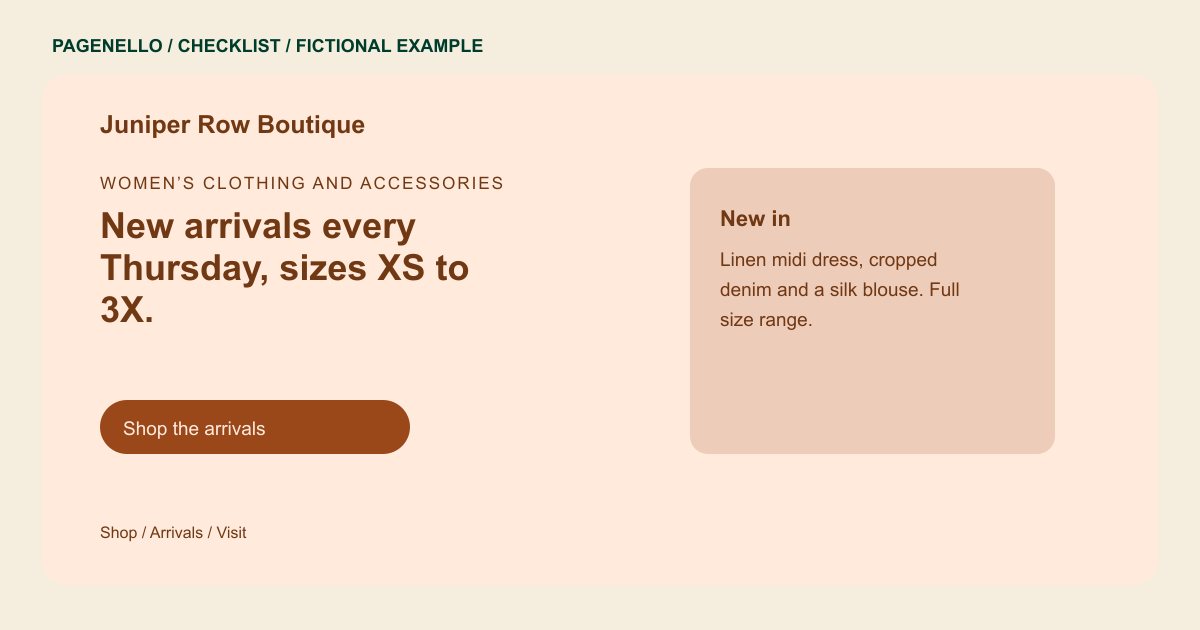
Describe your clothing categories and the size range you actually stock. Select photographs from your own boutique that you have permission to publish. If you feature individual pieces, decide who will replace them when the collection changes.
Answer the fit and visit questions
List store hours, the address and any styling appointment options. Explain where shoppers can find size guidance and your current return or exchange policy. Check that these details match the information your staff gives at the register.
Send shoppers to the right destination
A store-first page can introduce the boutique and link to an existing online shop. Label the shopping and appointment links separately. If a piece is shown on the page, avoid implying it is available in every size unless the linked store confirms it.
Clothing boutiques: checklist
Questions about boutique websites
Can my boutique website show changing arrivals?
Yes. Choose a manageable number of photos and plan how you will replace them as stock changes. Direct shoppers to your existing online store for current item availability.
Does Pagenello build a boutique checkout?
An online store and checkout built from scratch are outside the package. Your page can link to the shop you already use so shoppers can browse and purchase there.
Should I publish a size range?
List the range you actually carry and explain that availability can vary by item when that is true. For detailed measurements, point shoppers to the relevant guide in your existing store.
How should I handle a trunk show announcement?
Include the date, time and location, plus any appointment instructions. Assign someone to remove the announcement after the event so shoppers do not arrive expecting an expired promotion.
