Hardware store website checklist: help shoppers plan their trip
Collect your store hours, location, main departments and counter services before writing the page. Show shoppers how to ask about a particular part and link to your existing catalog if you have one. Use this checklist to keep store details useful for both homeowners and trade customers.
Want this built for you? See the top of your own page free before paying.
By Luis Junior
Orient shoppers before they drive
Put the address, regular hours and phone number where they are easy to find. Include holiday exceptions when known and practical arrival details such as parking or the entrance for a lumber yard, if those apply to your store.
Explain what happens at the counter
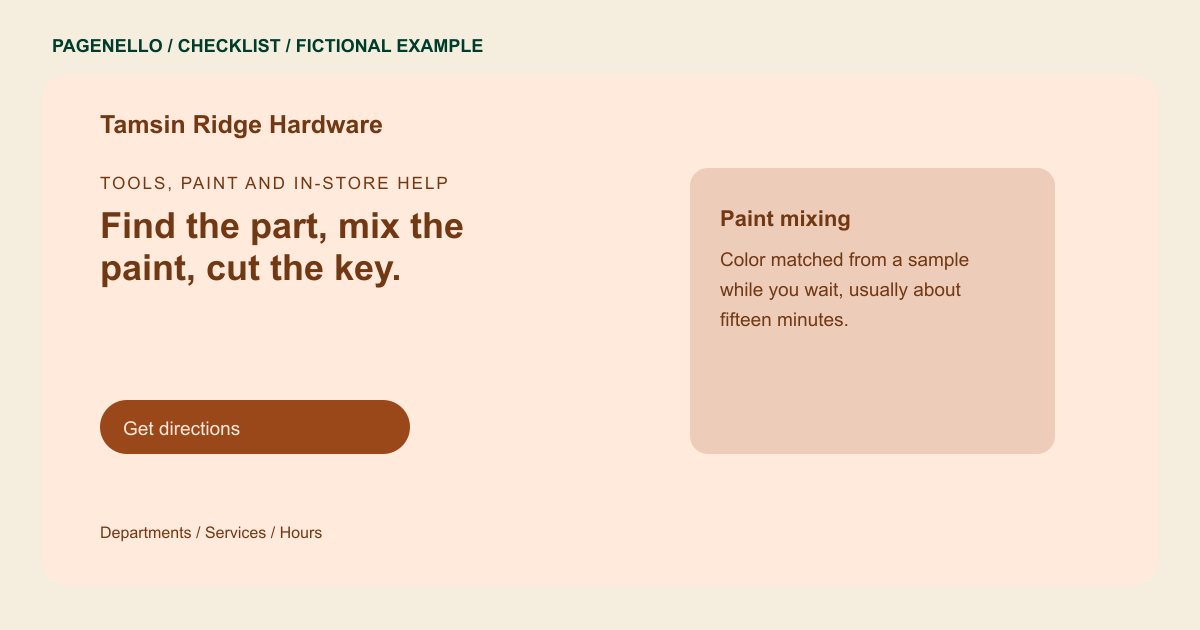
Identify the departments and services you actually offer, from fasteners and paint to key cutting or tool rental. If a service has limited hours or requires an appointment, make that distinction clear.
Keep product availability dependable
A department list tells visitors what you generally carry, but it does not confirm a specific item is on the shelf. Invite a call for availability, or link to a maintained catalog. Online ordering and inventory management belong in your existing retail system.
Hardware stores: checklist
Questions about hardware store websites
Should I list every item my hardware store sells?
A short department overview can help shoppers understand your range. Keep individual stock and prices in your maintained catalog, where changes can be handled by your retail system.
How do customers check for a specific fitting?
Provide a working phone number for the counter and explain how to describe the size or part. If your existing catalog supports item lookup, link to it as well.
Can I add a shopping cart to a Pagenello page?
A new online store is outside the package. If you already offer online ordering or pickup through another service, the page can link shoppers there.
