Home inspector website checklist: prepare buyers to book
Give buyers a clear account of what you inspect, what the service excludes and how to arrange an appointment. Add your credentials, a redacted sample report and the way you explain fees. Use this checklist to assemble those details and make the path from referral to inspection straightforward.
Want this built for you? See the top of your own page free before paying.
By Luis Junior
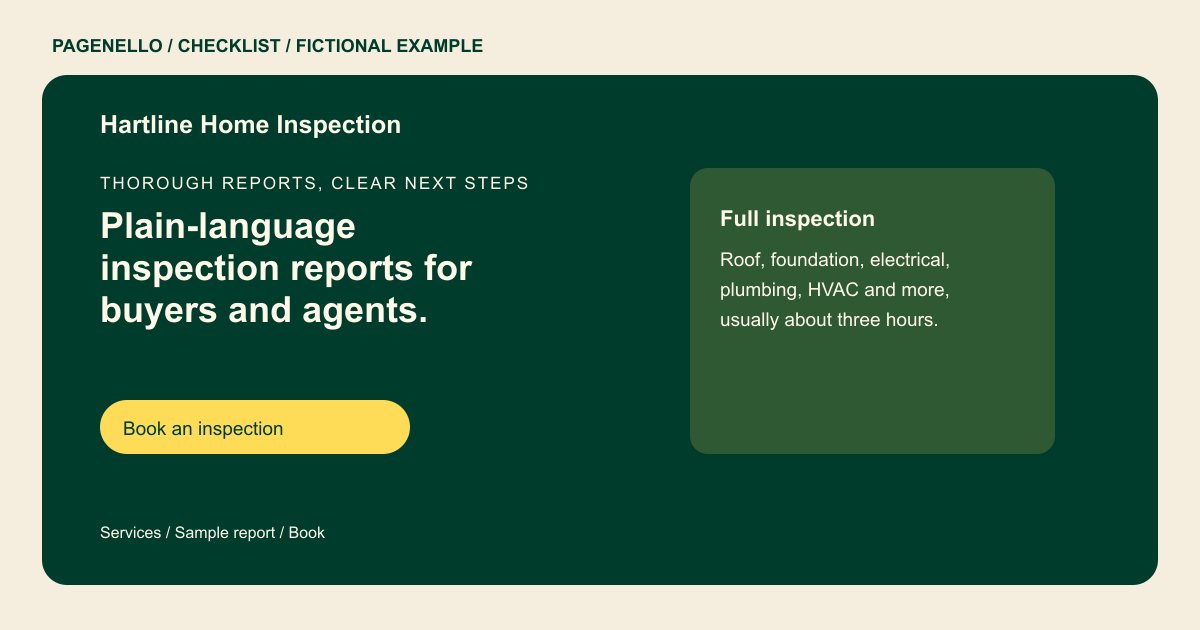
Define the inspection before discussing extras
Describe the accessible systems and components included in your standard inspection. Identify exclusions and any optional testing separately. Refer to the standard of practice you actually follow, and check the advertising and licensing rules that apply where you work.
Show how the report reads
Choose a sample that represents your current reporting format. Remove names, addresses and other identifying details, including those embedded in photos or file properties. Explain when a client can expect the completed report without promising a deadline you cannot meet.
Make scheduling and fees understandable
Explain how property size or optional services affect the fee, and provide a starting price or quote process if you choose. Buyers and agents should know whom to call or where your existing scheduling link leads.
Home inspectors: checklist
Questions about home inspection websites
Can an agent schedule on behalf of a buyer?
Describe your own ordering process and provide the appropriate booking link or phone number. Confirm who receives the agreement and report through your existing workflow.
Should I publish a real inspection report?
Only if you have permission and can remove identifying information throughout the document and its images. A purpose-made sample is another way to show your format.
What if each house needs a different quote?
Explain the factors that affect the fee and how to request a quote. Avoid presenting an estimate as a fixed price if the scope can change.
Does the page send reports to clients?
The Pagenello page can link to your existing report or scheduling service. Report delivery and client records remain in the tools you use for that work.
