Locksmith website checklist: make the next call easier
A locksmith website should explain which jobs you accept, where technicians travel, when calls are answered and how to request a quote. Put a working phone number within easy reach on a mobile screen. Use this checklist to collect the details a caller needs before asking for help.
Want this built for you? See the top of your own page free before paying.
By Luis Junior
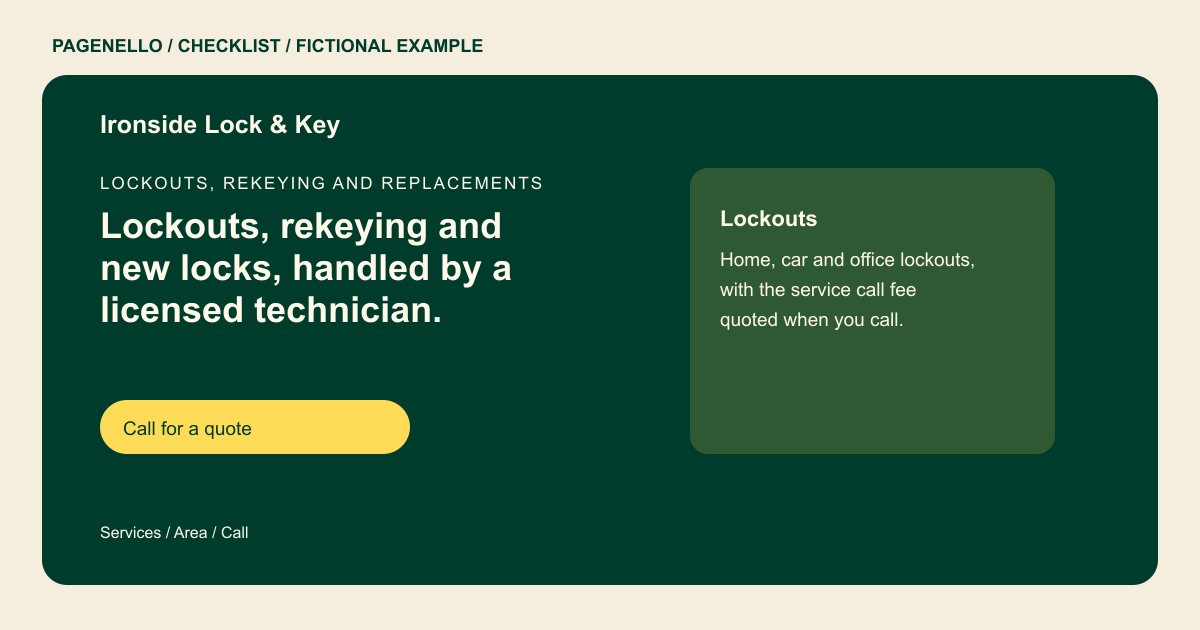
Separate urgent and planned work
List the jobs your business actually performs, such as home lockouts, rekeying or automotive keys. Distinguish emergency response from work that requires an appointment. State after-hours availability only when someone really answers the phone.
Set expectations before dispatch
Describe the counties or communities your technicians cover and explain how a caller gets a quote. If you charge a service-call fee, give the terms you use and note factors that can change the final price. Avoid promising an arrival time you cannot support.
Make your identity verifiable
Show your business name and contact details consistently. Provide license or credential information supplied by the business where applicable, and check local requirements before publishing. A mobile locksmith can explain its service area without implying it has a storefront.
Locksmiths: checklist
Questions about locksmith websites
Should I advertise around-the-clock service?
Only if your business actually handles calls at all hours. If availability changes, describe your real schedule and keep the wording current. Separate emergency availability from regular shop hours when they differ.
What if each lock job needs a different quote?
Explain how customers can ask for an estimate and disclose the fees and variables your business uses. Avoid presenting a fixed total when the job has not been assessed.
Does the page dispatch a technician?
The page can link to an existing booking or dispatch service, or offer tap-to-call. Building a dispatch system is outside the package. State your actual service area alongside the contact option.
