Party rental website checklist: turn event details into a quote
Your party rental website should help an event planner identify suitable equipment and ask about a specific date. Start with categories, item sizes, delivery boundaries and a route to a quote. This checklist helps you assemble the information before the next inquiry arrives.
Want this built for you? See the top of your own page free before paying.
By Luis Junior
Show what can be rented
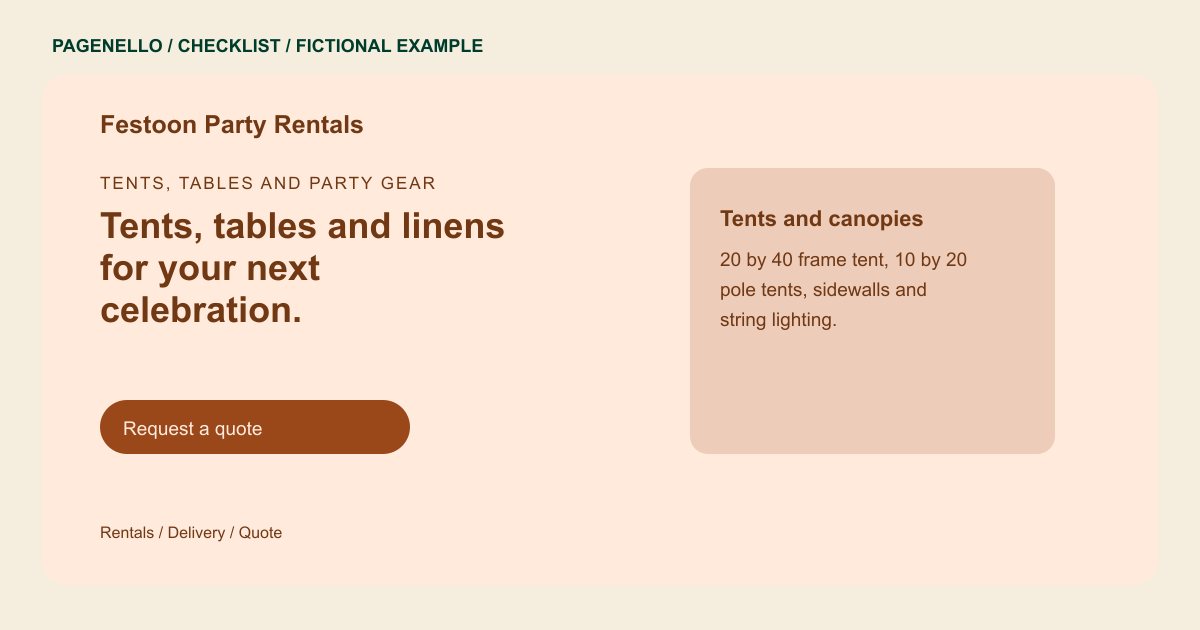
Organize your offering into useful groups such as tents, seating, linens or inflatables. Give dimensions and capacity where they matter, and distinguish individual items from packages. If availability changes frequently, direct visitors to your existing catalog or ask them to confirm it with your team.
Set expectations for event logistics
Explain your delivery territory, setup and pickup arrangements, including minimums or fees when they apply. Share your own policies for weather, cancellations and damage. Avoid implying that a particular date or item is held until your business confirms the reservation.
Collect the details needed for a quote
Invite the planner to share the event date, location, guest count and requested equipment. A call, email or link to rental software can start the conversation. Test the destination on a phone and label it as a request if availability is confirmed later.
Party rentals: checklist
Questions about party rental websites
Must I publish every linen color on the page?
No. Feature your main categories and link to an existing catalog when the selection is too large to maintain in a short page. Keep the catalog current as your available rental stock changes.
Does a quote request reserve equipment?
Say when a reservation becomes confirmed under your own process. A request alone should not be presented as a hold on inventory. Tell planners how to confirm the date, delivery details and equipment.
Can Pagenello provide a live rental calendar?
The page can link to the rental software you already use. A custom booking system, live inventory and built-in payment processing are outside the package.
