Photo booth website checklist: turn event questions into a clear inquiry
Collect pictures of your booth and its output, package inclusions, service area and the link or contact details for date inquiries. Explain the setup requirements a venue needs to know. Work through the items below before you launch or update your photo booth rental website.
Want this built for you? See the top of your own page free before paying.
By Luis Junior
Show what guests experience
Select images that show both the physical setup and an example print or digital result. Label the booth type and backdrop so a planner can tell what belongs together. Obtain permission before displaying recognizable guests or event photographs.
Make packages comparable
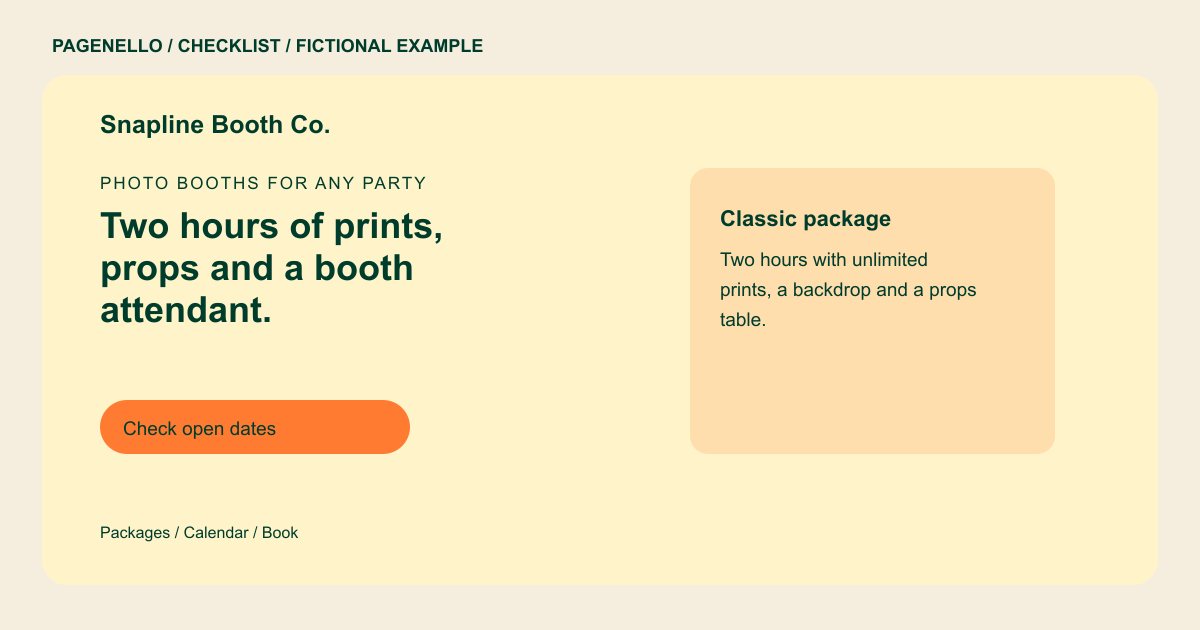
For each option, state the rental duration and what is included: an attendant, props, prints or digital sharing where offered. Note which extras or travel charges affect a quote. Describe availability as confirmed only after you check the date.
Prepare the venue conversation
Record the footprint, power needs and setup time for your actual equipment. If a venue requests proof of insurance, explain how to request it only if your business carries coverage. Ask for the event date, venue and type through your existing inquiry channel.
Photo booth rentals: checklist
Questions about photo booth rental websites
Should I display a starting price?
If you have a reliable starting price, pair it with what that package includes and explain which additions or travel can change the quote. Ask planners for the venue and event date when quoting travel.
Can a planner check a date online?
A button can open your existing availability or inquiry tool. A booking system built from scratch is outside the Pagenello package. Ask the planner for the event location and preferred booth setup.
What should I show if I have no event photos yet?
Photograph your own booth setup and a sample output you have permission to display. Label staged examples clearly instead of presenting them as a client event.
