Photographer website checklist: prepare your portfolio and inquiry path
Choose a small selection of images that represents the work you want to book, identify your specialties and location, and explain how clients can inquire. Prepare a short description of your process and delivery. Use this checklist to gather the material for a photography website and test its links before launch.
Want this built for you? See the top of your own page free before paying.
By Luis Junior
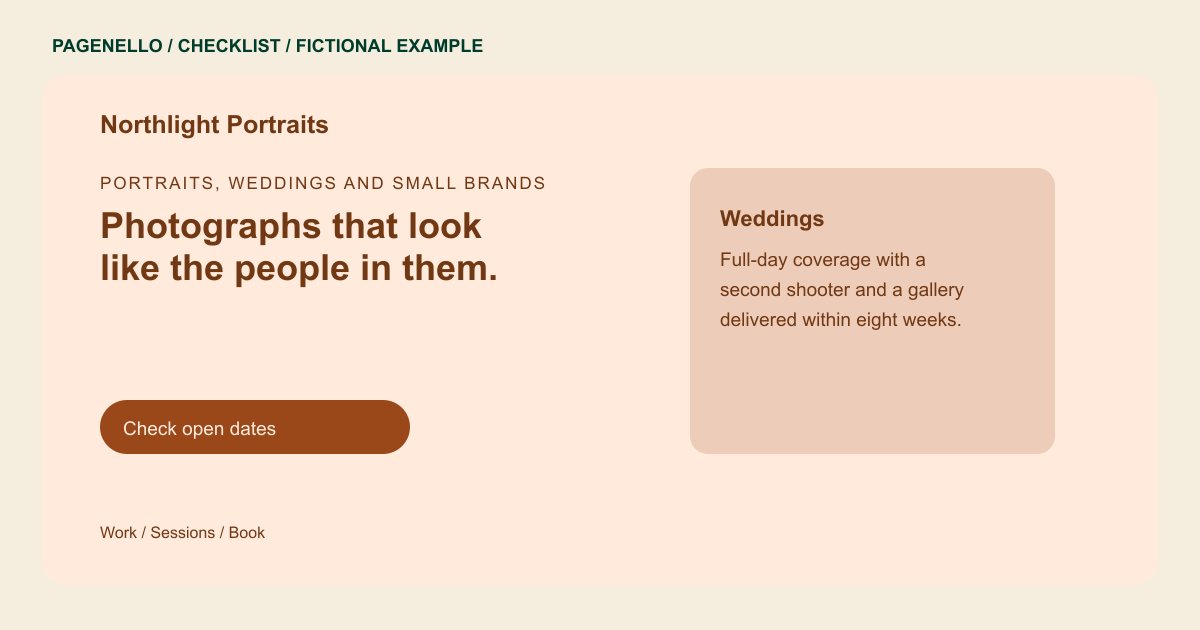
Edit your selection with purpose
Choose photographs that match the assignments you want more of. Group distinct specialties so a visitor looking for portraits does not have to sort through product work. Confirm you have the rights and permissions needed to publish each image, including any client restrictions.
Give the photographs context
Name the type of shoot and add a concise caption when it helps explain the assignment or your contribution. Provide useful alternative text for meaningful images. Describe your service area and whether travel is available without implying you work in places you do not serve.
Connect the portfolio to your workflow
Tell prospective clients what to include in an inquiry, such as their date, location and type of session. Summarize how you deliver finished work. Private proofing, downloads and print sales can remain on a separate gallery service you already use.
Photographers: checklist
Questions about photography websites
How many images should I prepare?
Choose enough to show the work you want to attract without making visitors sift through repetitive frames. A larger portfolio can live in your existing gallery.
Can clients proof and download photographs on the page?
The page can link to your existing proofing and delivery service. If you need a custom gallery system, that requires work outside the one-page package.
Should I publish prices for every assignment?
Share a starting price or package when it reflects your practice. For work quoted by scope or usage, explain how a prospective client can request a quote.
