Pest control website checklist: guide customers to an inspection
A pest control website should tell visitors which pests you handle, where you work and how to request an inspection. Explain your first-visit process and supply verified licensing details where applicable. Use this checklist to prepare clear information for homeowners or commercial customers without making treatment promises.
Want this built for you? See the top of your own page free before paying.
By Luis Junior
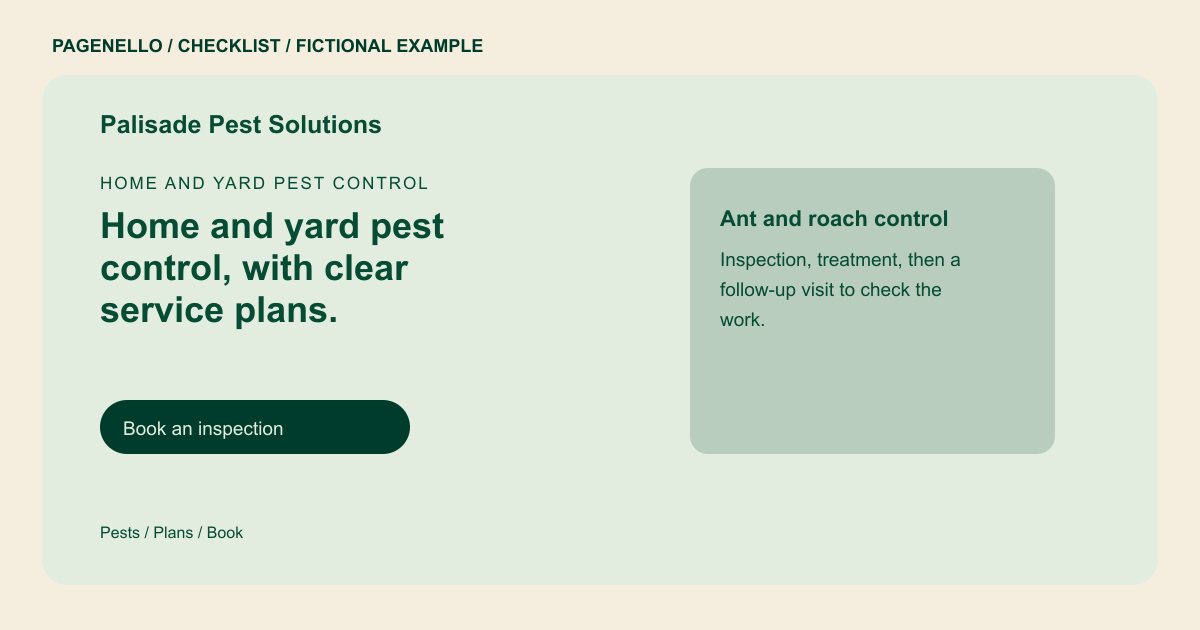
Name the problems your team handles
List the pests and property types your company actually serves. If termites, rodents or wildlife require a different service, explain the distinction in your own terms. A visitor reporting signs of a pest should be able to contact your team without diagnosing the problem first.
Set expectations for an inspection
Describe what happens when a technician visits, how you explain a proposed plan and whether follow-up is part of the service. Distinguish a one-time visit from recurring service using the terms you actually offer. State response hours accurately instead of suggesting immediate availability at all times.
Review safety and credentials
Provide the license and insurance details you can verify, taking account of applicable local requirements. Any preparation or re-entry instructions must come from your technicians and the relevant product labels. Direct visitors with questions about children, pets or specific treatments to your team for guidance.
Pest control companies: checklist
Questions about pest control websites
Should I publish a list of treatment chemicals?
Only publish details your qualified team has reviewed. Direct specific preparation and re-entry questions to the technician and the relevant product label. Your technician can address the actual site and treatment instructions.
How can customers describe an unfamiliar pest?
Invite them to explain what they noticed and where. Your staff can ask follow-up questions and decide whether an inspection is appropriate. A description of the affected room or yard can help start that conversation.
Can customers book an inspection through the page?
A button can lead to your existing booking or request tool, while a phone link reaches your office. The Pagenello page does not manage technician routes or treatment records.
