Pet store website checklist: help shoppers plan their visit
Start with the animals and product categories your shop serves, then add your address, hours and a clear way to ask about availability. If you offer grooming, pickup or online shopping, explain how each works and link to the relevant existing service. Check off the materials as you collect them.
Want this built for you? See the top of your own page free before paying.
By Luis Junior
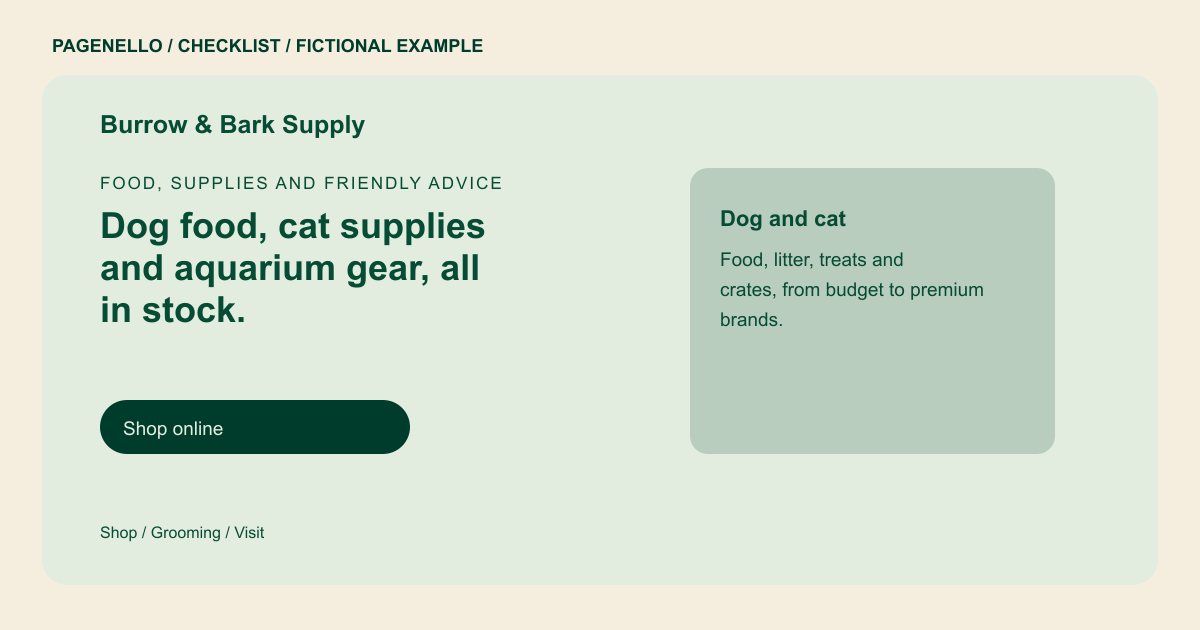
Describe the shelves accurately
Group your range into useful categories such as food, treats, toys or aquarium supplies. Name brands you actually carry, but avoid promising that every size is in stock. Give shoppers a phone number for checking a particular item.
Separate shopping from store services
If your shop offers grooming or a self-service wash, describe what is available and whether an appointment is needed. Give pickup instructions only when you provide pickup, including where customers should go after receiving confirmation.
Choose where transactions happen
A concise storefront page can point to an existing online catalog or ordering service. A large inventory, live stock counts and checkout require a suitable commerce system; building an online store from scratch is outside this package.
Pet stores: checklist
Questions about pet store websites
Should I put every product on the page?
A short category and brand list is easier to maintain. Send shoppers to your existing catalog for a larger range, or invite them to call about a specific product.
Can the site display live inventory?
An existing commerce system is better suited to inventory and checkout. The Pagenello page can link to that system; a new online store is outside the package.
What if grooming has a separate schedule?
Show the grooming hours or appointment instructions separately from the shop hours, and check the booking link whenever the schedule changes. Customers can then check when the groomer is actually available.
