Snow removal website checklist: prepare before the storm
Before winter, give property owners the information they need to discuss snow service: where your routes go, which surfaces you clear and how your agreements work. Gather a dependable storm contact and photos of your own equipment. Mark the checklist as you prepare the details for your website.
Want this built for you? See the top of your own page free before paying.
By Luis Junior
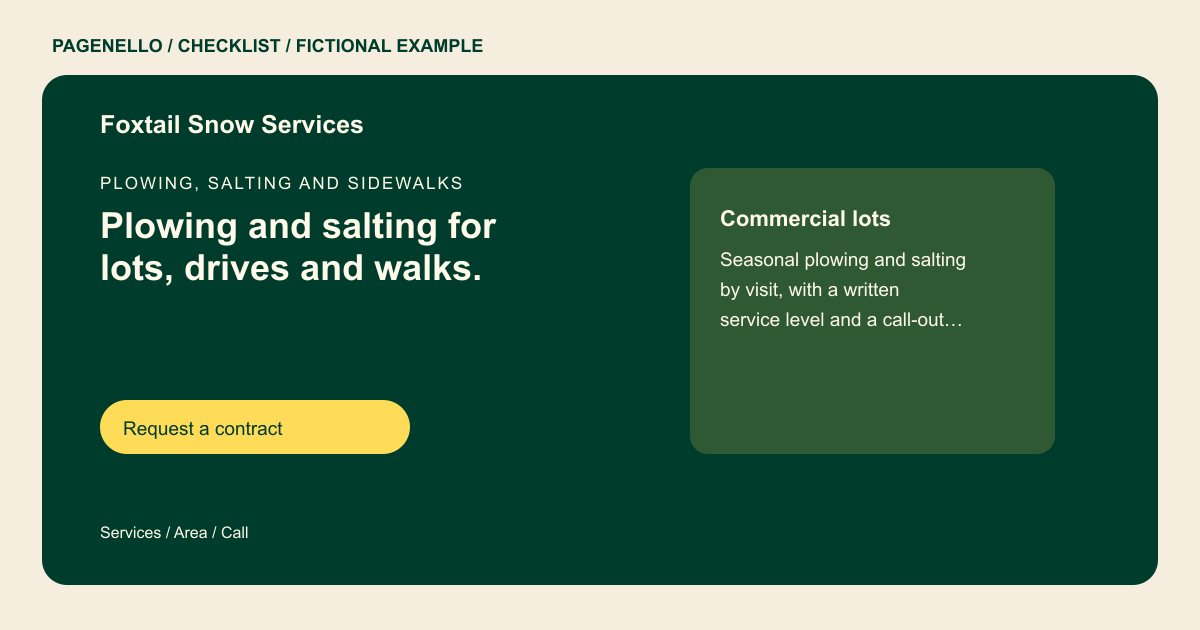
Distinguish properties and surfaces
Identify whether you serve residential driveways, commercial lots or both. Explain if sidewalks, entrances and de-icing are available, and list the communities where you accept work. A property manager can then see which parts of a site your crew may cover.
Describe the agreement honestly
If you offer seasonal contracts or per-push service, explain how each is arranged and which work may be billed separately. Describe snowfall triggers or route priorities only as your actual agreements state them. Confirm the details for each property before work begins.
Plan the storm-day contact
Publish the number customers should use during a storm and its actual coverage hours. If updates are provided by phone, text or another channel, say how they work. Check your seasonal availability before inviting new sign-ups and remove outdated notices promptly.
Snow removal companies: checklist
Questions about snow removal websites
Should I promise an arrival time during a storm?
Publish only commitments your company can honor. Explain how customers can contact you for updates and confirm service terms in their agreement. Describe the surfaces and service conditions covered by each agreement.
Can homeowners and property managers use the same page?
Yes. Label residential and commercial service clearly, including the surfaces and contract options that apply to each. Explain which properties and surfaces your crew actually covers.
How do I handle sign-ups when routes fill?
Update the page with your current availability and direct inquiries to your office or an existing signup tool. Care Plus covers up to two small edits per month for $390 a year.
