Wedding photographer website checklist: help couples choose coverage
A wedding photographer website should show your approach, explain the coverage you offer and help couples ask about their date. Prepare a selection of images, permission to share complete galleries, package details and travel information. Use the checklist to organize the decisions couples face before they contact you.
Want this built for you? See the top of your own page free before paying.
By Luis Junior
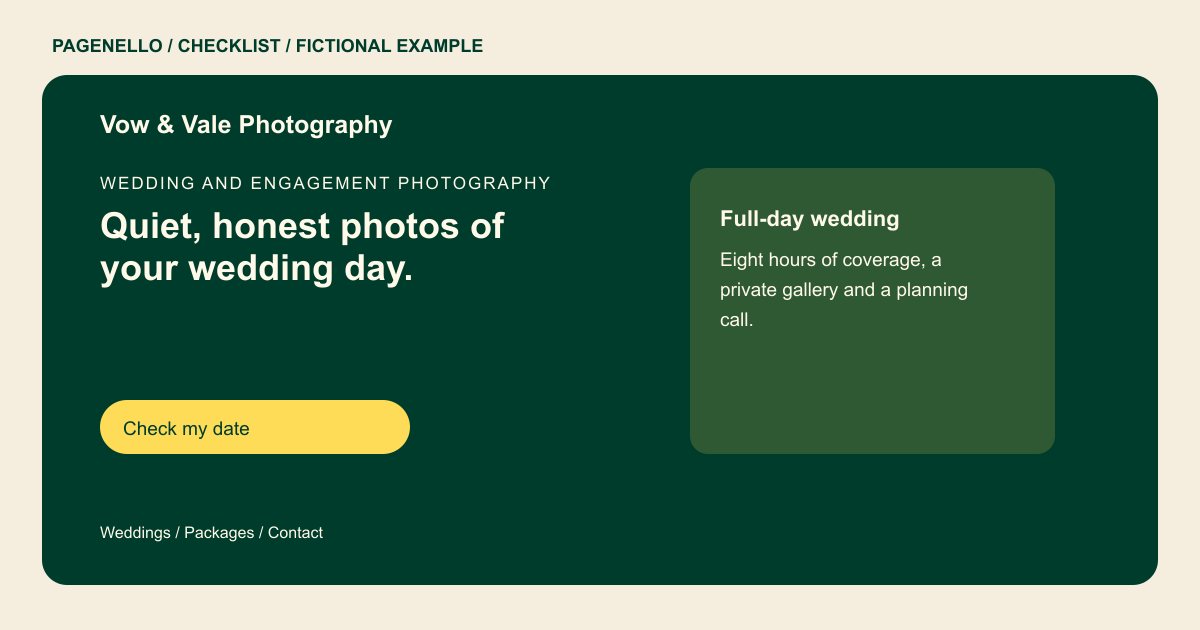
Show a wedding beyond the highlights
Choose images that reflect your approach to portraits, ceremony and reception coverage. If you can share a complete gallery with permission, link to it so couples can see how you photograph an entire day, including different light and settings.
Make coverage and delivery clear
Explain what your collections include, such as hours, an additional photographer or an engagement session where offered. State how images are delivered and share your actual approach to travel, turnaround and pricing without promising a date is available.
Give couples a useful first step
Invite an inquiry with the wedding date, location and coverage needs. A link can lead to a gallery or client-management service you already use; your public page should not imply that an inquiry alone reserves the date.
Wedding photographers: checklist
Questions about wedding photography websites
Should I show a full wedding gallery?
A complete gallery can show how you cover different parts of a wedding. Share it only with the couple’s permission and review the gallery’s privacy settings.
Does a date inquiry reserve my services?
Make your own booking process clear. An inquiry through a contact link does not itself hold a date; explain the steps you require before confirming a booking.
Can I link to my existing client gallery?
Yes. A link can take visitors to the gallery service you already use. Check that the intended public gallery opens correctly and that private collections remain protected.
