Wedding venue website checklist: help couples picture the day
A venue website needs clear space descriptions, guest capacities, package details and a way to arrange a tour. Couples also need to understand the rain plan, vendor rules and how to reach the property. Gather accurate figures and approved photos before using this checklist to review the experience on a phone.
Want this built for you? See the top of your own page free before paying.
By Luis Junior
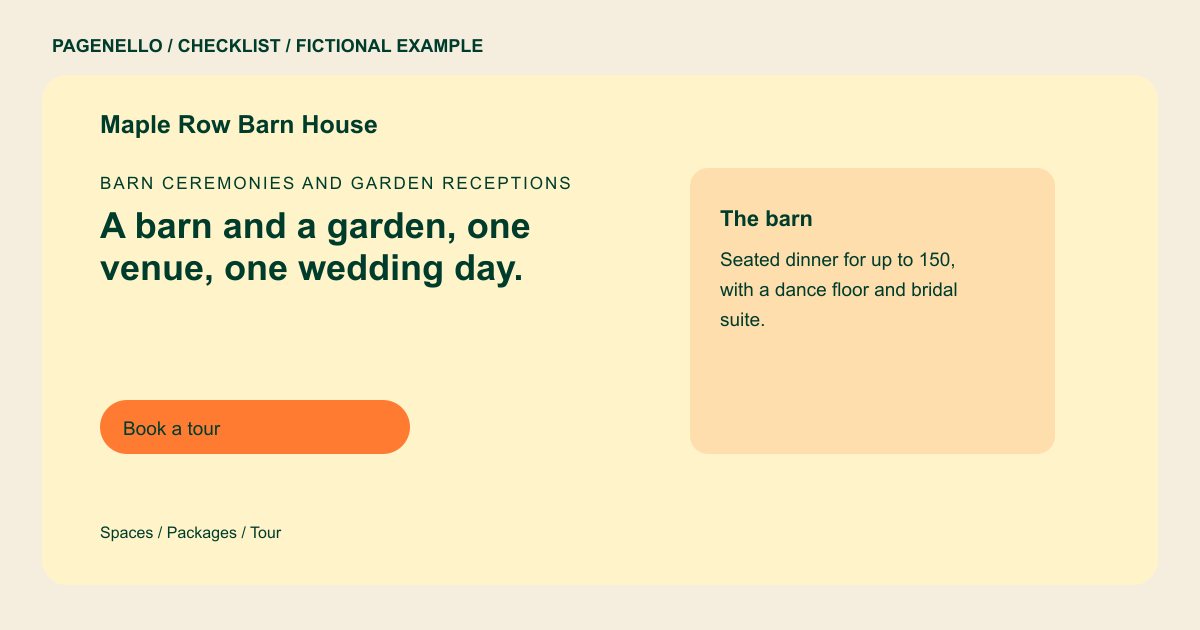
Match each space to a guest count
List ceremony and reception areas separately, with seated or standing capacity as appropriate. Explain when a dance floor or a particular layout changes the count. Identify the indoor alternative for an outdoor ceremony and any conditions for using it.
Make the package tangible
Describe the rental period, furniture, staffing and cleanup that actually come with the venue. If catering, bar service or linens are separate, say so. A starting rate can be useful when it is paired with the dates and inclusions it applies to.
Show the property honestly
Use photographs you may publish and label each room or outdoor area. Include a view that shows the layout as well as detail shots. Ask the photographer and any other rights holders about permission and credits before publishing.
Plan the route from tour to conversation
Give couples a phone number or email and link to your existing tour calendar if you have one. Confirm the address, parking and accessible entrance details with the people who manage the property.
Wedding venues: checklist
Questions about wedding venue websites
Should capacity appear beside each venue space?
Yes. Identify the layout associated with each number, especially if a seated dinner and standing reception have different limits. Check the figures against the applicable limits before publishing them.
How should I handle changing availability?
Invite couples to ask about their date or link to a calendar you already maintain. Avoid a static list of openings unless someone can keep it current.
Can couples reserve a tour through the page?
A button can lead to your existing scheduling service. Pagenello does not build a new booking system within the one-page package. Keep the tour link current when your availability or scheduling provider changes.
What if the package list is too long?
Summarize the main inclusions on the first page and use a separate page for detailed options. An additional page costs $190. Keep the summary accurate and explain any important conditions that affect each option.
