Welder website checklist: make the first job conversation useful
A welding website should identify the work you accept, the materials and processes you use, where you work and how to discuss a job. Prepare real project photographs and accurate credentials, then give customers a practical way to send drawings or describe a repair. Check each item against your actual shop and field capabilities.
Want this built for you? See the top of your own page free before paying.
By Luis Junior
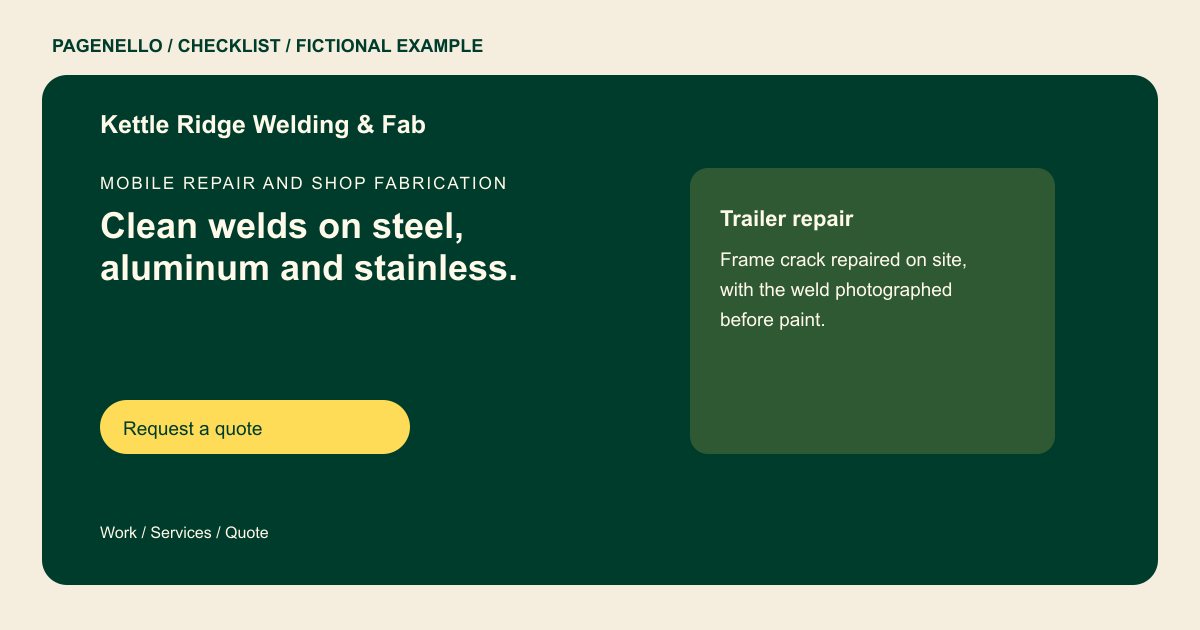
Describe the work your shop takes
Separate field repair from fabrication at your shop if you provide both. Name the materials and processes you actually handle, along with job types such as gates or equipment repairs. State any limitations that help a customer decide whether to contact you.
Make photographs informative
Choose permitted images of completed work and add a short caption explaining the piece, material and your contribution. Remove identifying details where appropriate. Ask the customer before sharing images of their property or proprietary parts.
Prepare the details needed for a quote
Tell a prospect what to send: a description, material if known, approximate dimensions, quantity, location and desired timing. Give an email address for drawings or photos, or link to a file-sharing process you already use. Final scope and pricing follow your own review.
Check technical claims against records
Only list credentials you hold, using the exact scope and status on the relevant documentation. If a project calls for a particular code or qualification, discuss its requirements directly rather than suggesting that a general claim covers every job.
Welders: checklist
Questions about welding websites
Should a welder list every welding process?
Focus on processes you currently offer and can explain. If a job has special requirements, invite the customer to discuss them with you. Mention the materials and project types you handle so the list has practical context.
Can a customer upload a drawing directly to the Pagenello page?
File uploads are outside this package. An email link or a link to your existing file-sharing tool gives the customer a way to send the drawing.
How should I describe a certification?
Use the precise name, scope and status in your records. Check it before publication and update the page if that status changes. Avoid implying it covers processes or work beyond the documented scope.
What if a customer does not know the metal?
Invite them to describe the part and send a photograph. You can ask follow-up questions and inspect the work before deciding whether to quote it.
