Bookstore website ideas that bring the shelves to life
An independent bookstore website can introduce its selection, invite readers to an event and make the shop easy to visit. Fictional Harrow and Finch Books illustrates a mix of new and used books, special orders and readings. Choose the parts that reflect your actual shelves and community.
Want a page designed for your business? See the top of your own page free before paying.
By Luis Junior
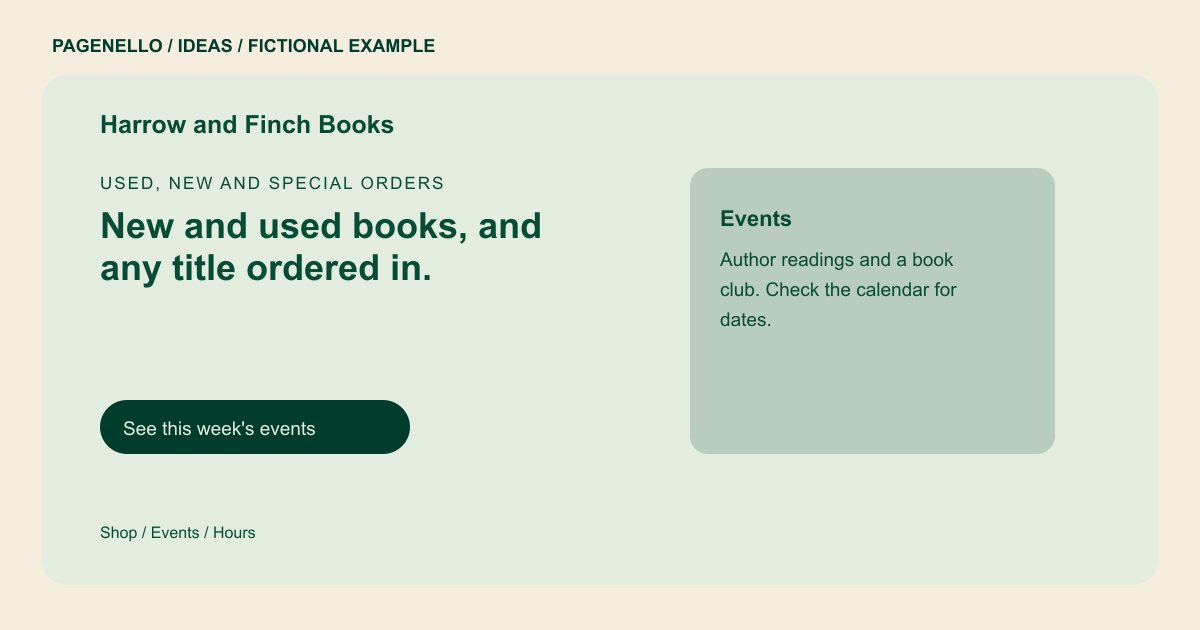
Used, new and special orders
New and used books, and any title ordered in.
Staff picks by the register, a children's room in the back, and a reading every second Thursday.
Let your selection set the mood
The example mentions staff picks and a children’s room. Your store could feature a bookseller’s short recommendation, a photograph of a favorite shelf or a description of a specialty. Use book-cover images only when you have permission or a suitable source.
Make events useful after the announcement
A reading needs a date, time, location and any registration instructions. If your schedule changes often, send readers to an existing event calendar rather than leaving old dates on the page. Remove or update a featured event once it has passed.
Separate discovery from inventory
A selection of favorites can convey the character of the store, but it should not imply that every title is in stock. Link to your existing online catalog or invite readers to ask about a particular book. Describe your real special-order process and timing.
Give the visit a practical ending
Put opening hours and a directions link within reach of the event and book information. If the entrance, accessibility or parking needs explanation, include accurate notes that a first-time visitor can use.
Bookstores: ideas
| Idea | Use |
|---|---|
| Bookseller picks | Feature a small rotating selection with your own brief notes and a route to ask about or buy each title. |
| Events noticeboard | Lead with a forthcoming reading or club meeting, then link to the calendar where you maintain dates and registration. |
| Special-order counter | Explain what information a reader should send and how your shop confirms price and availability. |
| Neighborhood browsing guide | Introduce your rooms or specialties alongside opening hours, the address and directions to the entrance. |
| Online shop doorway | Send readers to an existing bookstore storefront for catalog searches and checkout. The one-page site itself does not track stock. |
Questions about bookstore websites
Does Harrow and Finch represent a real bookstore?
No. Its name, events and ordering details are fictional. Replace them with information you can confirm for your shop. Use your actual hours and policies for special orders.
Can visitors buy books through this page?
A button can lead to an online store you already use. Building a new ecommerce store or inventory system is outside the package. Tell readers how to ask about a title missing from the catalog.
How can I share changing event dates?
Link to the event calendar you maintain, and review any featured date on the page after it passes. Registration stays with your existing tool. Remove old readings and book club dates from the featured section.
Should I list every title in stock?
A few curated picks can introduce your selection. For a changing inventory, direct readers to an existing catalog or invite them to contact the store.
