Furniture store website ideas: bring the showroom into view
A furniture store page can introduce the rooms and styles you carry and explain how to visit. The fictional Mapleform example names furniture categories, shows showroom hours and displays a catalog action label. Substitute your own collection, photos and delivery terms so a shopper can plan a useful visit.
Want a page designed for your business? See the top of your own page free before paying.
By Luis Junior
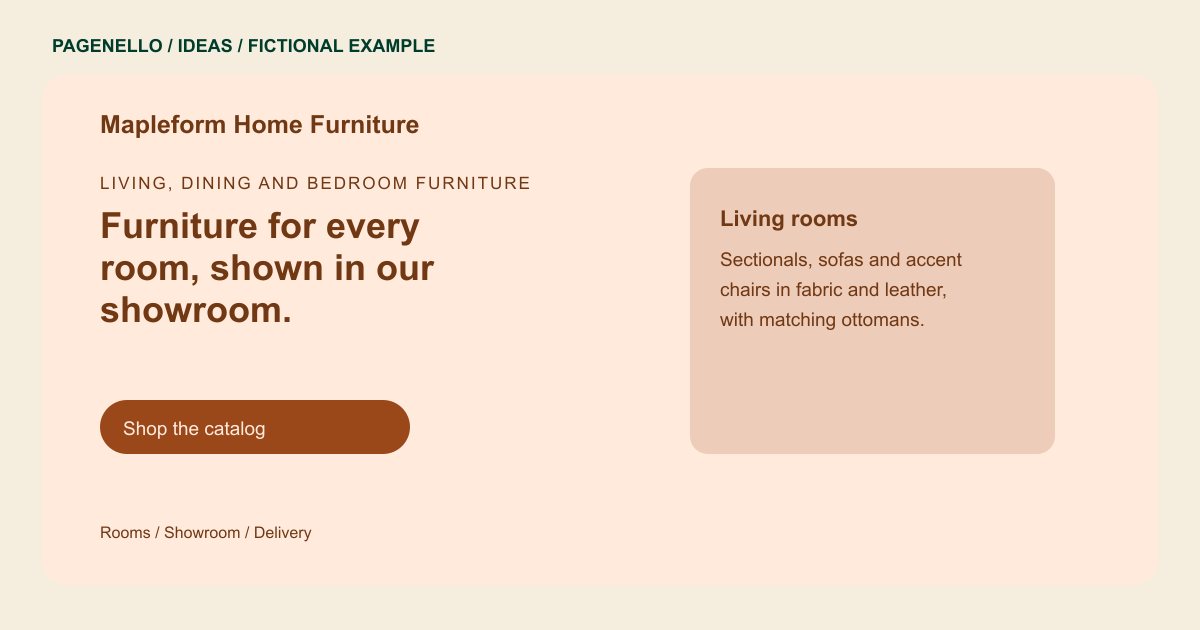
Living, dining and bedroom furniture
Furniture for every room, shown in our showroom.
Sofas, dining sets and bedroom pieces in solid wood and performance fabrics. Delivery across the region on orders over $800.
Organize by the room being furnished
Mapleform groups seating and dining pieces in its sample. Your store could instead lead with bedroom sets, office furniture or a specific material. Pick categories that match what shoppers will actually find on your floor.
Show scale and texture
A wide showroom photograph gives context; a close view can reveal upholstery or wood grain. Add concise captions describing the pictured items and avoid presenting a discontinued piece as currently available.
Connect browsing to the next step
Pair showroom hours with directions and a link to your existing catalog. Explain the area you deliver to and any assembly or return conditions in your own terms. The sample’s delivery threshold is fictional, not a recommendation for your store.
Furniture stores: ideas
| Idea | Use |
|---|---|
| Room vignettes | Use a few coordinated displays to help visitors picture how your actual pieces work together. |
| Material spotlight | Introduce the fabrics or woods you carry and invite shoppers to inspect samples in person. |
| Showroom visit guide | Put opening hours, parking and appointment requirements beside a directions button. |
| Catalog bridge | Send visitors to the collection or online shop you already maintain for sizes, current inventory and checkout. |
Questions about furniture store websites
Is Mapleform an existing Pagenello client?
No. The showroom, inventory and delivery details are fictional and demonstrate a possible page layout. The example shows how a furniture business could arrange showroom information rather than documenting a customer project.
Can this page manage inventory and sales?
A button can lead to your existing store. A new inventory system and online checkout are outside the one-page package. Your store provider manages the catalog, stock information and any checkout it supports.
Which furniture photos should I choose?
Choose images you have permission to use that represent your current assortment. Include context for scale and caption finishes accurately. A wide room view can complement a close detail of upholstery or wood grain.
Where should delivery policies go?
Summarize the area and service you actually offer near the showroom details, then link to your complete policy if you have one. Give shoppers a contact for questions about assembly, returns or a particular delivery address.
