Clothing boutique website ideas for a distinctive storefront
A boutique website can give shoppers a sense of your style and a clear way to shop or visit. The fictional Juniper Row example features clothing, arrivals and a styling appointment. Use it to consider which photographs and shopping paths fit your own boutique, then replace its sample details.
Want a page designed for your business? See the top of your own page free before paying.
By Luis Junior
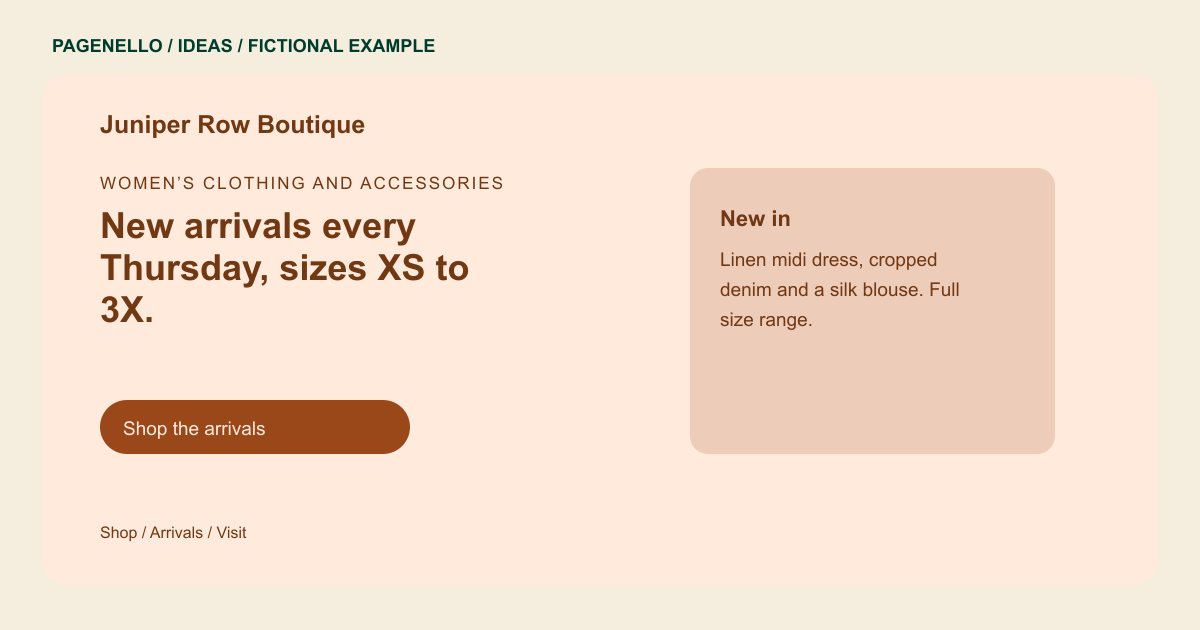
Women’s clothing and accessories
New arrivals every Thursday, sizes XS to 3X.
Dresses, denim and occasion pieces picked for everyday wear and special dates. Stop in for styling or book a private appointment.
Start with a considered edit
Juniper Row introduces dresses, denim and occasion pieces. Your opening image might show an outfit on a person or a carefully arranged rack, depending on the look you sell. Use photographs you have permission to publish and describe the pieces accurately.
Keep the shopping destination clear
If you already sell online, label the link so visitors know it opens your shop. Your ecommerce service handles product options, current stock, checkout and returns. A new online store is outside the one-page package.
Give in-person shoppers a reason to visit
Show the address, hours and a directions button near any mention of styling. If appointments are offered, explain how to request one and link to your existing scheduler. Only publish sizes, services or opening times that your boutique currently offers.
Plan for changing collections
A seasonal image can capture your point of view without turning the page into a full catalog. Review featured pieces when stock changes, and avoid describing a specific item as available unless the listing is kept current.
Clothing boutiques: ideas
| Idea | Use |
|---|---|
| Outfit-led introduction | Use one strong photograph and a short description of the look, with a link to the relevant collection in your existing shop. |
| New-arrivals edit | Highlight a few current pieces or a seasonal category. Replace imagery and descriptions when that selection changes. |
| Styling appointment focus | Describe what happens during a visit and direct shoppers to your established appointment tool or contact method. |
| Storefront visit guide | Pair an image of your space with accurate opening hours, directions and any useful parking information. |
| Size and fit information | Explain the range you actually carry and where shoppers can find item-specific fit details in the online shop. |
Questions about boutique websites
Is Juniper Row a customer or an actual boutique?
No. The sample store, merchandise and opening hours are fictional. Your own page should reflect the pieces and services you offer. Replace the fictional details with your own confirmed boutique information.
Can the page sell my clothing directly?
It can send shoppers to your existing online store, where inventory and payment are handled. A store built from scratch is quoted separately. Keep your returns policy with the store that handles purchases.
Can shoppers schedule a styling session?
If you offer appointments, a button can link to a scheduler you already use or open your preferred contact channel. State any fitting fee and the way shoppers arrange their visit.
What photos should I prepare?
Choose clear images you have rights to use, such as your storefront, a styled outfit or a representative selection. Keep descriptions and availability accurate as stock changes.
