Campground website ideas for a stay worth planning
A campground website can make choosing a stay easier by showing the kinds of sites, the season and a clear route to reservations. The fictional Alder Creek example illustrates a compact layout for tents, RVs and cabins. Use its structure as a starting point, then replace every park detail with your own.
Want a page designed for your business? See the top of your own page free before paying.
By Luis Junior
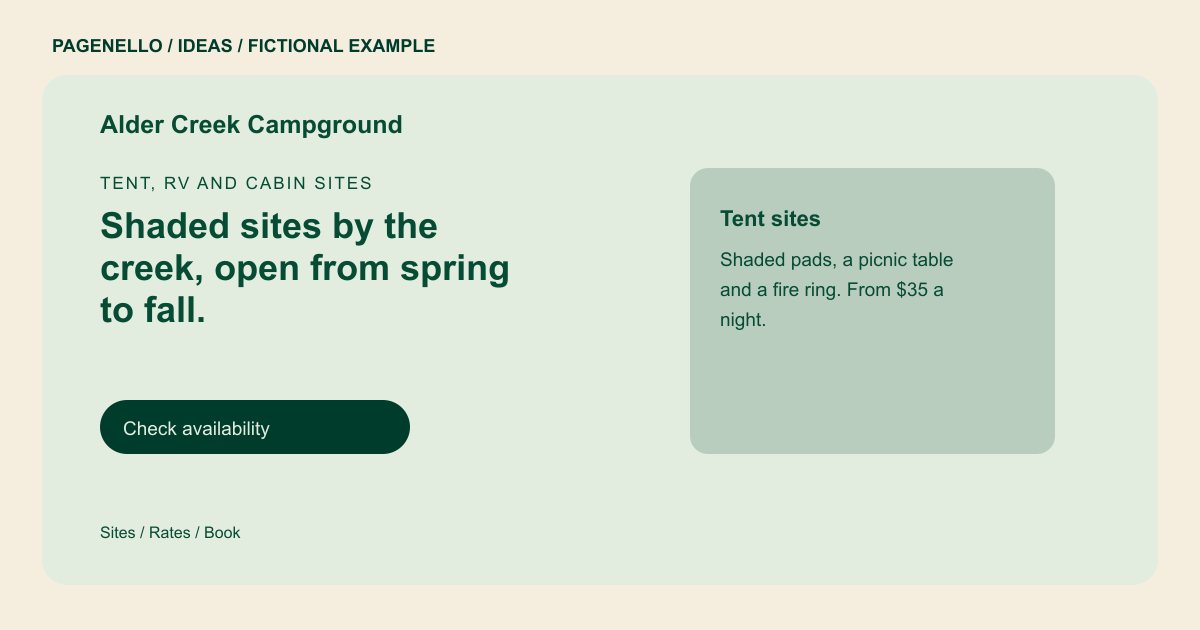
Tent, RV and cabin sites
Shaded sites by the creek, open from spring to fall.
Tent sites, full-hookup RV sites and a few cabins, with showers, a laundry and a pool in season. Check dates and book online, or call the office with questions.
Help guests picture their pitch
Alder Creek introduces three ways to stay before asking visitors to check availability. That order gives a family with a tent and an RV owner a useful starting point. Use current photographs of the actual pitches, including space around each one, rather than implying every site has the same view.
Make the practical details easy to compare
Put hookups and vehicle length limits beside the relevant RV option. Add season dates, rate conditions and minimum stays where they affect a choice. A readable site map can show the relationship between cabins, showers and the entrance; keep its labels consistent with your reservation system.
Set expectations before arrival
A concise park guide can cover check-in, quiet hours, fire restrictions and pet rules. Date seasonal amenity information and update it when conditions change. Give guests a phone option for questions that cannot be answered by the site map.
Campgrounds and RV parks: ideas
| Idea | Use |
|---|---|
| Site-type cards | Adapt the sample’s tent and RV descriptions into separate cards with the facilities and limits that apply to each. |
| A seasonal notice | Place opening dates near rates so a traveler can tell which part of the year the park operates. |
| Map-led exploration | Link to your current site map and explain how to identify a suitable pitch before opening the booking tool. |
| Arrival essentials | Group office hours, directions and check-in instructions in a compact panel for guests already on their way. |
| Amenity captions | Show photographs of real facilities and note any pool, shower or laundry restrictions that matter to a stay. |
Questions about campground websites
Is Alder Creek an actual campground?
It is a fictional example, created to demonstrate how a park might organize its information. Substitute your own site types and details. Use your park’s own facilities, policies and opening dates.
Can guests check live availability on this page?
A reservation button can open your existing booking service, where live availability and payment are handled. A new reservation system is outside the package. Tell guests which types of campsites your park offers.
What if my park has many site categories?
Summarize the main choices on the first page and use an extra page for more detailed categories or a larger site guide. An extra page costs $190.
How should I show rates that change by season?
Label the dates and conditions attached to each rate, then check the figures against your booking tool whenever they change. Distinguish tent, RV and cabin rates if your park offers them.
