Campground website design: one page with site types, rates and season dates
Help campers compare your tent sites, RV spaces or cabins before choosing dates. Pagenello writes and designs a custom campground page for $590, featuring your park rules and a link to the reservation service you already use. You can review the opening design free through the first look before payment.
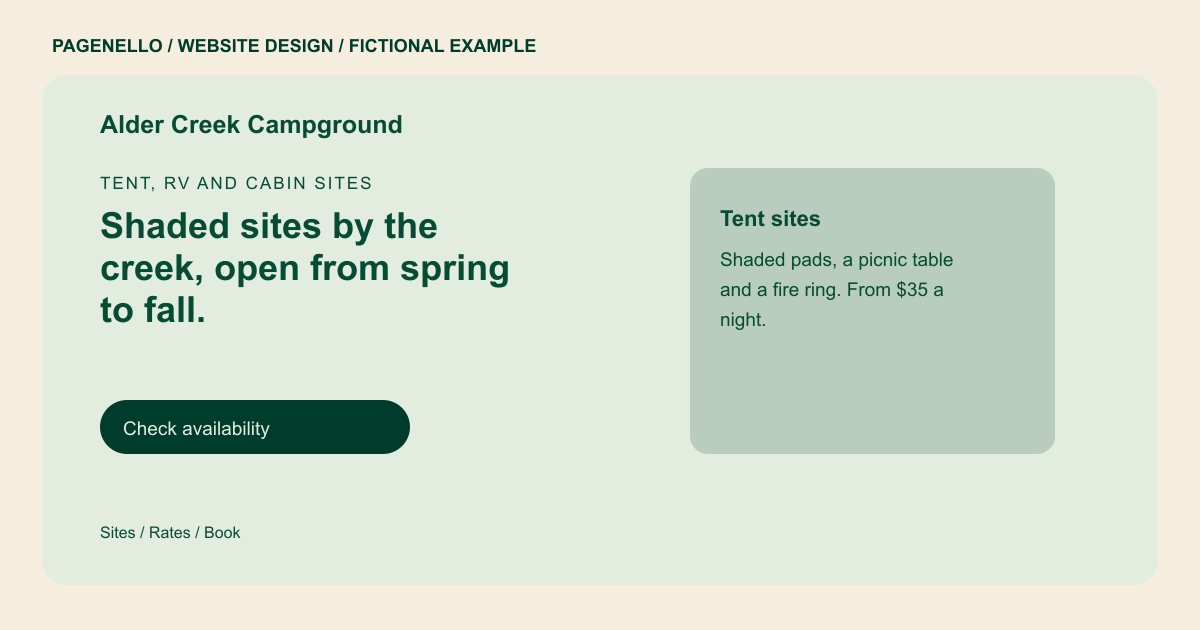
Tent, RV and cabin sites
Shaded sites by the creek, open from spring to fall.
Tent sites, full-hookup RV sites and a few cabins, with showers, a laundry and a pool in season. Check dates and book online, or call the office with questions.
Plan your campground website
What do campground customers look for on a website?
Campers compare site types and dates before booking. They may need to know whether you offer tent pads, RV hookups or cabins, along with vehicle-length limits, rates and seasonal opening dates. Families may check showers, pool access and pet rules. Explain your check-in process and identify facilities that operate seasonally. Link to your existing reservation service so travelers can check current availability there.
| Customers look for | On your Pagenello page |
|---|---|
| Site types and what each includes | Tent sites, RV sites and cabins, each with its size limit and hookups in plain text. Name the site types your park actually offers, and identify any length restrictions that affect a guest arriving with an RV or trailer. |
| Rates and season dates | Nightly rates, minimum stays and the dates the park opens and closes, updated when the season changes. Separate seasonal rates from dates when the park is closed, and direct guests to the reservation provider for the current availability of each site. |
| Site map and park rules | A simple site map as an image or PDF link, plus your rules on quiet hours, fires and pets, so guests read them before arrival. Describe the facilities your team maintains, such as water, showers or a dump station, and identify any amenities that close outside the main season. |
| Amenities that matter | Showers, laundry, pool, Wi-Fi and dump station, with their hours and any seasonal limits you set. State your own rules for quiet hours, pets and fires, with a contact for travelers who need to discuss an exception or accessibility need. |
| Booking and check-in | A reservation button, your check-in time, arrival directions and your cancellation policy, all in plain text. Make check-in instructions easy to find, including where a guest should go on arrival and how to contact staff about a late arrival. |
Which tools can my page link to?
Link visitors to the reservation system your campground already uses. If it shows availability or accepts payment, guests can complete those steps there. Check what your provider supports and keep park rates and site maps accurate. Pagenello does not build a reservation system or a live availability calendar.
What does it cost?
$590 once. The first look is free. An extra services page ($190) gives cabin and group site descriptions more space. Google Business Profile setup ($149) uses your park details; you verify the listing and grant manager access.
See the complete pricing and terms and how the first look works.
Questions from campground owners
Can campers reserve a site from the website?
The page links to your reservation pages in Campspot, Newbook or RoverPass, so a camper sees live availability and pays in that tool. The page explains the sites and rates, and the booking tool handles the rest.
Where should my site map go?
Put a clear image or PDF link on the page, and keep the site numbers the same as the ones in your booking tool. An outdated map confuses guests at check-in, so I recommend updating it whenever a site changes.
Do I need to show my campground permit?
If your park needs a state or county campground permit, show the permit number as text in the footer or About section. I publish only the permit numbers you give me, and you check them against the permit before the page goes live.
How should I show the season?
Write the opening and closing dates at the top of the rates section, and say when the booking tool opens new dates. Seasonal hours are part of Care Plus at $390 a year, so the dates stay current without a new build.
Can I post pet rules and quiet hours?
Yes. A short rules section helps guests arrive ready. It can cover pets, quiet hours, fires and any visitor fees. I write that wording with you, so it matches the rules your park already enforces.
