Boat rental website ideas for a day on the water
A boat rental website can help a group choose a vessel, understand the rental period and find the dock before opening a booking calendar. The example below shows fictional Heron Point Boat Rentals. Use its fleet, rates and launch information as a starting point, then replace every detail with your own.
Want a page designed for your business? See the top of your own page free before paying.
By Luis Junior
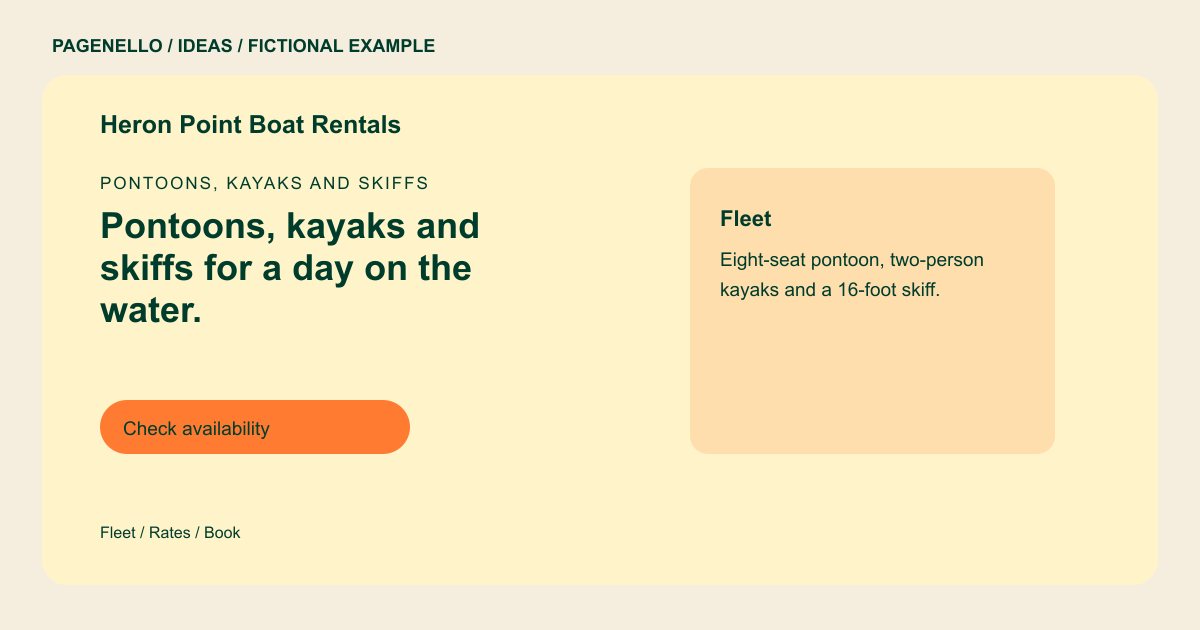
Pontoons, kayaks and skiffs
Pontoons, kayaks and skiffs for a day on the water.
Hourly and daily rentals from the dock, with life jackets and a short briefing included. Check availability for your date, then book online.
Make the fleet easy to compare
Heron Point pairs a pontoon, kayaks and a skiff with example rates, plus capacity details for the pontoon and kayaks. For your own fleet, use a consistent photo angle and a short caption for each craft. Put passenger limits beside the boat, so a family does not have to search the fine print.
Connect the price to the trip
A four-hour pontoon rate and an hourly kayak rate describe different outings. Label each duration and say what is included, such as fuel or safety equipment, only when that is true for your rental. Explain seasonal changes beside the relevant rate.
Help visitors reach the right dock
Place launch directions near a map link, with parking or loading instructions if needed. State your actual arrival time, weather policy and operator requirements. Check the rules that apply in your location before publishing them.
Hand off to your reservation tool
A button can open the calendar you already use. Availability, deposits and waivers stay in that service; a newly built booking system is outside the one-page package. Test the link on a phone before the season starts.
Boat rentals: ideas
| Idea | Use |
|---|---|
| Fleet-first comparison | Give each boat a photo, capacity and time-based starting rate. This works well when visitors arrive knowing their group size. |
| Dock-first arrival guide | Feature the launch point and directions prominently when your slip is difficult to find. Add an arrival instruction beneath the map. |
| Activity-led choices | Group kayaks and pontoons by the experiences you actually offer, then point each group to its corresponding booking option. |
| Rules beside the action | Place a concise operator eligibility note near the reservation link, with a fuller explanation of your own policies below. |
| Seasonal availability focus | Show the months you operate and direct visitors to your existing calendar for current dates rather than promising availability in static text. |
Questions about boat rental websites
Are the boats and prices in the example real?
No. Heron Point and its fleet, prices and policies are fictional. Supply your current rates and verified requirements for your own page. The sample is a design illustration, not a real rental operator.
Can each vessel lead to its own calendar?
A button can link to the corresponding page in an existing rental service if that service provides a suitable link. The calendar itself remains there.
How should I show weather cancellations?
Summarize your actual weather policy near the booking path, including how renters learn about a closure. Keep the full terms available wherever customers book. Direct renters to the operator’s current terms before they reserve.
What if I have many boats?
Start with the categories a renter needs to distinguish. An additional fleet or rates page is available for $190; an external reservation system can handle the live inventory.
