Landscaping website ideas for projects and seasonal care
A landscaping website can introduce your outdoor work, show what your crew does through the seasons and guide a property owner toward a quote. The fictional Greenway Yard & Garden example combines planting, patios and maintenance. Use its layout as inspiration and replace the sample services with your actual offerings.
Want a page designed for your business? See the top of your own page free before paying.
By Luis Junior
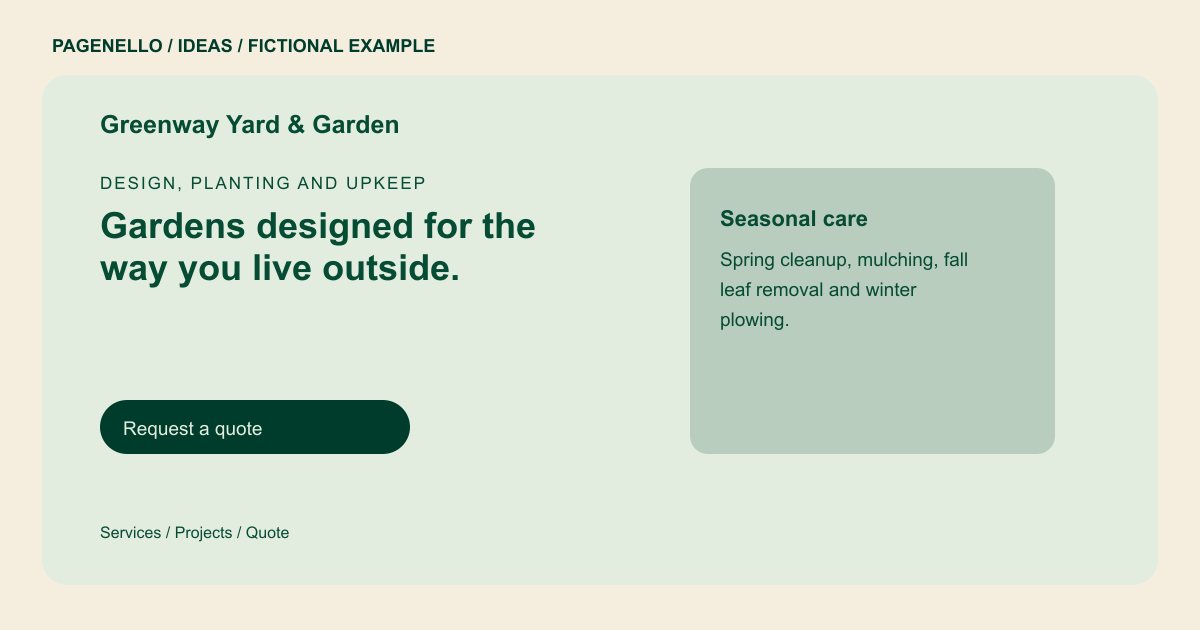
Design, planting and upkeep
Gardens designed for the way you live outside.
Planting beds, stone patios and lawn care for homes that get used. Spring cleanups fill early, so ask for a site walk in winter.
Put the landscape work in context
Greenway groups planting beds, patios and lawn programs in its sample. On your own site, a project image becomes more useful with a caption identifying the work your team performed. For before-and-after pairs, use matching views where possible and obtain permission from the property owner.
Organize care around the calendar
A seasonal list can show when you offer cleanup, mulching or leaf removal. If your business focuses on design and installation instead, describe the stages from site walk to construction. Publish only services and booking windows your crew can support.
Set up the quote conversation
Name the communities you serve and indicate whether you work on residential or commercial properties. A quote button may lead to your existing field-service tool or open an email. Scheduling, estimating software and custom inquiry forms are outside the one-page package.
Landscapers: ideas
| Idea | Use |
|---|---|
| Planting portfolio | Feature a finished bed with a caption describing the planting and the role your crew played. Add the season to help explain its appearance. |
| Maintenance calendar | Arrange recurring care by season, noting what each visit covers. If services differ by property, invite the owner to discuss the scope. |
| Outdoor living showcase | Present a patio or walkway alongside a short account of the materials and installation. Choose photos you have permission to share. |
| Site-walk invitation | Explain what a potential customer should have ready for a first conversation, such as the property location and the work they are considering. |
Questions about landscaping websites
Is Greenway an actual landscaping project?
No. Greenway and its project descriptions are fictional and illustrate one possible presentation for a landscaping business. The sample does not represent an actual project or a Pagenello customer.
Can I put licenses on the page?
Yes. Provide accurate details for the licenses your landscaping business holds and check the requirements that apply to your work and location. Keep the information current as credentials change.
How can a customer request an estimate?
A button can link to your existing estimate tool or open an email. A custom form or new estimating system is not part of the package.
Should I display jobs from different seasons?
Seasonal photos can show how your landscaping work changes during the year. Label each image honestly, confirm permission to publish it and choose photographs reflecting services you currently offer.
