Landscaping website checklist: prepare for the next estimate
Start by separating the yard work your crew offers from services it does not. Gather project photographs, the locations you serve and a clear way to request an estimate. Then check seasonal availability and any license information you choose to show. Use the list below to organize those details before building or updating your landscaping website.
Want this built for you? See the top of your own page free before paying.
By Luis Junior
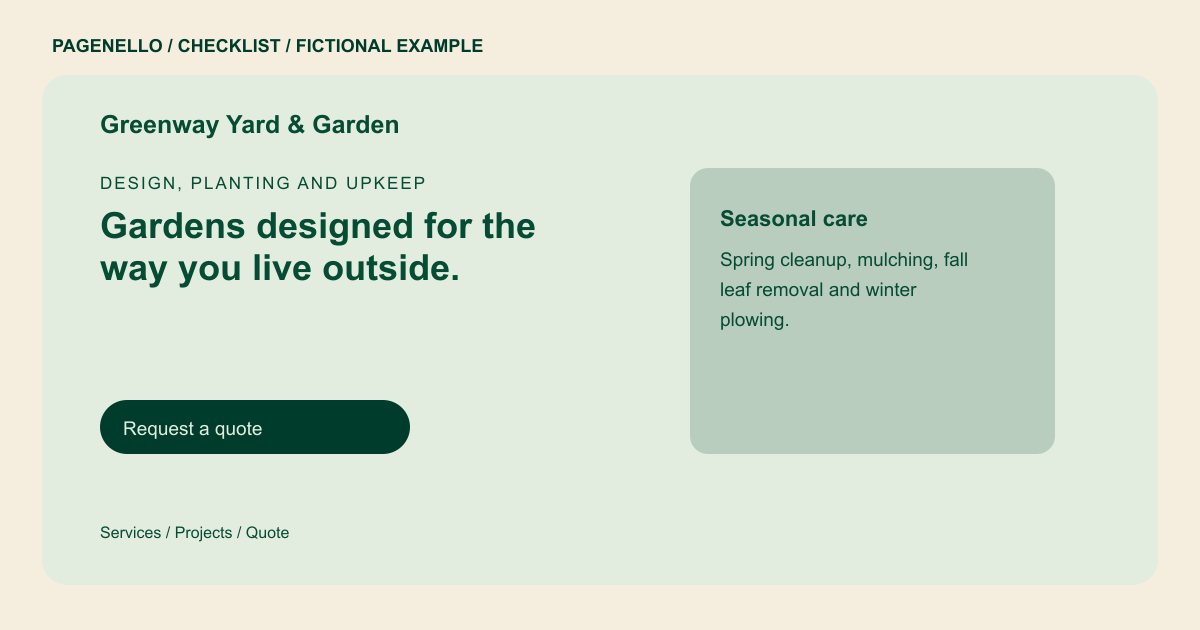
Distinguish maintenance from projects
Describe recurring work such as mowing or bed care separately from one-time planting and patio projects, if you provide them. Explain what a typical visit covers and whether the customer needs an initial site walk. List only work your crew actually accepts.
Show the right kind of yard
Select photographs that match the services you want to offer. Captions can identify a planting bed, hardscape installation or cleanup and explain your role. Get the property owner’s permission before showing a recognizable home, and describe meaningful images for visitors using screen readers.
Keep the calendar realistic
Note which services vary by season and update availability when your schedule changes. Identify the towns or areas you reach. If your work requires a license, verify applicable rules and display only credentials your business holds, exactly as documented.
Landscapers: checklist
Questions about landscaping websites
How should I explain a recurring lawn service?
Describe the tasks included, the usual schedule and how you determine a price for a particular property. Avoid promising a frequency your crew cannot maintain.
Can I show before and after yard photos?
Use images of your own work with the property owner’s permission. Label the work accurately and avoid exposing a private address or other identifying details without consent.
Can the page create landscaping estimates?
The Pagenello page can direct visitors to your existing estimate tool or provide a way to call. A custom quoting or scheduling system is outside the package.
