Cabinet maker website ideas that show the work
A cabinet maker website can help a homeowner understand your style, the rooms you work on and the first step toward an estimate. The fictional Oak & Lantern Cabinetry sample combines door styles, project types and a simple process. Adapt it with images and details from work you are allowed to show.
Want a page designed for your business? See the top of your own page free before paying.
By Luis Junior
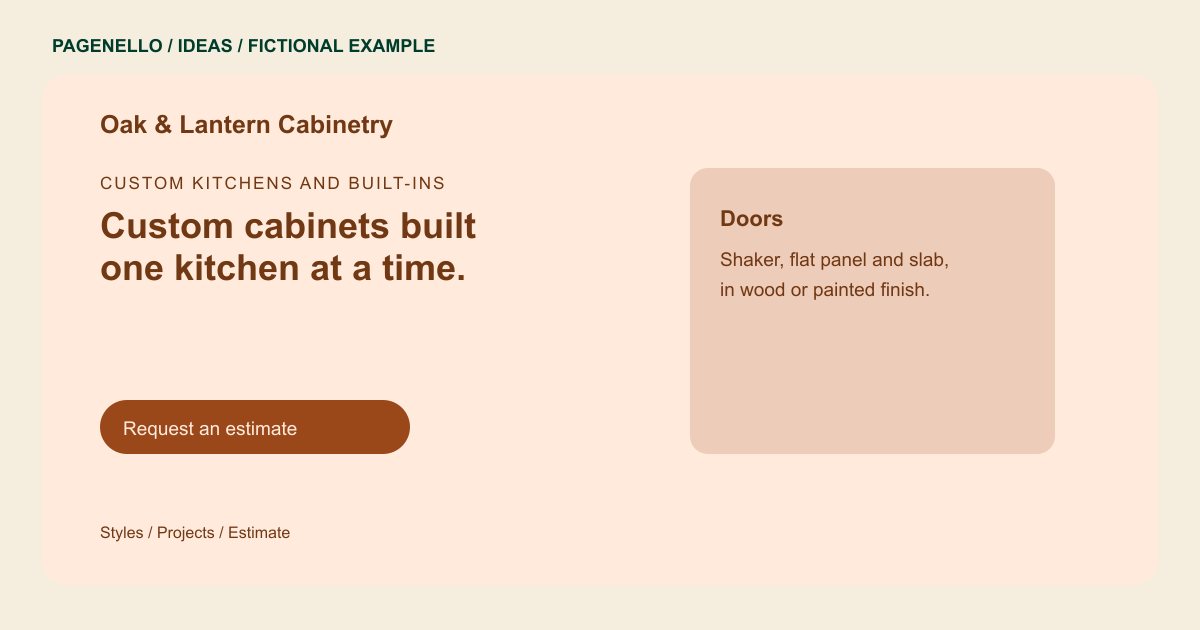
Custom kitchens and built-ins
Custom cabinets built one kitchen at a time.
Shaker and flat-panel doors in oak, cherry and painted maple. Every project starts with an on-site measure and a drawing you approve.
Show the scale of a project
A wide photograph can show how cabinetry fits a kitchen or built-in wall; a closer view can reveal a door profile or finish. Caption each image with the work you actually supplied. Get permission before publishing a customer’s home or identifying details.
Describe the decisions you guide
The sample names Shaker and flat-panel doors alongside wood and painted finishes. Your page can explain the options you offer and where they apply, such as kitchens or vanities. Avoid showing a finish as available unless you can currently provide it.
Make the estimate request useful
A homeowner may have measurements, a rough timeline or inspiration photos. Explain what to share by email or phone and what happens next. The sample’s measure-and-drawing sequence is illustrative; describe your own design and installation process instead.
Cabinet makers: ideas
| Idea | Use |
|---|---|
| Room-by-room portfolio | Replace the fictional projects with approved photographs of your kitchens, vanities or built-ins and a brief description of your contribution. |
| Door and finish guide | Pair clear detail shots with the styles and materials you work with so visitors can describe their preferences. |
| Workshop story | Show your actual shop or fabrication process when you have suitable photographs and want craftsmanship to lead the page. |
| Remodeling process | Use a short sequence to explain consultation, drawings, approval and installation only where those steps match your service. |
| Estimate invitation | Put your service area and preferred contact method near a prompt to share the room type and project stage. |
Questions about cabinet maker websites
Is Oak & Lantern a project built for a customer?
No. The cabinetry business and its project descriptions are fictional. They illustrate how a workshop might present its services. Use photographs and descriptions of your own permitted projects instead.
What if I only build cabinets and do not install them?
Say that plainly and explain how the customer or their contractor handles installation. Replace the sample process with your actual scope. Clarify which measurements or plans you need to prepare a quote.
Can homeowners send drawings through the page?
The page can provide an email link for discussing drawings. A file-upload form and customer portal are outside the package. Tell homeowners which project details help your workshop respond.
How many completed projects should I show?
Choose a small set that reflects the work you want to take on. Use photographs you have permission to publish and explain your part in each project.
