Notary website ideas for a mobile signing service
A notary website can help a signer understand where appointments happen, which services are offered and how to arrange a visit. The fictional mobile notary below places signing types, fees and preparation alongside a booking action. Use the layout as a starting point, then check every service and instruction against your own commission and state rules.
Want a page designed for your business? See the top of your own page free before paying.
By Luis Junior
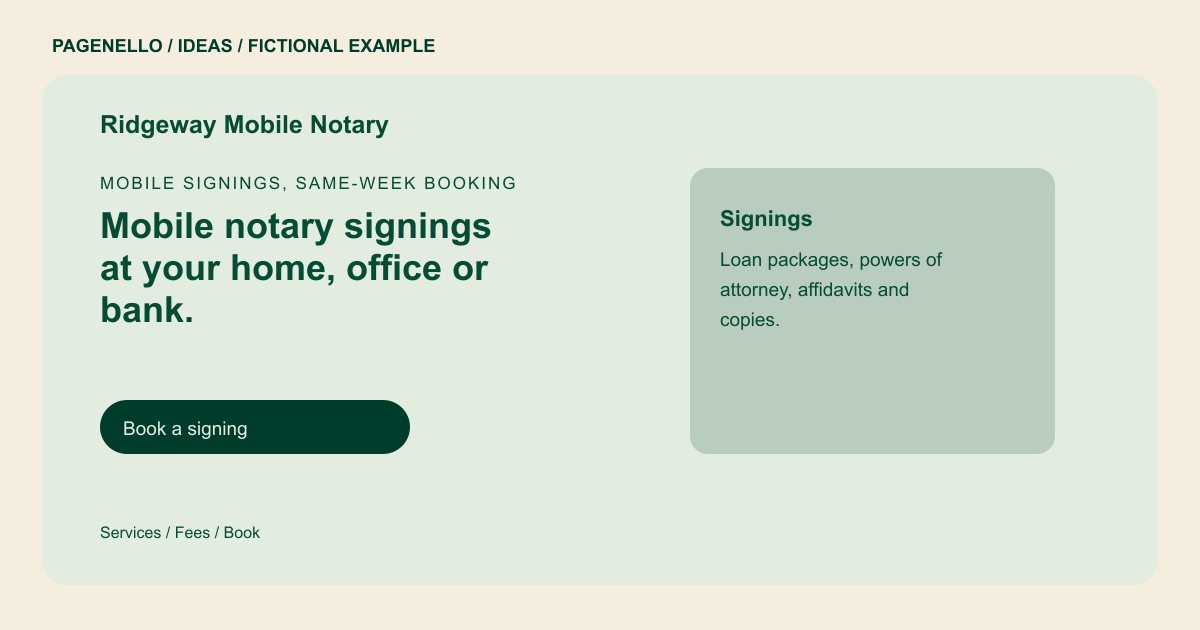
Mobile signings, same-week booking
Mobile notary signings at your home, office or bank.
Loan signings, powers of attorney and affidavits, with ID checked at the start. Commission #00000.
Describe the appointment setting
Ridgeway Mobile Notary introduces visits at a home, office or bank. Replace those examples with the locations you actually serve, your travel area and available hours. If you also have an office, give visitors a separate route for finding it.
Explain fees before the call
The sample distinguishes a signing fee from travel charges. Your fee explanation should reflect the rules that apply where you work and specify how any travel charge is determined. Avoid implying that every document or appointment has the same requirements.
Make preparation practical
The fictional page mentions identification and documents. Provide instructions appropriate to your jurisdiction and the service requested, including any witness arrangements you require. Ask signers to call with questions rather than sending sensitive documents through an ordinary email link.
Notaries: ideas
| Idea | Use |
|---|---|
| Travel-led introduction | Start with your mobile coverage and a call button for a signer trying to arrange a visit. |
| Signing type overview | List only the notarizations or signing services you are authorized and prepared to provide. |
| Fee and travel breakdown | Place your fee explanation next to the appointment action, with any conditions written clearly. |
| Remote appointment route | If you are authorized to offer remote notarization, link to the platform you already use and explain who can use it. |
Questions about notary websites
Can signers choose a time from the site?
The page can link to your existing scheduling service. Pagenello does not build a new booking system as part of the one-page package. Explain what signers need to know before requesting an appointment.
Should I publish my commission details?
Use the commission information you can verify and check your state’s rules for advertising and professional descriptions. The sample number is fictional. Review the published details whenever your commission information changes.
Can my page accept documents for review?
File uploads are outside the package. Direct people to an existing service appropriate for your workflow and avoid inviting sensitive documents through ordinary email. Tell signers how to contact you before sharing their paperwork.
