Plumber website ideas for urgent calls and planned work
A plumbing website can distinguish an urgent call from a planned repair and explain how to reach the business. The fictional example below contrasts an emergency call with booking a planned visit. Use your own hours, services and verified credentials, and describe emergency availability only when you actually provide it.
Want a page designed for your business? See the top of your own page free before paying.
By Luis Junior
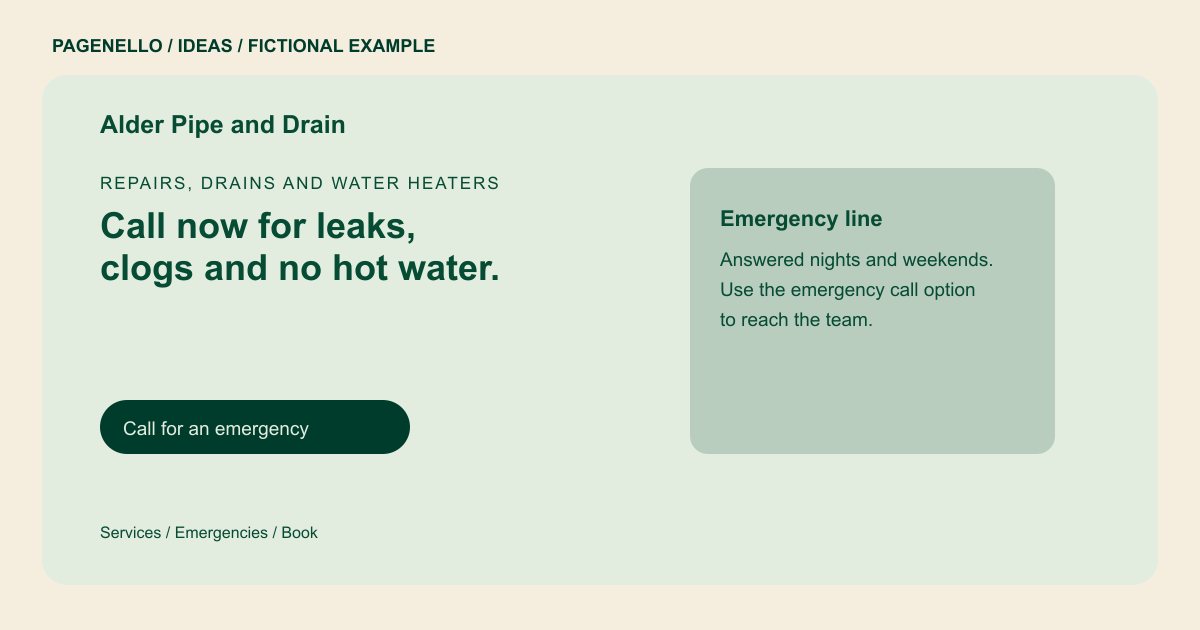
Repairs, drains and water heaters
Call now for leaks, clogs and no hot water.
Licensed plumbers for repairs, drain clearing and water heater swaps, with a clear price before any work starts. Use the emergency call or booking option to get in touch.
Give each type of call a clear route
Alder Pipe and Drain presents an emergency call alongside an option to book a visit. If your business handles only scheduled work, replace the emergency language with your actual response hours. A tap-to-call number gives a homeowner a direct way to speak with your team.
Explain the work and the coverage
Group the jobs you perform under recognizable problems such as a blocked drain or a water heater that needs attention. Name the towns or areas you serve in text. Keep any diagnostic fee or estimate process accurate to your own policies.
Use credentials that can be checked
The sample license number is a placeholder. Replace it with the details you are authorized to publish and verify applicable state and local advertising requirements. Photographs of your own team and vehicles can make the page more recognizable when you have permission to use them.
Plumbers: ideas
| Idea | Use |
|---|---|
| Urgent repair path | If you answer after hours, put the real availability beside a call button. State any limits so customers know when the line is staffed. |
| Planned project route | For repipes or water heater replacements, describe how an estimate begins and link to your existing scheduling tool. |
| Service area list | Name the communities your crew actually covers rather than relying on a map image alone. |
| Credentials strip | Show your verified license and insurance information where required, using the exact details supplied by your business. |
| Pricing explanation | If you charge a diagnostic fee, explain the amount and whether it applies to a repair. Otherwise describe how you provide a quote. |
Questions about plumbing websites
Is Alder Pipe and Drain a Pagenello customer?
No. It is a fictional business, and the sample license number is a placeholder. Replace its example details with your own plumbing information. Use the license number your business actually holds.
Can the site dispatch a plumber?
The page can link to a scheduling or dispatch tool you already use and offer tap-to-call. It does not create a dispatch system. The office still confirms which technician can take the job.
Should I display emergency availability?
Only if you offer it. Include the hours and conditions your staff can actually honor, and update the page when they change. Distinguish a burst pipe from routine maintenance requests.
Where should my license number appear?
Use the correct number and check the display requirements for your jurisdiction before publication. A credentials section can make it easy to find. Use the credential issued to your own plumbing business.
