Plumber website checklist for service calls
A plumbing website should quickly say which jobs you take, where you work and how to reach your team. Clarify the hours for urgent calls, show the credentials you can verify and explain how estimates work. Use the checklist to prepare these details before launch.
Want this built for you? See the top of your own page free before paying.
By Luis Junior
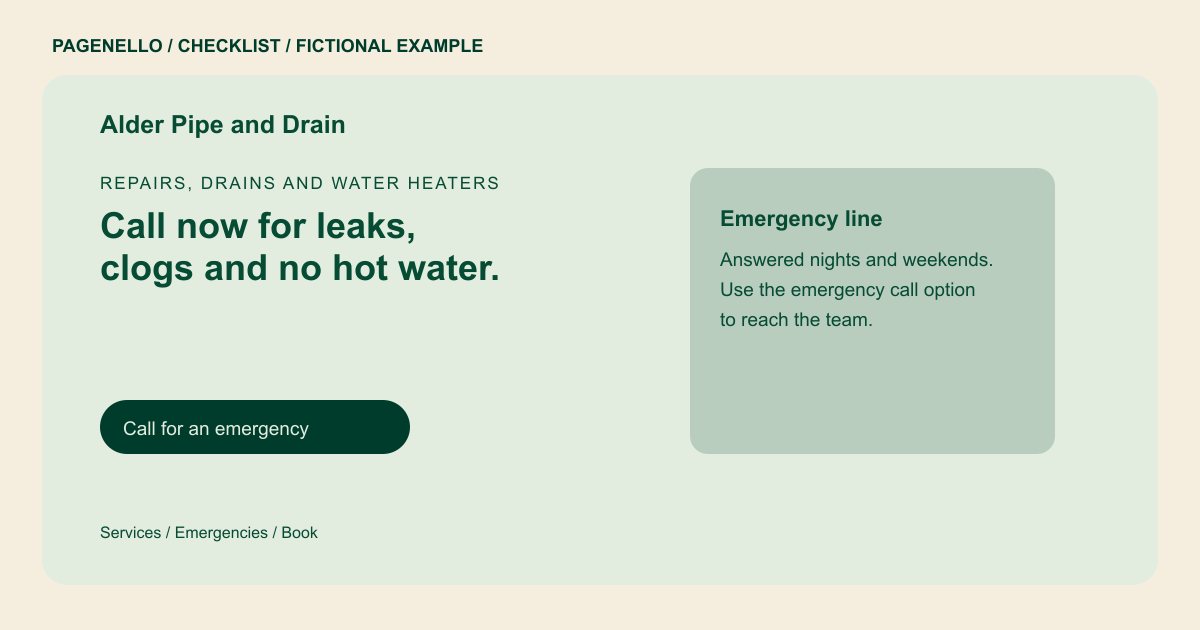
Separate urgent calls from planned work
A visitor facing a leak needs to know whether someone answers outside regular hours. State your actual coverage and provide a tap-to-call number. For nonurgent jobs, offer the contact or scheduling route your office already uses, with no promise of a response time you cannot keep.
Define the jobs and territory
List the plumbing work you perform, such as drain clearing or water heater installation, and name the communities your crew serves. If commercial and residential work have different contacts, label those routes so the caller reaches the right team.
Check credentials and pricing language
Use your own license and insurance information exactly as verified by the business. Review local advertising requirements before publishing. If you charge a diagnostic or callout fee, explain its terms; if prices depend on inspection, say how the estimate is given.
Plumbers: checklist
Questions about plumbing websites
Should I advertise emergency plumbing?
Only if your team actually handles urgent calls. State the hours and contact method you can support, including any limits on after-hours coverage. Explain how a caller reaches the on-call plumber.
Do I need to publish a license number?
Requirements vary by location and type of work. Check the rules that apply to your business and use the number exactly as verified in your records.
How should I explain a fee that varies by job?
Describe any known visit or diagnostic charge and how an estimate is provided. Avoid giving a fixed price unless it reflects your actual terms. Tell homeowners when the office confirms the scope of repair.
Can customers book a plumber from the page?
A button can open the scheduling or dispatch tool your business already uses. Pagenello does not build a new dispatch system or take bookings on the page itself.
