Property management website ideas for owners and residents
A property management page needs distinct routes for owners comparing services and residents looking for their existing portal. Leasehaven is a fictional example that puts both audiences in view. Adapt its layout to your portfolio, management agreements and the software your office already uses.
Want a page designed for your business? See the top of your own page free before paying.
By Luis Junior
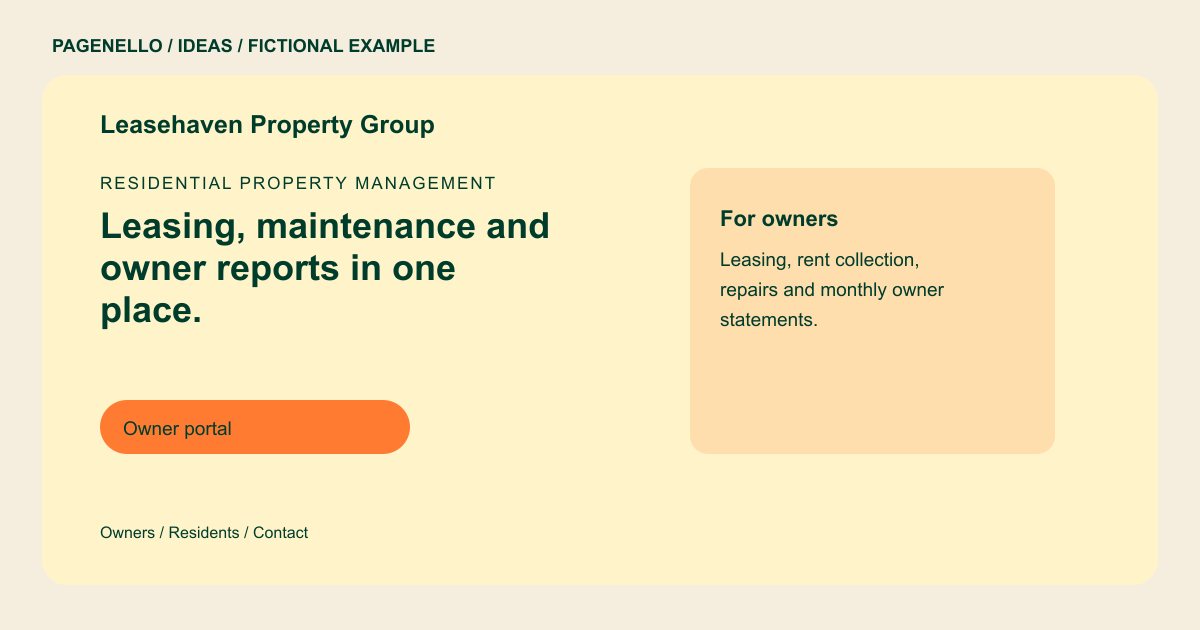
Residential property management
Leasing, maintenance and owner reports in one place.
We lease, maintain and report on single-family homes and small apartment buildings. Owners get monthly statements, and residents pay rent and send repair requests from one portal.
Separate two very different visits
An owner may want to understand leasing, maintenance coordination and reporting before discussing a property. A resident may simply need the portal. Leasehaven uses separate owner and resident labels so those tasks do not compete for a single generic contact button.
Describe the portfolio you handle
Name the property types and service area you actually cover, then show a short explanation of your management process. If you disclose fees, distinguish what is included from charges that depend on the agreement. Keep any licensing details accurate and check applicable local requirements.
Keep resident instructions actionable
State where residents submit routine maintenance requests and provide the after-hours contact your company actually uses. Direct people facing immediate danger to emergency services. Test each portal link and update instructions whenever your provider or office procedure changes.
Property managers: ideas
| Idea | Use |
|---|---|
| Owner acquisition layout | Lead with the property types you manage and a consultation action, followed by leasing and reporting details. |
| Resident utility layout | Put the resident portal and maintenance instructions in a visible group for people returning to the site. |
| Rental availability path | Link applicants to your existing listings and application service; remove the link if you do not offer public listings. |
| Office and emergency panel | Show business hours, your real after-hours procedure and the appropriate contact numbers together. |
| Fee explanation | If you share management fees, explain the basis and point owners to a conversation about their particular property. |
Questions about property management websites
Can the example process rent payments?
The illustration does not process payments. Your page can link to an existing resident portal; payment processing and a new portal are outside the package.
How can prospective owners contact me?
A call or email button can lead to your office. You can also link to an existing appointment tool if that is how you arrange owner consultations.
What if I manage several property types?
Name the types you actually serve and give each a brief description. An additional page for a larger set of details is available for $190.
Is Leasehaven a real management company?
No. It is a fictional example for exploring page structure; replace its details with your own verified services and procedures. Use your own owner and resident contact details in its place.
