Summer camp website ideas for planning the season
Parents comparing camp sessions need dates, age groups and a sense of the activities before they register. This fictional camp pairs a session card with an enrollment action and a glimpse of the program. Substitute your own calendar, eligibility details and daily arrangements when planning a page.
Want a page designed for your business? See the top of your own page free before paying.
By Luis Junior
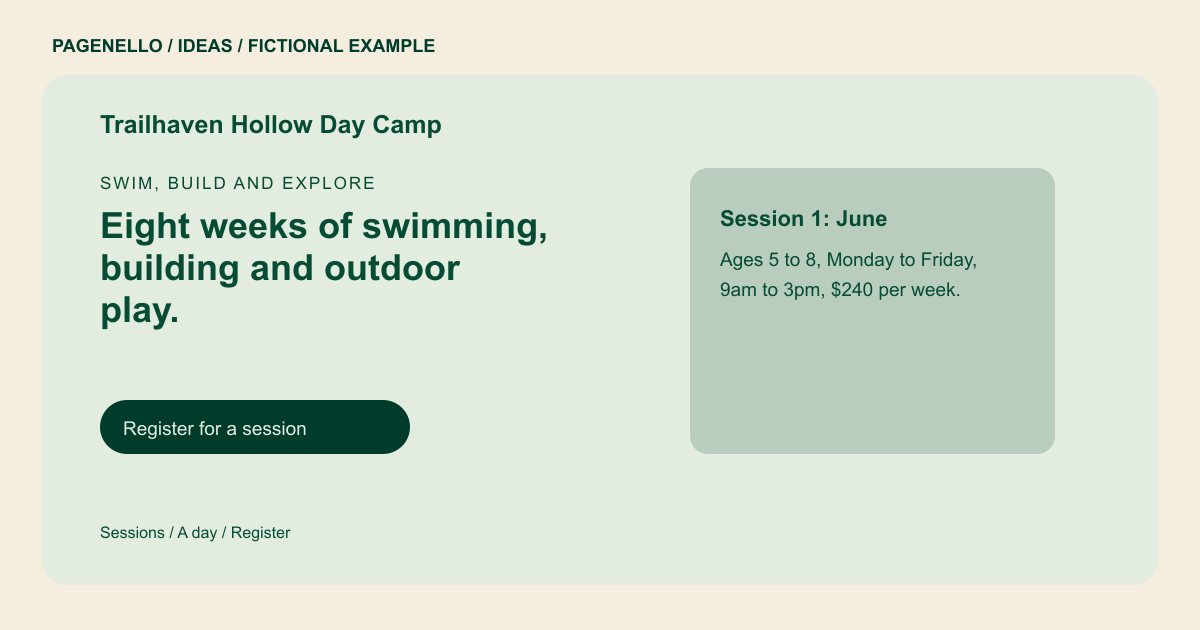
Swim, build and explore
Eight weeks of swimming, building and outdoor play.
Day camp for ages 5 to 12, with counselors on every trip and a hot lunch served daily. Choose a session below and register from the button.
Start with the weeks families can choose
Trailhaven Hollow shows a June session with its age range, hours and sample fee. For your camp, organize sessions in the order families will compare them. Include the year and identify who will update availability or changed dates.
Show what fills the day
The example moves from a swim block to a build project and a trail walk. A theater or coding camp could use the same space to describe its own activities. Choose photos you have permission to use, following your camp’s policies for images of children.
Make parent logistics easy to find
Drop-off, pickup, meals and what to pack belong near the program details. State your actual supervision practices and registration policies accurately. A link can lead to your existing camp platform for enrollment and required forms.
Summer camps: ideas
| Idea | Use |
|---|---|
| A session planner | Turn the sample session card into a current list of weeks, eligible ages, hours and fees for your programs. |
| A day at camp | Use a short sequence of activities to show how campers spend their time, including any meaningful choice between programs. |
| An arrival guide | Explain drop-off and pickup procedures, extended care if offered, and how families should contact the office. |
| A staff and safety section | Describe your own staffing and supervision practices. Verify licenses, accreditation and any required disclosures before publication. |
| An enrollment route | Connect the registration button to your existing platform and explain where returning families can find their account. |
Questions about summer camp websites
Are the camp dates and prices real?
No. Trailhaven Hollow is fictional, and its schedule, fee and staffing details demonstrate the layout rather than an actual program. Use your own season dates and camp policies when planning information for parents.
Can families register directly on this page?
The page can link to your current registration provider. A new registration, payment or health-form system is outside the package. Point parents to the appropriate session and explain how returning families access their account.
How should I handle next season’s dates?
Plan a yearly review of session details and registration links. Small text and photo edits are included for 30 days after launch; later changes can be arranged separately.
