Kids coding class website ideas for curious families
A coding class website can help families match a child to a session by showing ages, project types, schedules and the next step. The fictional Pixel Path Coding Club pairs Scratch and Python examples with a trial lesson. Replace its age bands and class details with the programs you actually teach.
Want a page designed for your business? See the top of your own page free before paying.
By Luis Junior
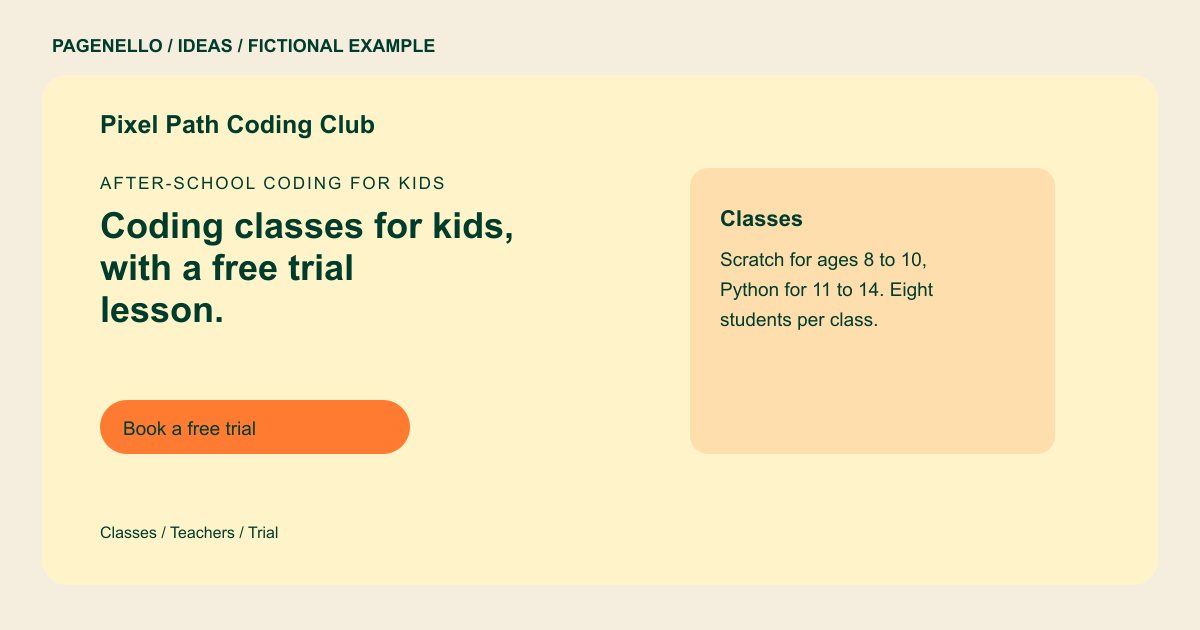
After-school coding for kids
Coding classes for kids, with a free trial lesson.
Small classes of eight, from Scratch games for young learners to Python projects for teens. Every session ends with a project to take home.
Show what students make
Pixel Path mentions games and Python projects rather than relying on a list of technology terms. You could show an approved project image alongside a plain-language description of what students do in class. Obtain permission before publishing a child’s work or identifying information.
Help a parent choose a class
The fictional program divides its offerings by age and subject. Your layout might instead distinguish beginners from returning students or in-person sessions from remote lessons. Explain prerequisites and equipment needs when they affect enrollment.
Connect interest to enrollment
A trial lesson is the example’s main invitation. If you offer one, describe its format and link to the scheduling service you already use. Otherwise, direct a parent to call or email with questions about placement and available sessions.
Kids coding classes: ideas
| Idea | Use |
|---|---|
| Age-group cards | Replace the sample’s fictional Scratch and Python ranges with the actual ages and skills for each course. |
| Project gallery approach | Use permitted images of classroom projects with short captions that explain the activity, without promising learning outcomes. |
| Calendar-led layout | Group after-school classes and camps by session, with dates and location details that your staff can maintain. |
| Teacher introduction | Add instructor names and relevant experience supplied by your school, using approved photos where available. |
| Trial lesson invitation | Put eligibility and the existing booking link together; change the action to an inquiry if no trial is offered. |
Questions about coding class websites
Is Pixel Path an actual coding school?
No. The club, class sizes and schedule are fictional. They illustrate how a program might present its lessons to families. Use your own age groups, teacher details and enrollment information.
Can I show projects made by children?
Use only work you have permission to display, and consider whether a project reveals a student’s name or other personal information. A demonstration made by an instructor can also illustrate an activity.
Can parents register on the page?
A link can take them to the registration service you already use. Creating a new enrollment system or collecting uploaded files is outside the package.
What if my classes use different languages?
Name the actual tools or languages taught and describe a representative activity for each. Keep age ranges and prerequisites aligned with your current course plan.
