Tutor website ideas for choosing the right lesson
A tutor website can help a family decide whether the subjects, grade levels and lesson format fit their student before they make contact. The fictional Studyhaven Lane example combines subject details, a rate illustration and a booking action. Use its structure as a starting point, then replace its details with your own actual teaching offer.
Want a page designed for your business? See the top of your own page free before paying.
By Luis Junior
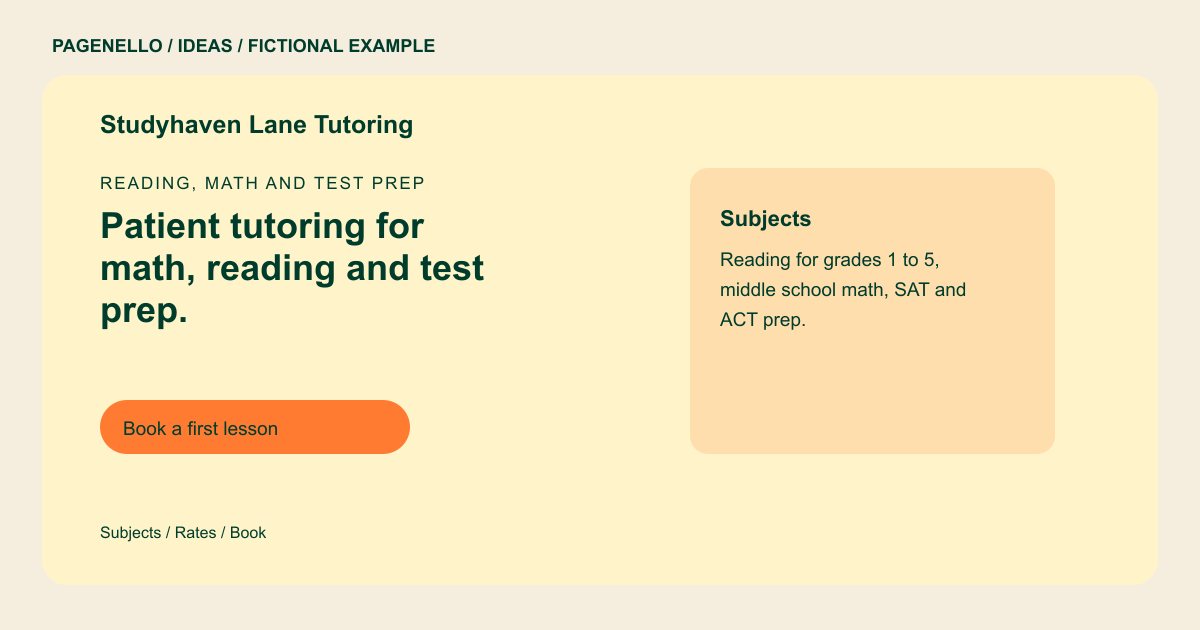
Reading, math and test prep
Patient tutoring for math, reading and test prep.
One student at a time, in person or on Zoom, with a short call before the first lesson so we can plan together.
Make the teaching match visible
Studyhaven Lane names reading, middle school math and test preparation. That mix is part of the fictional example, not a curriculum you need to copy. If you specialize in one exam or age group, use the opening line and subject section to make that focus clear.
Explain what happens before a lesson
The sample mentions a short introductory call and both in-person and Zoom sessions. For your own page, clarify which formats you actually offer, where an in-person lesson takes place and how a parent or adult learner can ask about availability.
Give rates and credentials context
The example shows an hourly rate, a package and a fictional credential. Replace each with accurate information you can substantiate. Explain what a package includes and its conditions, and check applicable rules before describing a teaching license or background check.
Tutors: ideas
| Idea | Use |
|---|---|
| Subject-led introduction | Put the subjects and grade bands together so a parent can identify the right match without decoding broad phrases like academic support. |
| Format comparison | Use a short line for online lessons and another for in-person sessions, including any travel or location boundaries that apply. |
| Rate card | Show a single-session price beside any package, along with session length and the conditions you want families to know. |
| First conversation path | Place a contact action near the lesson details. Link to an existing scheduler if you use one and want families to choose a time. |
| Tutor introduction | Present your relevant experience and verified qualifications in plain language, without promising a particular score or grade. |
Questions about tutoring websites
Should I list every grade and subject I teach?
List enough detail for families to recognize a fit. If you teach several subjects, group them by age or course rather than putting a long mixed list in the opening headline.
Can the page send families to my lesson scheduler?
Yes. A button can link to your existing scheduling tool. Building a new booking system is outside the one-page package. Label the link for the lesson type and give parents a way to ask about placement.
Are the tutor and rates in this example real?
Studyhaven Lane, its credentials and prices are fictional. Supply your own confirmed rates, experience and lesson arrangements for your page. Replace those sample details with your actual subjects, qualifications and current fee information.
