Window cleaning website ideas for homes and storefronts
A window cleaning website can help a property owner identify the surfaces you clean and see how to request a visit. The fictional Clearpane Window Care example groups services, a service area and booking choices. Use these ideas to explain your own routes, pricing approach and availability.
Want a page designed for your business? See the top of your own page free before paying.
By Luis Junior
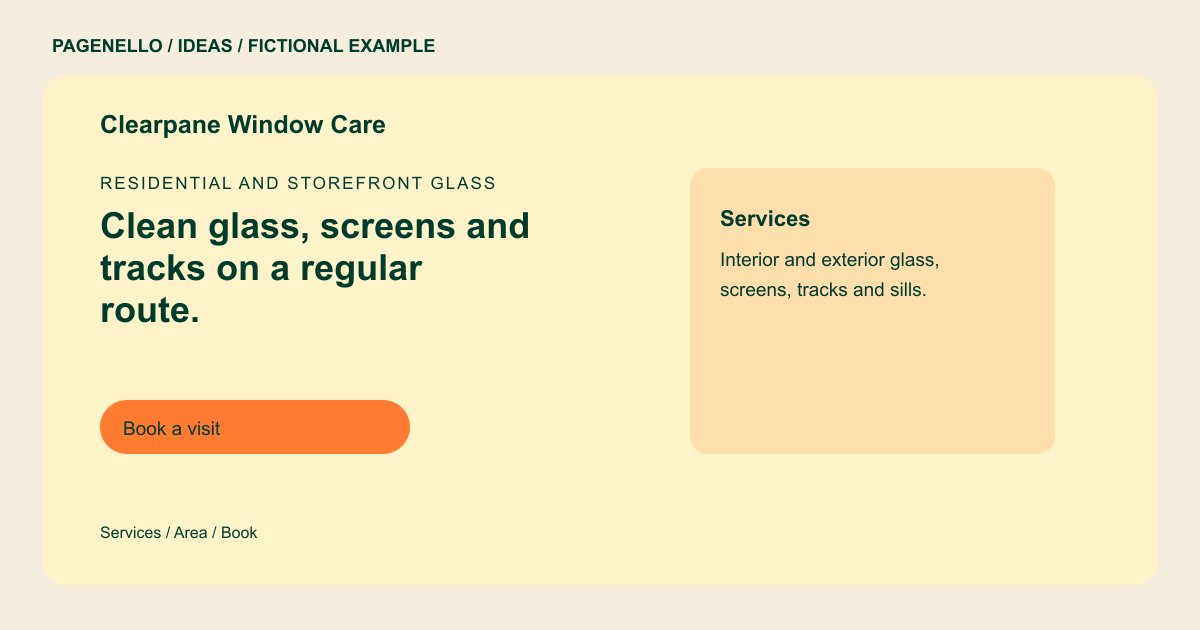
Residential and storefront glass
Clean glass, screens and tracks on a regular route.
Interior and exterior windows, screens, sills and gutters for homes and storefronts. Book a one-time visit or set up a monthly route.
Give the service boundaries
Clearpane’s sample lists interior and exterior glass, screens, tracks and sills. For your business, separate the jobs you perform from optional extras. A storefront manager and a homeowner can then tell which parts of the service apply to their property.
Explain how an estimate works
The example uses an illustrative per-window starting price. You can instead explain that a quote depends on window count, access, stories or screen cleaning. Use only prices and conditions you currently honor, and say how a customer can reach you for the actual quote.
Make recurring visits understandable
If you run regular routes, explain which areas and visit frequencies you offer. A clear link can send customers to the scheduling tool you already use. Include a phone option for someone who needs to describe difficult access before arranging a visit.
Window cleaners: ideas
| Idea | Use |
|---|---|
| Residential service card | List the glass and surrounding areas you clean, then note any access or screen details the homeowner should mention. |
| Storefront route | Describe the areas and repeat schedule you actually serve, with a direct way for a shop owner to ask about a route. |
| Before-and-after pair | Use two permitted photos from the same angle and lighting where possible. Avoid addresses and identifiable residents. |
| Quote-first introduction | Pair your service area with a phone number or link to your existing estimate tool so a prospect can start a request. |
| Pricing explanation | If you publish a starting rate like the fictional example, explain which job details can change the final quote. |
Questions about window cleaning websites
Is Clearpane Window Care an actual customer?
No. Its business name, service area and sample price are fictional and demonstrate a possible layout. Replace those details with your actual service area, terms and pricing before using the idea.
Can I show before-and-after window photos?
Use photographs you have permission to publish. Matching viewpoints help readers compare the glass; crop identifying details if needed. A caption can identify the type of cleaning shown without naming the property owner.
How do repeat customers book a route?
A button can open the scheduling or quote service you already operate. Route management and payments stay with that tool. Describe the service area and route frequency you actually offer before sending visitors to schedule.
Do I have to put a price per window online?
No. You may show a starting rate or explain how you prepare quotes. Either way, describe the conditions that affect your own prices. Include the property details customers should provide when they ask for an estimate.
