Window cleaning website checklist: prepare for better estimate requests
A window cleaning website should explain where you work, what a clean includes and how customers can request an estimate. Gather details for homes and commercial properties, clarify optional services and choose a contact route that works on a phone. Use the checklist to catch gaps before someone tries to book.
Want this built for you? See the top of your own page free before paying.
By Luis Junior
Define the clean
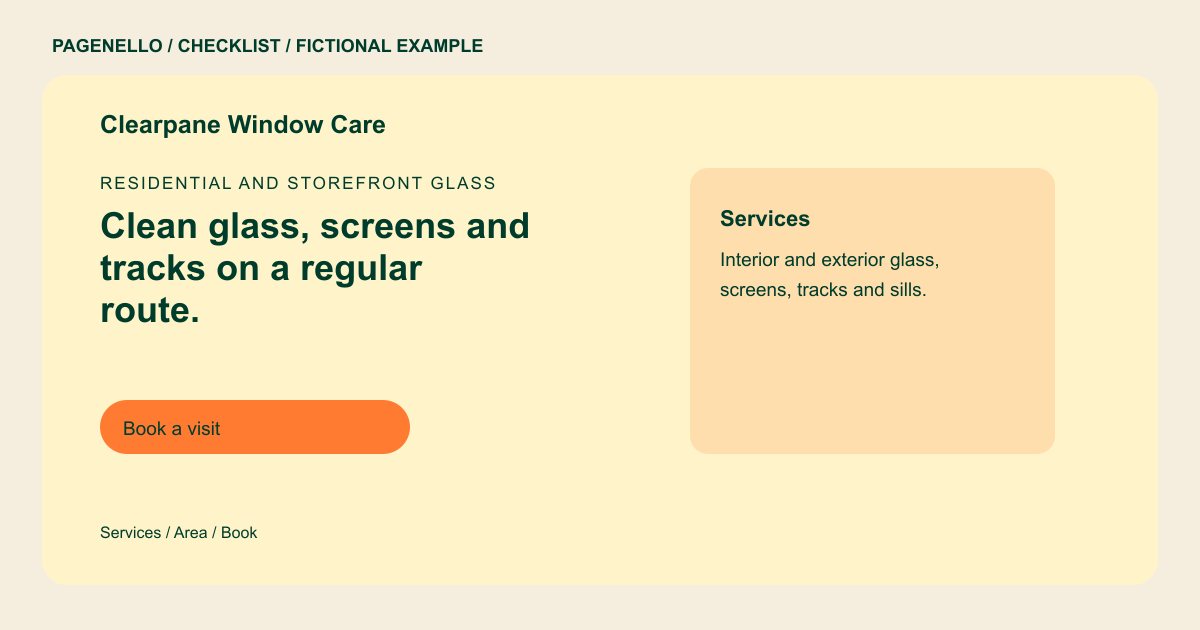
Say whether your service covers interior glass, exterior glass, screens, tracks or sills. Identify separately priced work such as hard-water treatment if you offer it. A customer can then describe the property without guessing what the visit includes.
Explain your coverage and pricing approach
Name the towns or neighborhoods on your route and describe any travel limits. If you publish a starting price, explain what changes the estimate, such as window count, access, stories or extra services. Otherwise, describe how you prepare a quote.
Address different property needs
A homeowner may need to know how to prepare for interior access. A storefront manager may ask about recurring visits and work outside business hours. Include the arrangements you actually provide and any insurance information you can substantiate.
Test the estimate path
Ask for location, property type and a way to reach the customer. Add a call button or link to your existing quote tool. On a phone, follow the link through to its destination and check that the contact details are correct.
Window cleaners: checklist
Questions about window cleaning websites
Do I have to publish a price per window?
No. You can explain which details affect an estimate and invite a request. If you do show a starting price, describe its conditions. For example, access and the number of panes may be relevant to your quote.
How can I present storefront routes?
Explain the frequency and scheduling arrangements you offer, then give a manager a way to request a walkthrough or estimate. Describe the areas you serve and any access details a business should discuss with you.
Can my existing booking tool be linked?
Yes. A button can send visitors to the booking or estimate service you already use. Building a new booking system is outside this package. Check that the link opens the correct service for a window-cleaning request.
May I use before-and-after photos?
Use photos you have permission to publish. Comparable angles and clear captions help explain the work, while cropping can protect identifying details. Confirm that the images represent your own work and describe the service shown.
