Chiropractor website design: one page for your services, team and first visit
Introduce your practitioners, office hours and first-visit process in a page written for your practice. Pagenello designs a custom chiropractic website for $590, with a link to your existing scheduling service. The free first look shows the top of your page before you pay; service descriptions avoid promises about treatment results.
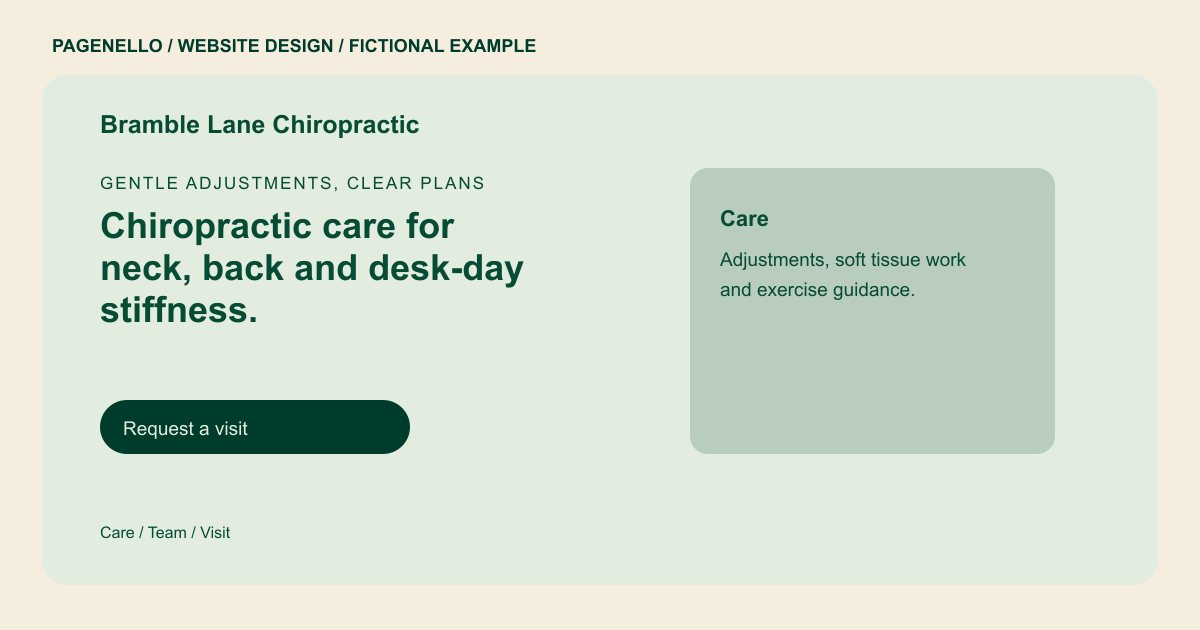
Gentle adjustments, clear plans
Chiropractic care for neck, back and desk-day stiffness.
New patients are welcome Monday through Thursday. Your first visit includes a history, an exam and a plan you can review together.
Plan your chiropractic website
What do chiropractic customers look for on a website?
Someone considering a chiropractor wants to know who practices at the office, what the first appointment includes and which services are offered. Patients may also check hours, insurance, self-pay fees and appointment options. Introduce each practitioner using current, verified credentials. Explain the first-visit process and how to ask about coverage or fees. Describe the care your practice provides without promising a particular result, and verify the rules that apply to your advertising.
| Customers look for | On your Pagenello page |
|---|---|
| Services and conditions | A short list of the care you provide, in plain words, with no promises about how a patient will respond. Describe the appointment types your office actually provides, and avoid suggesting that any treatment will produce a particular health outcome. Give patients a way to ask whether a service fits their needs rather than presenting a description as individual medical advice. |
| Doctors and team | A short bio for each doctor with their degree and license number, and a photo of the office team. Introduce practitioners with their current verified professional titles and credentials, identifying who holds each qualification at the practice. When several clinicians work at the office, associate each verified credential with the person who holds it and review titles when staffing changes. |
| Insurance and self-pay | A line that names the plans you accept or says you see self-pay patients, with a note on where to check coverage. Explain the first-visit process as your staff carries it out, including how a new patient can ask about fees before an appointment. Your front desk can explain what a patient should bring and how much time to allow, based on the actual appointment process. |
| What the first visit involves | A plain description of the new patient visit and what to bring. Forms are completed in your patient software, not on this page. If you list insurance plans, keep the information current and invite patients to confirm their individual benefits with your office or insurer. If coverage requires confirmation, let the patient know whom to call and avoid implying that a plan listing establishes their individual benefits. |
| Hours and booking | Office hours, a button to your patient booking link, and tap-to-call for patients who prefer the phone. Give the correct office contact and entrance details, and direct medical histories to your established patient intake process rather than a public inquiry. A directions note can identify the entrance and parking arrangement your practice uses; offer a phone contact for accessibility questions. |
Which tools can my page link to?
A patient can follow a link to the scheduling or intake system your practice already uses. Check the destination with that provider and direct health histories to your established process. Pagenello does not build patient forms, collect health information or book appointments on the page.
What does it cost?
$590 once. The first look is free. Google Business Profile setup ($149) uses the office details you provide; you verify the listing and grant manager access. An extra services page ($190) can describe your practice's offerings.
See the complete pricing and terms and how the first look works.
Questions from chiropractic owners
Can new patients book from my site?
The page links to the booking tool your office uses, such as ChiroTouch or Jane App, and includes a tap-to-call button for patients who prefer the phone. Pagenello does not take bookings, collect health history or store patient information for you.
Can I list the conditions I treat?
Yes, in plain words that describe your care. Avoid promises about how fast someone recovers or whether treatment will work for them, and avoid medical claims. The page lists your services and credentials, and the care plan stays between you and the patient.
Should I list the insurance plans I accept?
List only the plans your practice currently accepts and explain how someone can confirm their individual benefits. If your office handles self-pay visits, provide the fee information you are comfortable publishing. Check the list as arrangements change and direct coverage questions to your staff.
Can patients fill out forms online?
Forms stay in your patient software. The page links to that system, so health history is never typed into the website. Pagenello does not build forms, file uploads or patient portals, and those are outside this package.
How do I keep the hours and team current?
Send me the updated practitioner details or office hours for your practice. Small text and photo changes are included for 30 days after launch. Care Plus costs $390 yearly and covers up to two small edits a month, including seasonal hours.
