Doula website design: one page with services, packages and consultations
Give families a clear introduction to your doula practice, the support you offer and how to begin a conversation. Pagenello writes and designs a custom page for $590, connected to your existing consultation tools. You can review a free first look at the top before choosing whether to pay.
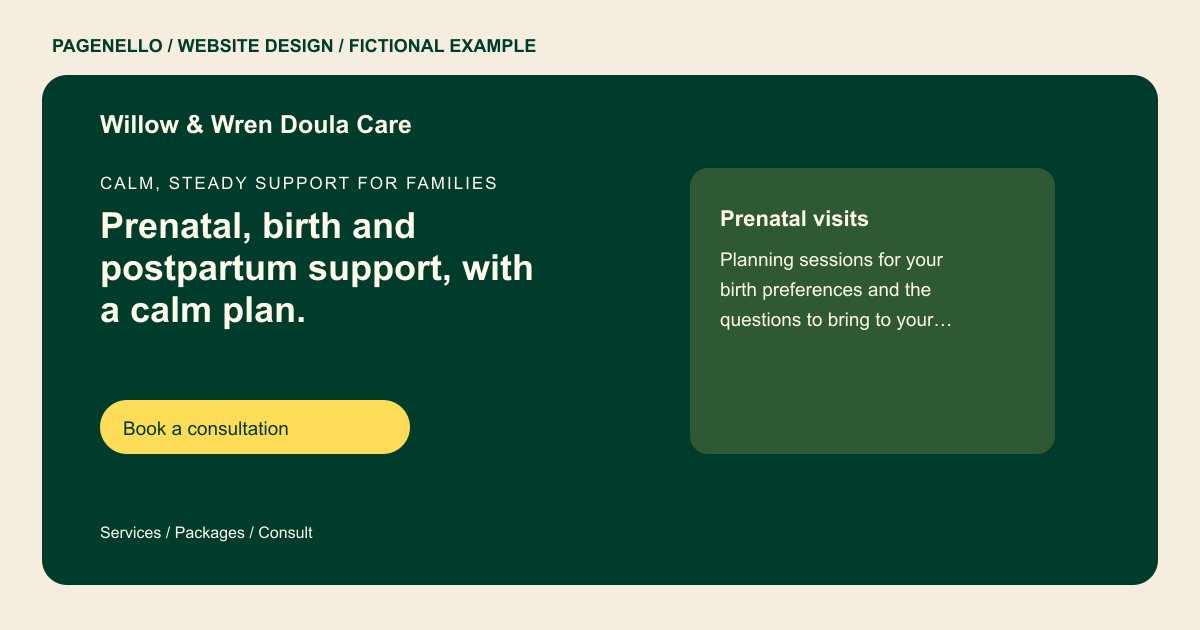
Calm, steady support for families
Prenatal, birth and postpartum support, with a calm plan.
Care before, during and after birth, shaped around your family’s wishes. Book a consultation to talk through what you need.
Plan your doula website
What do doula customers look for on a website?
Families often search for a doula late in pregnancy, after a friend or a midwife mentions one. They want to know which support you give, such as prenatal visits, labor support and postpartum visits, and whether you work with their hospital or birth center. Families also ask about your training and how you handle an on-call period. A site that says only “holistic support” and nothing more leaves them unsure whether to reach out. Someone planning birth support may want to understand your on-call arrangement, while another family may be looking for help at home after delivery. Describe the visits and settings you actually cover.
| Customers look for | On your Pagenello page |
|---|---|
| Services by stage | Describe the support your practice provides at each stage, from prenatal conversations to labor or postpartum visits. Explain the settings you attend and how a family can ask about availability. Use the names of training you actually hold, and distinguish your nonclinical role from the care a family receives from their clinicians. A longer service list can use a separate page for $190. |
| Packages and what they cover | Set out your own package names, what visits or support each includes and your payment arrangements. If travel or on-call availability differs between options, explain those terms as you actually offer them. Families can use that information to prepare questions for a consultation without assuming every doula works in the same way. |
| Training and credentials | The certifications and training you hold, listed the way you give them to me. The page never adds a title you don’t have. Use the exact name of each course or credential you hold and identify the organization when relevant. If your education includes a specific approach to supporting families, describe the skills you use within your own role. Check that your language accurately reflects your qualifications and the professional requirements that apply to your practice. |
| Hospitals and birth settings | The hospitals, birth centers or home birth settings you attend, named only if you want them on the page. A family may be considering a hospital birth, while another is planning support at home after delivery. Identify the settings and geographic area your practice actually covers, and explain how someone can ask about availability. Describe your role in your own words without implying that you provide clinical care or guarantee a particular birth experience. |
| Reaching you | A button to your consultation calendar, plus tap-to-call, WhatsApp and email. Some families want to text before they book a consult. |
Which tools can my page link to?
Your page can point to a consultation calendar if you already use one. A family can also call or email to ask about availability. Contracts, invoices and client notes stay in the systems you choose; the page does not build a new booking or intake form.
What does it cost?
$590 once. The first look is free. A separate page for childbirth classes or a full service list ($190) suits doulas who also teach. The Google Business Profile setup ($149) lists your phone number and service area on Google Maps, where families look for support close to home.
See the complete pricing and terms and how the first look works.
Questions from doula owners
Should my packages and prices be on the site?
You can publish package details and fees if you choose. Explain the prenatal, birth or postpartum support included in each option and how payment works. Small text and photo edits are included for 30 days after launch; Care Plus offers up to two small edits a month for $390 a year.
Can families book a consultation through the site?
If you have a consultation calendar, a button can lead families there. Alternatively, offer a phone or email contact. Creating a new booking or payment system is outside this package.
Can you write about my training and certifications?
Share the exact names of the training and credentials you hold. The description can explain your scope of support without promising a medical or birth outcome. Check the professional rules that apply where you work.
Do I need a separate page for classes or a full service list?
A brief introduction to each service can fit on one page. For a longer childbirth class outline, an extra page in the same design costs $190.
How do families reach me with a question first?
The page has tap-to-call, WhatsApp and email buttons. Each one goes straight to your phone or inbox, and no form sits in between. A family can ask about availability before deciding to book a consult.
How can I explain support after a birth?
Describe the postpartum visits you actually offer, including the setting, availability and practical support within your training. Explain how families can ask about your travel area and visit arrangements. Clarify when a question belongs with their clinical care team, without promising a medical outcome.
