Drywall website design: one page for your services, project photos and bid requests
A drywall website can explain the services your crew handles and give homeowners and builders a way to request a bid. Pagenello writes and designs one custom page for $590, with a link to the estimating tool you already use. Before paying, you can see a free first look at the top of your page.
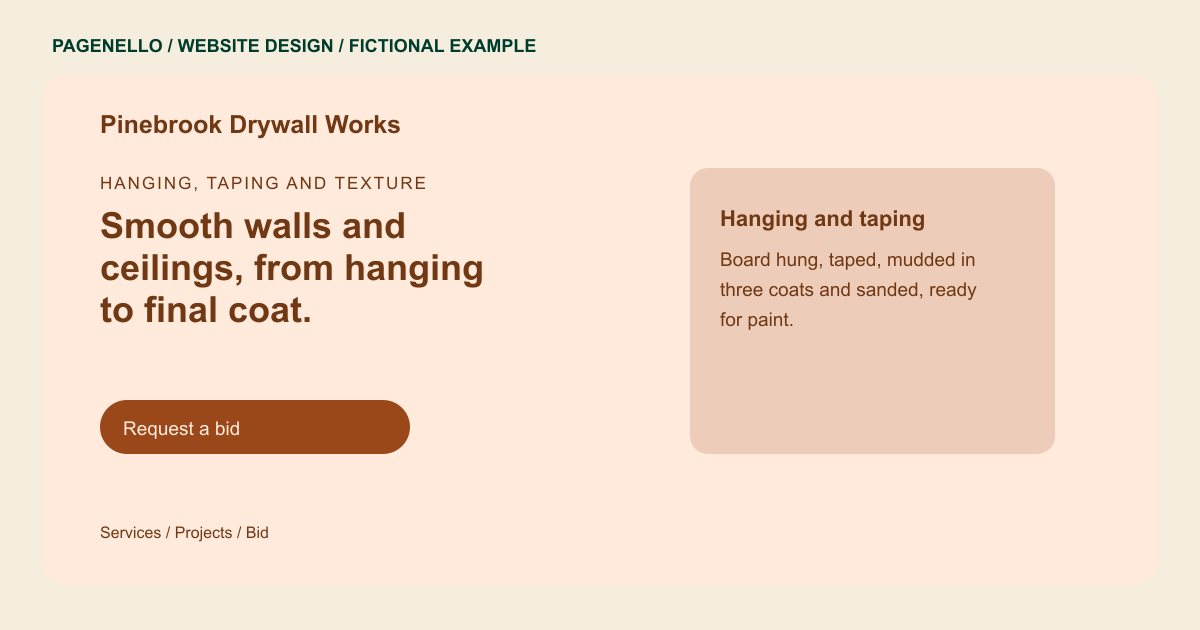
Hanging, taping and texture
Smooth walls and ceilings, from hanging to final coat.
Residential remodels, basement finishing and water-damage repair. Send photos and rough measurements to start a bid request.
Plan your drywall contractor website
What do drywall contractor customers look for on a website?
A basement remodel, a damaged ceiling and a garage conversion call for different drywall work. Explain whether your crew hangs board, tapes seams, matches textures or repairs small areas. Authorized photos can show the finish you deliver. For builders considering subcontractors, describe the project sizes you accept and provide your actual credentials. Ask your local authority about any licensing requirements before publishing. A homeowner with a small ceiling patch may need a different explanation from a builder planning several rooms. Separate repair, hanging and finishing according to the work your crew accepts. If texture matching requires an inspection, explain how someone can discuss the existing surface before receiving a quote.
| Customers look for | On your Pagenello page |
|---|---|
| Services and stages | Hanging, taping, mudding, texture and repair listed as separate services, so a homeowner sees whether you finish the wall or only hang the board. Identify whether the crew handles new board, taping, finishing or smaller patches, and remove services you do not offer. For a renovation, distinguish finishing new board from blending a patch into an existing ceiling. A contractor can then describe the surface and the stage at which your crew would enter the job. |
| Before-and-after photos | Before-and-after photos of finished walls and ceilings, with the job type and finish level written under each set. Describe the finish or texture visible in each authorized project image and distinguish a repair from new construction. Use photographs you are authorized to publish and identify the job type and finish in each caption. Where several trades worked on a room, describe your own contribution accurately. Keep the property’s identifying details private when the owner has not agreed to share them. |
| Service area and start times | The areas you cover, written as regions rather than street addresses, and how soon you can usually start a new job. Name the communities your crew serves and explain how builders can ask about work beyond the regular area. |
| License and insurance | Your state contractor license number and liability insurance details, listed as you provide them, since general contractors ask for both before hiring a sub. Supply only current credentials and check local display requirements before placing a license or insurance statement online. |
| Request a bid | A bid request button to your estimating software or a tap-to-call button, with a note on what to send, such as photos or rough measurements. For an initial conversation, suggest useful details such as room dimensions, ceiling height or the type of damage. |
Which tools can my page link to?
The page can link to the estimate request or scheduling service your crew already uses. Visitors can also call or email about a ceiling repair, a room that needs hanging or a larger subcontract. Quotes and scheduling remain with your existing tool; a new estimating system or upload form is outside the package.
What does it cost?
$590 once. The first look is free. A gallery organized around basement finishes and ceiling repairs can have an extra page for $190. Setup of your Google Business Profile costs $149; your crew must verify it with Google and grant Pagenello manager access.
See the complete pricing and terms and how the first look works.
Questions from drywall contractor owners
Can homeowners request a bid from the site?
Yes, through a button to the estimating or request tool you already use, or a tap-to-call button if you prefer. The page doesn’t hold bid requests itself. A short note on the button can say what to send, such as photos or measurements.
Should I show my prices?
If you publish starting prices, explain what each covers and which conditions require a site visit. A basement finish and a small patch may need different descriptions. Use figures your crew can support and update them when your pricing changes.
Should my license and insurance appear on the page?
I can show the accurate license and insurance information you provide. Verify what applies to your trade and location, and keep the details current when your coverage or credentials change.
Can I use photos from past jobs?
Yes, with the homeowner’s permission where the home can be identified. Before-and-after pairs of the same wall make the finish easy to judge. I label each set with the job type and finish level, and I only use images you send or have the rights to.
Is one page enough for a drywall company?
For most crews, yes. Services, project photos, service area, licenses and a bid button fit in one scroll. If you take commercial work for general contractors or keep a separate gallery, a page for each is $190.
What information helps start a repair estimate?
Suggest that the homeowner describe the room, approximate dimensions and type of damage. If photos are useful, they can attach them to an email or use an existing request service. File uploads built into the Pagenello page are outside the package.
