Septic service website design: one page with pumping, inspections and a call button
Routine tank pumping and an inspection for a property sale call for different conversations. A septic service page can identify the work your crew performs, the territory it covers and how the office handles urgent calls. Pagenello writes and designs a custom page for $590, with a phone action and an optional link to your existing request tool. A free first look shows the top of the design before payment.
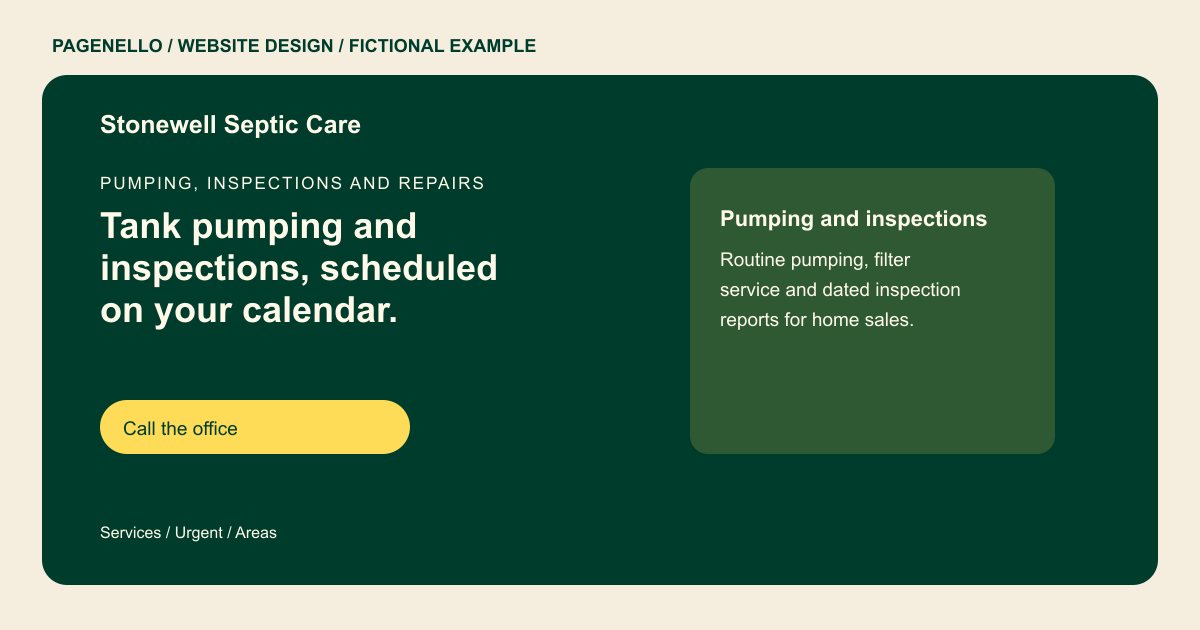
Pumping, inspections and repairs
Tank pumping and inspections, scheduled on your calendar.
Routine pumping, real estate inspections and drain field repair for homes on private systems. Call for urgent work, and we will confirm when we can get there.
Plan your septic service website
What do septic service customers look for on a website?
Someone may look for septic service after a slow drain, for routine pumping, or to discuss an inspection connected with a home sale. They want to know whether you pump, inspect and repair, whether you cover their area, and how an urgent call gets answered. Real estate agents and buyers often need a dated inspection report and a permit record. A clearly labeled phone number gives them a way to ask about the issue. A home sale inquiry may involve an inspection report, while routine pumping is a different request. Explain which service you provide and how your office discusses the documentation a buyer or seller needs.
| Customers look for | On your Pagenello page |
|---|---|
| Services | A plain list of pumping, inspections, filter service, drain field repair and installs if you do them, each with one line on what it covers. Separate routine pumping from inspections for a property sale, and describe the requests your office can help a homeowner arrange. |
| Urgent calls | A tap-to-call number at the top of the page, and a line on how after-hours calls are handled as you run them. Tell callers how your office confirms availability and which property details help the crew understand a pumping or inspection request. |
| Permits and licenses | Your state and county license numbers as you provide them, and a note on how you handle permit paperwork for installs and repairs. |
| Pumping schedules | A general note that pumping frequency depends on tank size and household use, and that your crew confirms the schedule for each system. Invite homeowners to ask your office about their particular tank rather than applying a single schedule to every property. |
| Service area | The counties you serve, named the way customers name them, and a line on whether you handle inspections for home sales. Identify the counties where your crew actually travels and tell buyers whom to ask about the inspection report needed for a sale. |
Which tools can my page link to?
If your existing field service software offers a shareable request page, a button can link to it. A tap-to-call action gives homeowners another way to ask about pumping or inspections. Scheduling, invoices and payments remain with your own provider. Identify the appropriate contact for service questions.
What does it cost?
$590 once. The first look is free. A longer explanation of installation or repair work can go on an extra page for $190. Google Business Profile setup is $149; verify your company with Google and grant manager access.
See the complete pricing and terms and how the first look works.
Questions from septic service owners
How do I describe urgent service without promising a fast arrival?
Publish the urgent call hours your team actually supports and explain how those calls are handled. Confirm any arrival window by phone after checking availability. For a pumping request, tell homeowners what information helps your office, such as the property location and last known service date.
Should I show my permits and licenses?
Share the verified licenses your business holds and explain only the permit steps you handle. Check the disclosure and advertising requirements for your work and jurisdiction before publishing. State the kinds of urgent work your crew accepts and how the office confirms availability. For permits and inspection records, explain only the responsibilities your business actually takes on.
Can agents or buyers request an inspection through the site?
Your page links to the scheduling or inspection request tool you already use. The site does not take requests or payments itself. A short line on how long inspection reports take helps agents plan closing dates.
Do I need a page with pumping reminders?
A short note on how pumping schedules work is useful, because people often forget when their tank was last pumped. Keep it general, since tank size and household use change the schedule. Care Plus at $390 a year covers small text edits, so the note can change as your schedules do.
Is one page enough for a septic company?
One page can present your septic services, coverage area, credentials and phone number. If installations or inspections need more explanation, a separate matching page costs $190. Describe only the work your crew performs.
